
CodeHealth MCP
Codebase health analysis that works everywhere. Dead code, circular dependencies, coupling issues, and architectural drift — exposed as MCP tools for Claude Desktop, Cursor, Windsurf, and Slack.





The Problem
Dead code, circular dependencies, excessive coupling, and architectural drift are invisible in day-to-day work. Static analysis tools produce noise in CI dashboards nobody checks. CodeHealth MCP brings these insights into the tools developers actually use — via the Model Context Protocol.
What CodeHealth MCP Does
6 analysis tools, available in any MCP-compatible client:
| Tool | What It Finds |
|---|---|
analyze_dead_code |
Unused functions, classes, modules with file:line + fix suggestions |
detect_circular_deps |
Module import cycles via DFS with impact assessment |
analyze_coupling |
Fan-out per module, tight cluster detection, refactoring suggestions |
detect_architectural_drift |
Layer boundary violations (UI→Data, Business→UI, etc.) |
full_health_scan |
All four analyses + 0–100 health score + prioritized action items |
explain_finding |
AI-powered detailed explanation of any finding |
Where It Works
| Client | How to Add |
|---|---|
| Claude Desktop | Add to claude_desktop_config.json |
| Cursor / Windsurf | Add to MCP settings |
| Slack | Built-in Agent Builder integration with Block Kit UI |
| Any MCP client | Standard MCP server (stdio) |
Claude Desktop Config
{
  "mcpServers": {
    "codehealth": {
      "command": "node",
      "args": ["/path/to/codehealth-mcp/mcp-server/index.js"]
    }
  }
}
Quick Start
git clone https://github.com/icohangar-ops/codehealth-mcp.git
cd codehealth-mcp
npm install
cp .env.sample .env
# Edit .env with your LLM API key
npm start
Use in Claude Desktop
Run a full health scan on /path/to/my/repo
Find circular dependencies in the frontend
Check coupling metrics in src/services
Daytona sandbox scans (optional)
Set DAYTONA_API_KEY (and optionally GITHUB_TOKEN for private repos). MCP tools and Slack analysis will shallow-clone GitHub URLs in a Daytona VM and return live import-graph findings instead of demo data.
full_health_scan repo_path=https://github.com/org/repo
Use in Slack
Add the Slack app manifest, enable Agent Builder, and @CodeHealth in any channel.
Architecture
┌──────────────────────────────────────────┐
│          MCP CLIENT (any)                │
│  Claude Desktop, Cursor, Slack, etc.     │
└──────────────────┬───────────────────────┘
                   │ MCP Protocol (stdio)
┌──────────────────▼───────────────────────┐
│         CODEHEALTH MCP SERVER            │
│                                          │
│  🔧 analyze_dead_code                    │
│  🔧 detect_circular_deps                 │
│  🔧 analyze_coupling                     │
│  🔧 detect_architectural_drift           │
│  🔧 full_health_scan                     │
│  🔧 explain_finding                      │
│                                          │
│  ┌──────────────────────────────────┐    │
│  │       Analysis Engine            │    │
│  │  dead-code | circular-deps       │    │
│  │  coupling | drift                │    │
│  └──────────────────────────────────┘    │
│                                          │
│  ┌──────────────────────────────────┐    │
│  │       LLM Provider               │    │
│  │  Deepseek / OpenAI / Anthropic   │    │
│  └──────────────────────────────────┘    │
└──────────────────────────────────────────┘
Slack Integration
CodeHealth MCP ships with a full Slack Agent Builder app featuring:
- Block Kit UI — Severity-coded findings, health scores, actionable suggestions
- Thread-based conversations — Follow-up analysis in threads
- Suggested prompts — One-click analysis triggers
- MCP server — Same tools, available everywhere
Demo Sandbox (Devpost judges)
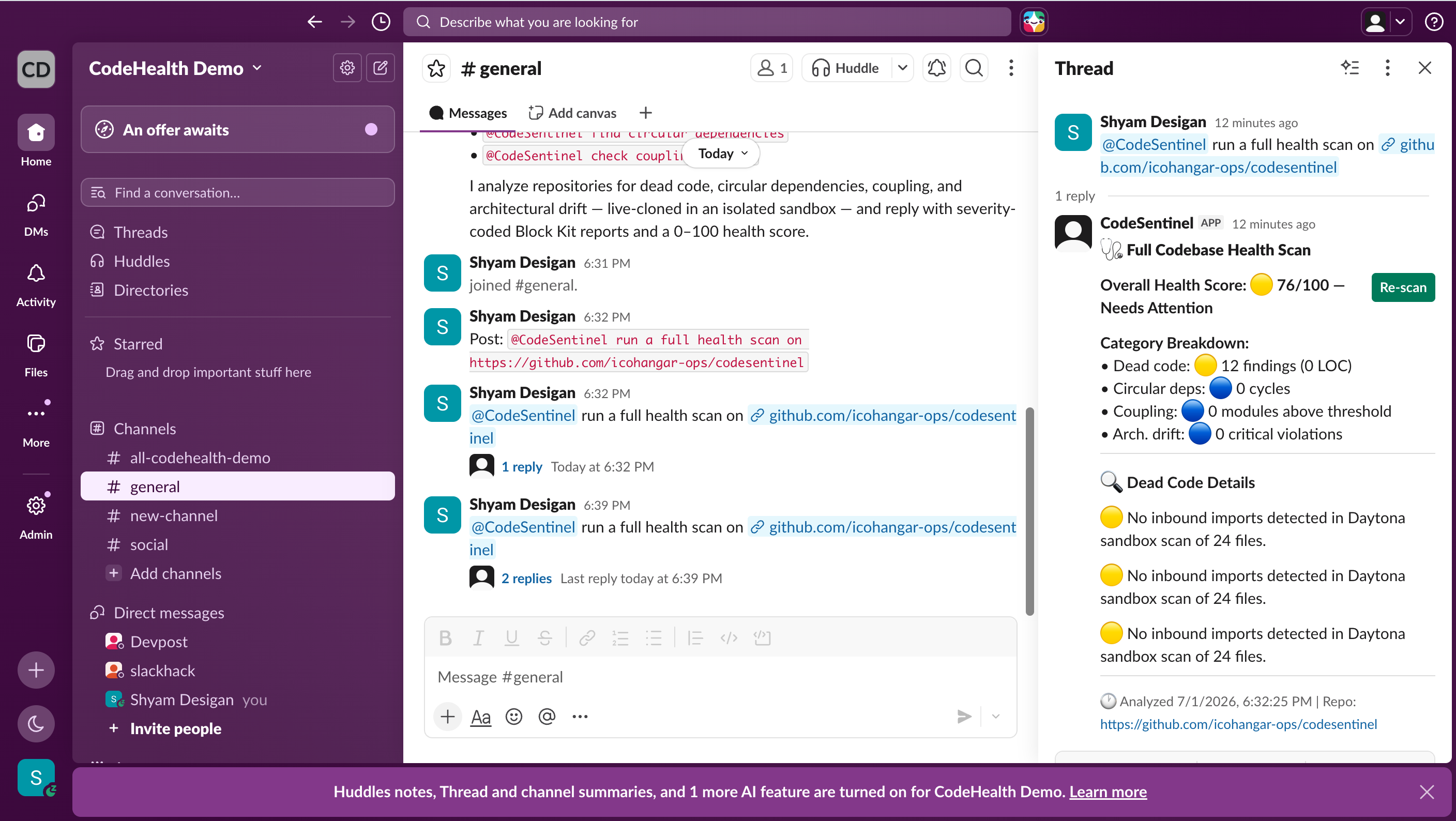
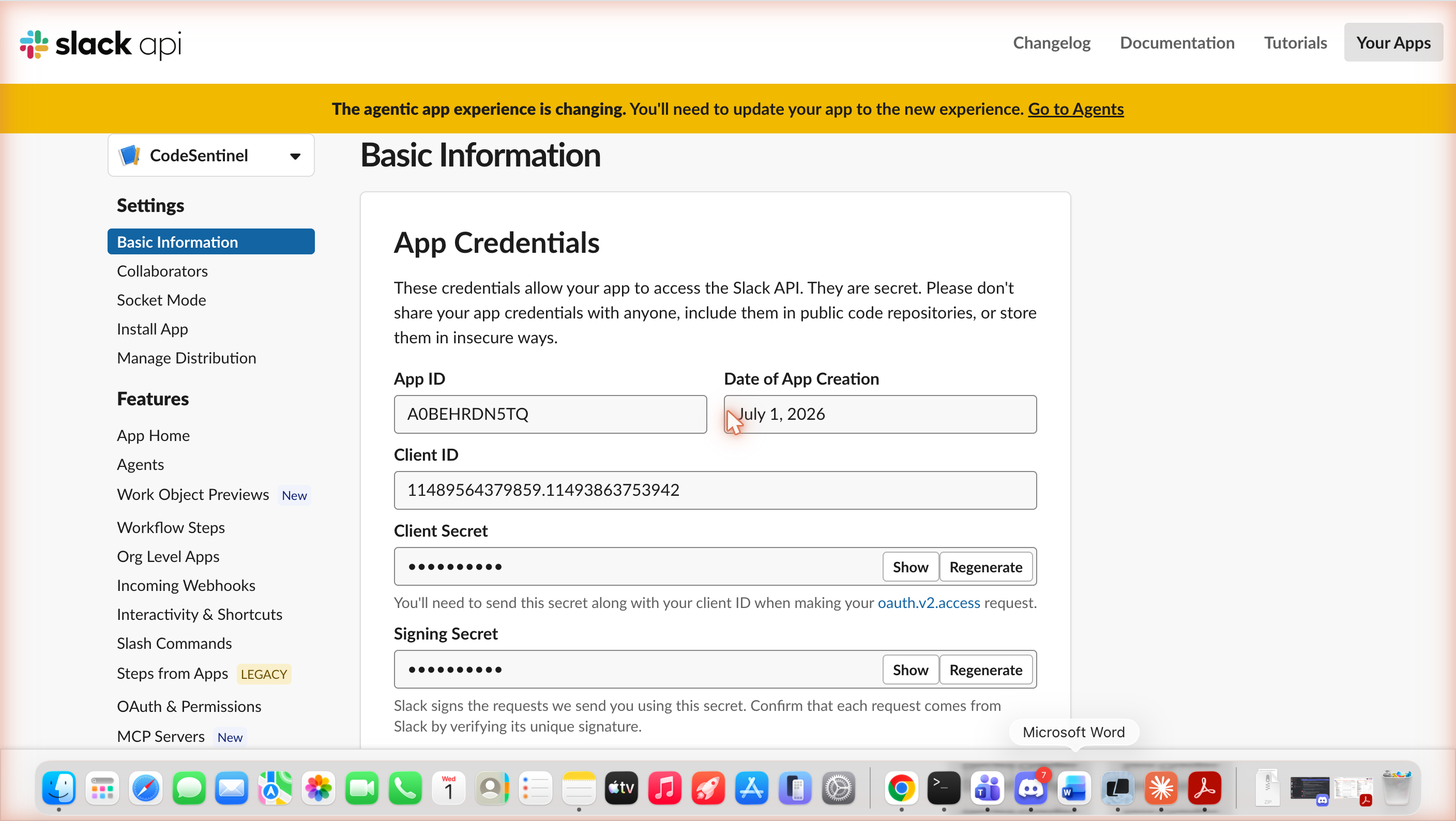
The live demo workspace is codehealthdemo.slack.com — the CodeSentinel agent (App ID A0BEHRDN5TQ) is installed and authorized there. Mention it in any channel:
@CodeSentinel run a full health scan on https://github.com/icohangar-ops/codesentinel
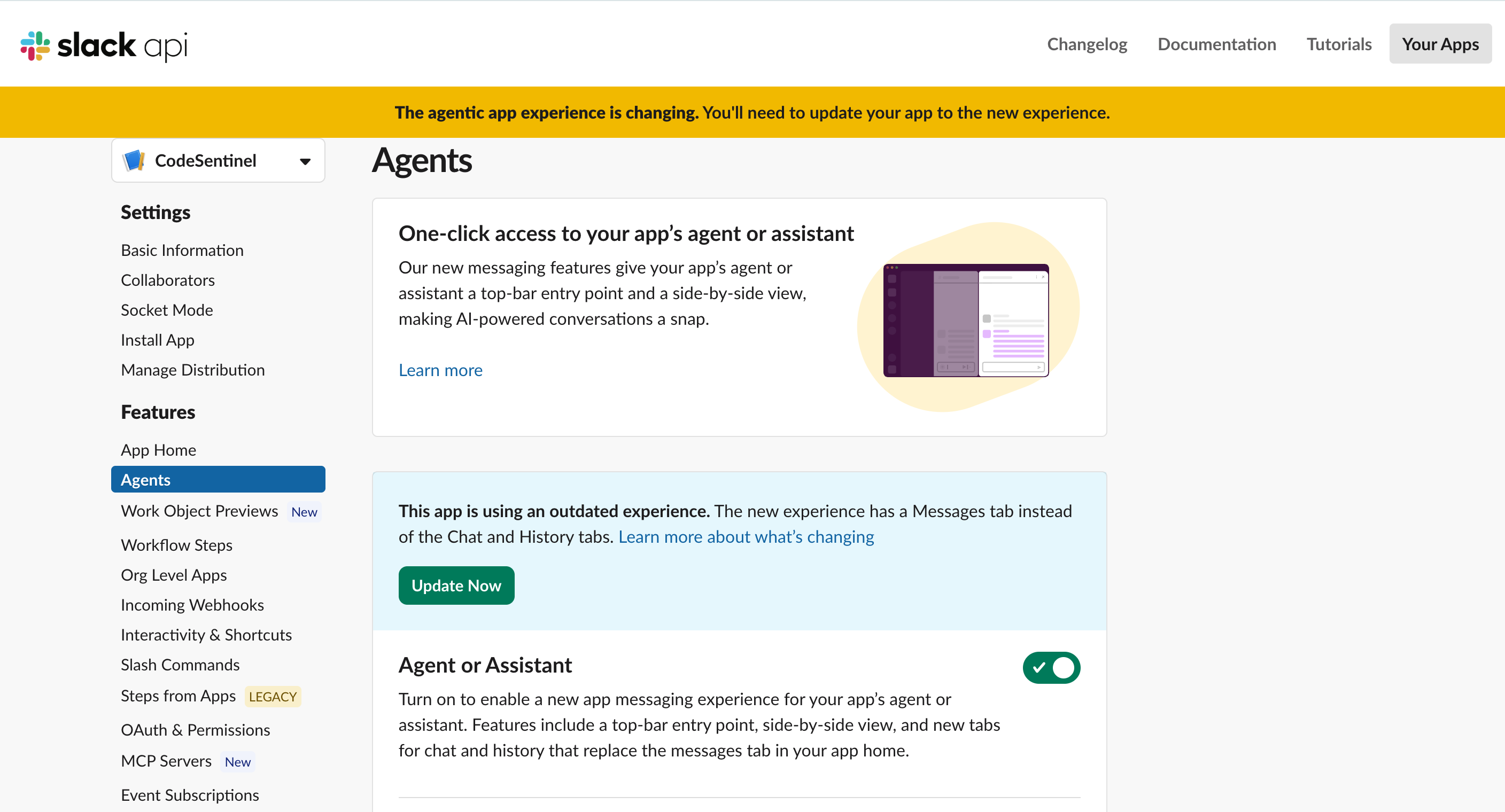
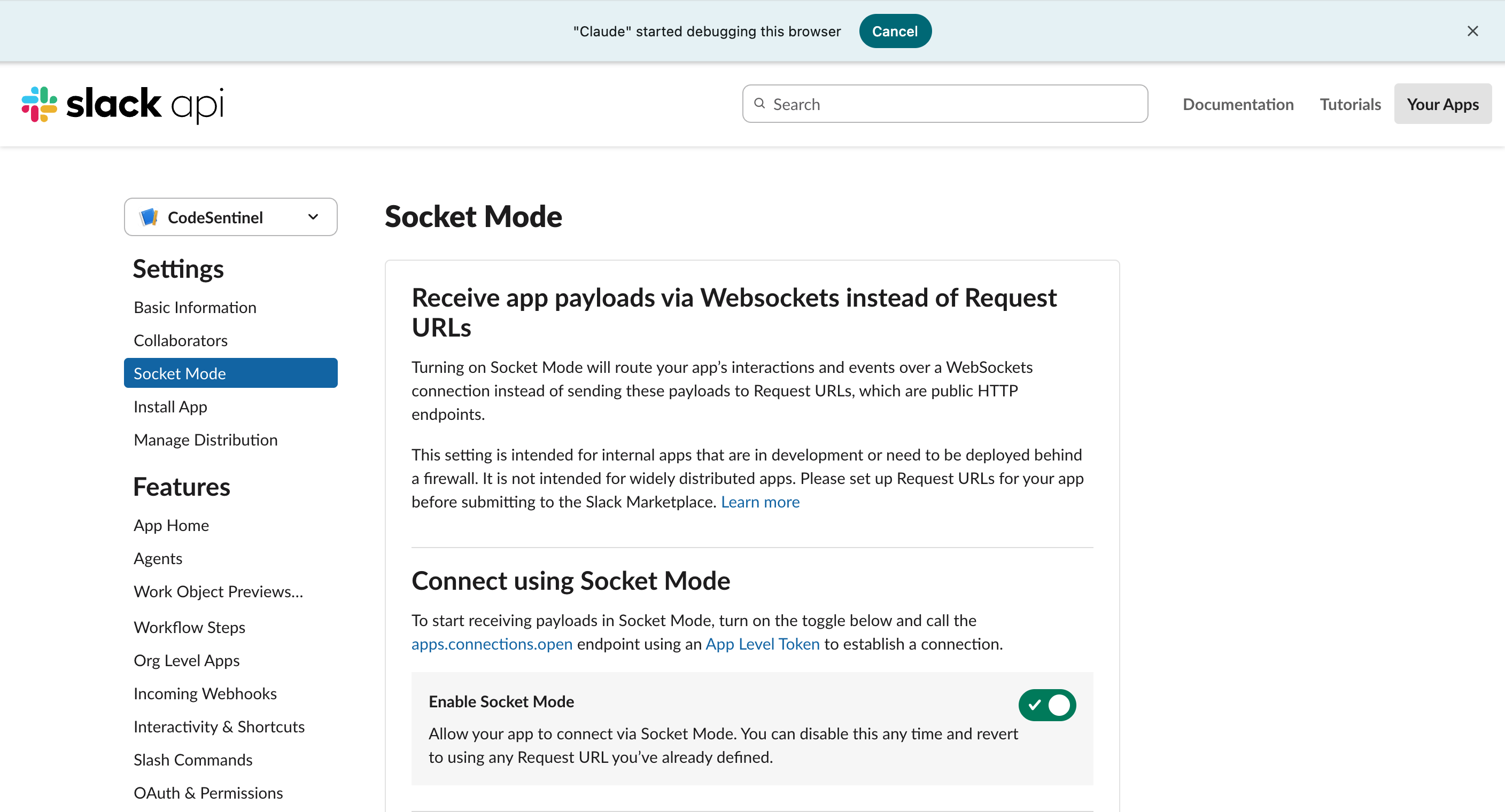
Sandbox configuration:
Live agent response in the sandbox — a real @CodeSentinel mention in #general triggering a Daytona-sandboxed repo scan:
| App credentials & App ID | Agent capability enabled | Socket Mode enabled |
|---|---|---|
 |
 |
 |
Adding Custom Analyzers
Each analyzer follows a simple interface:
function analyze(repoInfo) {
  return {
    type: "your_analysis_type",
    findings: [
      {
        type: "finding_type",
        severity: "critical" | "warning" | "info",
        file: "path/to/file.ts",
        line: 42,
        name: "symbol_name",
        reason: "Why this is a problem",
        suggestion: "How to fix it",
      },
    ],
    stats: { /* summary metrics */ },
  };
}
Add a new analyzer in lib/analyzers/, register it in analysis-engine.js, and it's automatically available in Slack and via MCP.
Roadmap
- Real AST analysis — ts-morph for TypeScript, tree-sitter for multi-language
- GitHub App — Automatic analysis on PRs with inline comments
- Historical trends — Track health score over time per repo
- Custom architecture rules — Define layer boundaries via config
- Team dashboards — Aggregate health in Slack Canvas
Project Structure
codehealth-mcp/
├── app.js                    # Bolt app entry (Slack)
├── manifest.json             # Slack app manifest
├── lib/
│   ├── analysis-engine.js    # Analysis orchestrator + health score
│   ├── intent-parser.js      # NLP intent classification
│   ├── block-kit-builder.js  # Rich Slack UI
│   ├── llm-provider.js       # Multi-provider LLM
│   └── analyzers/            # dead-code, circular-deps, coupling, drift
├── mcp-server/
│   ├── index.js              # MCP server with 6 tools
│   └── package.json
└── functions/                # Slack function definitions
Community & Registry
CodeHealth MCP is listed in the following directories:
- awesome-mcp-servers – A curated list of MCP servers.
- MCP Registry – Official registry for Model Context Protocol servers.
License
MIT. See LICENSE.


