
CutClip.one MCP Server
An AI video editor that your coding agent can drive end to end.
Connect Claude Code, Codex, Cursor, Windsurf or any MCP client to CutClip.one. Your agent canthen plan a film, cut it on a multi-track timeline and render the MP4. Every change goes through the sametools as the editor itself, so you can open the project in the browser, see what the agent did, and undo any step.
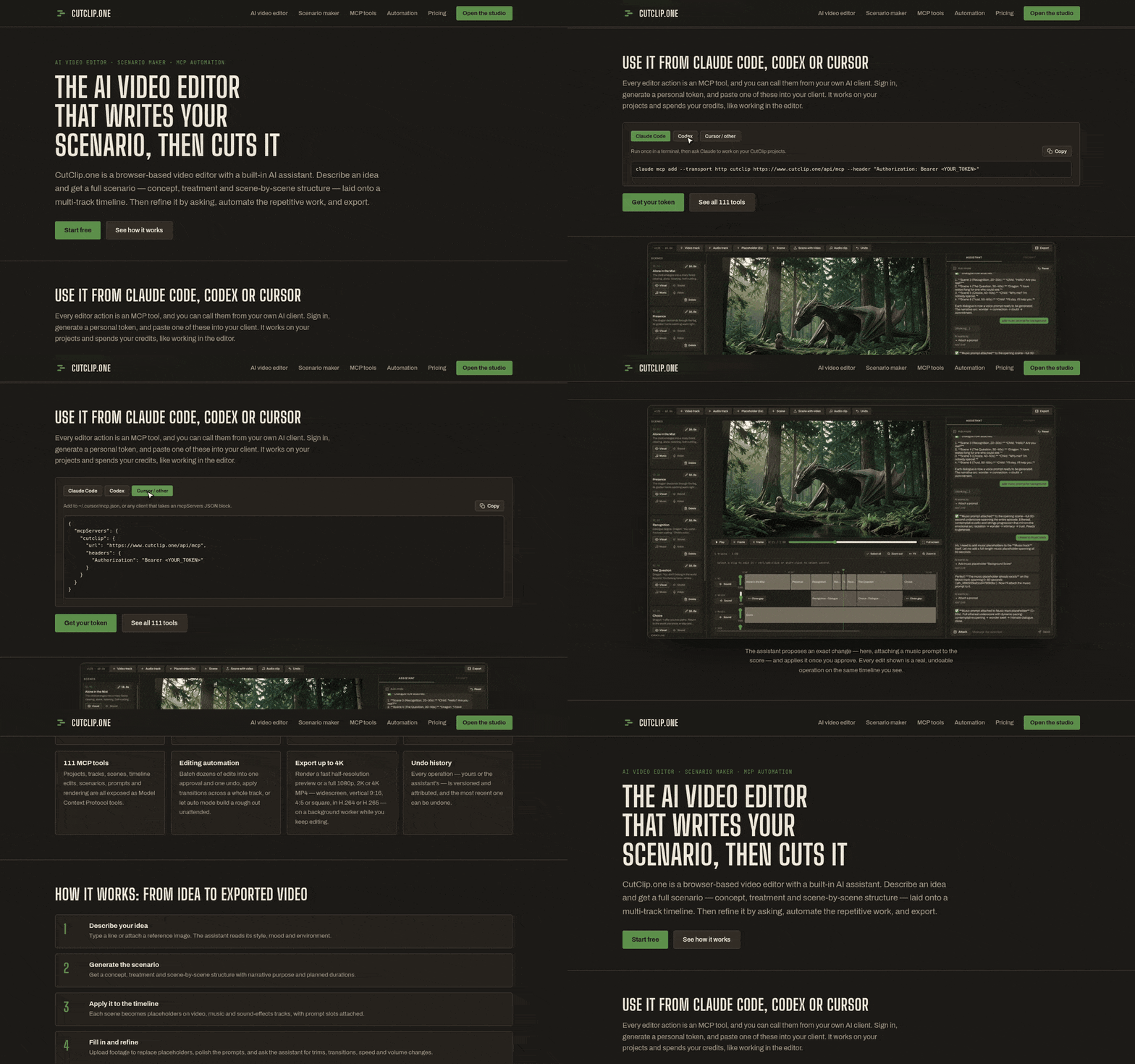
A quick tour of www.cutclip.one: copy-ready MCP setup for Claude Code, Codex and Cursor, the editor, and the feature list.
- 🌐 Website: https://www.cutclip.one
- 🔌 MCP endpoint:
https://cutclip.one/api/mcp(streamable HTTP, hosted, nothing to install) - 📇 Official MCP Registry:
one.cutclip/cutclip
What your agent can do
| Area | Capabilities |
|---|---|
| Projects | Create, list, update, export and import projects; read the full state or a compact summary |
| Storyline & scenarios | Turn one idea into a premise, pick from suggested story beats, write a scenario and lay it out on the timeline |
| Timeline | Add, move, trim, split, duplicate and delete clips; speed, volume, position/size/opacity; transitions; close gaps; batch edits |
| Tracks & scenes | Create, reorder and update video/audio tracks and scenes |
| Assets | Upload media, swap placeholders for real footage, capture still frames |
| Prompts | Draft and revise image/video prompts for each scene, with full revision history |
| Cinematic film mode | Shots with a camera rig, characters and locations with reference images, film look, keyframe and video generation, takes |
| Music & voice | Music generation for music placeholders, voice-over clips, lip-sync and re-voicing for shots |
| Rendering | Preview and final renders (up to 4K, several aspect ratios, H.264/H.265), status polling and a signed download link |
| History & credits | Undo any change; check your credit balance and usage history |
111 tools in total. One personal token covers all of them, and it only ever sees your own projects.
Quick start
- Sign up at https://www.cutclip.one. New accounts get free credits.
- Open Settings → Connect an AI client (MCP) and create a token (it starts with
sfs_). - Connect your client:
Claude Code
claude mcp add --transport http cutclip https://cutclip.one/api/mcp \
  --header "Authorization: Bearer sfs_YOUR_TOKEN"
Codex (~/.codex/config.toml)
[mcp_servers.cutclip]
url = "https://cutclip.one/api/mcp"
http_headers = { Authorization = "Bearer sfs_YOUR_TOKEN" }
Cursor / Windsurf / other clients (mcp.json)
{
  "mcpServers": {
    "cutclip": {
      "type": "http",
      "url": "https://cutclip.one/api/mcp",
      "headers": { "Authorization": "Bearer sfs_YOUR_TOKEN" }
    }
  }
}
- Ask your agent something like:
"Use cutclip to make a 30-second vertical teaser about a lighthouse keeper: plan five scenes, put placeholderson the timeline with crossfades, add a music track, and render a preview."
Example tasks
- Turn a one-line idea into a storyline, a scenario and a rough cut with placeholders
- Upload your own footage and have the agent trim, order and crossfade it
- Re-cut one project for 16:9, 9:16 and 1:1, and render each one
- Batch edits: "make every clip 10% faster and close all the gaps"
- Overlays: picture-in-picture, logos and GIFs with position, size and opacity
- Script your pipeline: generate shots → assemble → render → download, all from your agent
Pricing
Pay-as-you-go credits with no subscription. Editing and reading projects is free. Renders and AI generationcost credits, and every new account gets free credits. See https://www.cutclip.one/pricing.
Support
Report bugs and request features in Issues, or email [email protected].
This repository holds the public listing for the hosted CutClip.one MCP server. The service itself is closed source.


