
Multi-Server MCP FastAPI Project
A comprehensive FastAPI application that hosts multiple Model Context Protocol (MCP) servers, each providing access to different public APIs and services.
Work Demo
🚀 Features
This project includes 5 different MCP servers:
- Weather Server – OpenWeatherMap API integration for weather data
- News Server – NewsAPI integration for latest news articles
- Currency Server – Exchange rates and currency conversion
- Quote Server – Inspirational quotes and random facts
📋 Prerequisites
- Python 3.13+
- UV package manager
- API keys for external services (see Configuration section)
📁 Project Structure
fastapi-multi-server-mcp/
├── main.py                 # FastAPI application entry point
├── requirements.txt        # Python dependencies
├── pyproject.toml         # UV project configuration
├── .env.example           # Environment variables template
├── README.md              # This file
├── servers/               # MCP servers directory
│   ├── __init__.py
│   ├── weather_server.py  # Weather API MCP server
│   ├── news_server.py     # News API MCP server
│   ├── currency_server.py # Currency API MCP server
│   └── quote_server.py    # Quotes API MCP server
├── utils/                 # Utility modules
│   ├── __init__.py
│   ├── api_clients.py     # HTTP client utilities
│   └── config.py          # Configuration management
├── tests/                 # Test suite
│   ├── __init__.py
│   ├── test_weather.py
│   ├── test_news.py
│   ├── test_currency.py
│   └── test_quote.py
└── docs/                  # Documentation
    ├── api_reference.md
    └── deployment.md
🛠️ Installation
Using UV (Recommended)
# Clone the repository
git clone <your-repo-url>
cd fastapi-multi-server-mcp

# Create virtual environment and install dependencies
uv venv
source .venv/bin/activate  # On Windows: .venv\Scripts\activate
uv pip install -r requirements.txt
Using pip
pip install -r requirements.txt
🔧 Configuration
Create a .env file in the root directory with your API keys:
# Weather API (OpenWeatherMap)
OPENWEATHER_API_KEY=your_openweather_api_key

# News API
NEWS_API_KEY=your_news_api_key


# Exchange Rates API
EXCHANGE_RATES_API_KEY=your_exchange_rates_api_key

# Server Configuration
PORT=10000
HOST=0.0.0.0
Getting API Keys
- OpenWeatherMap: Register at openweathermap.org
- NewsAPI: Get free API key at newsapi.org
- Exchange Rates: Register at exchangerate-api.com
- Quote API: Get free API key at quotesapi.com
🏃♂️ Running the Application
Development
# Using UV
uv run uvicorn main:app --reload --host 0.0.0.0 --port 10000 --reload

# Using `npx` to debug the running application,
npx @modelcontextprotocol/inspector uv run uvicorn main:app
To connect specific server to inspector,
Set,
Transport Type:
StreamableHTTPURLs:
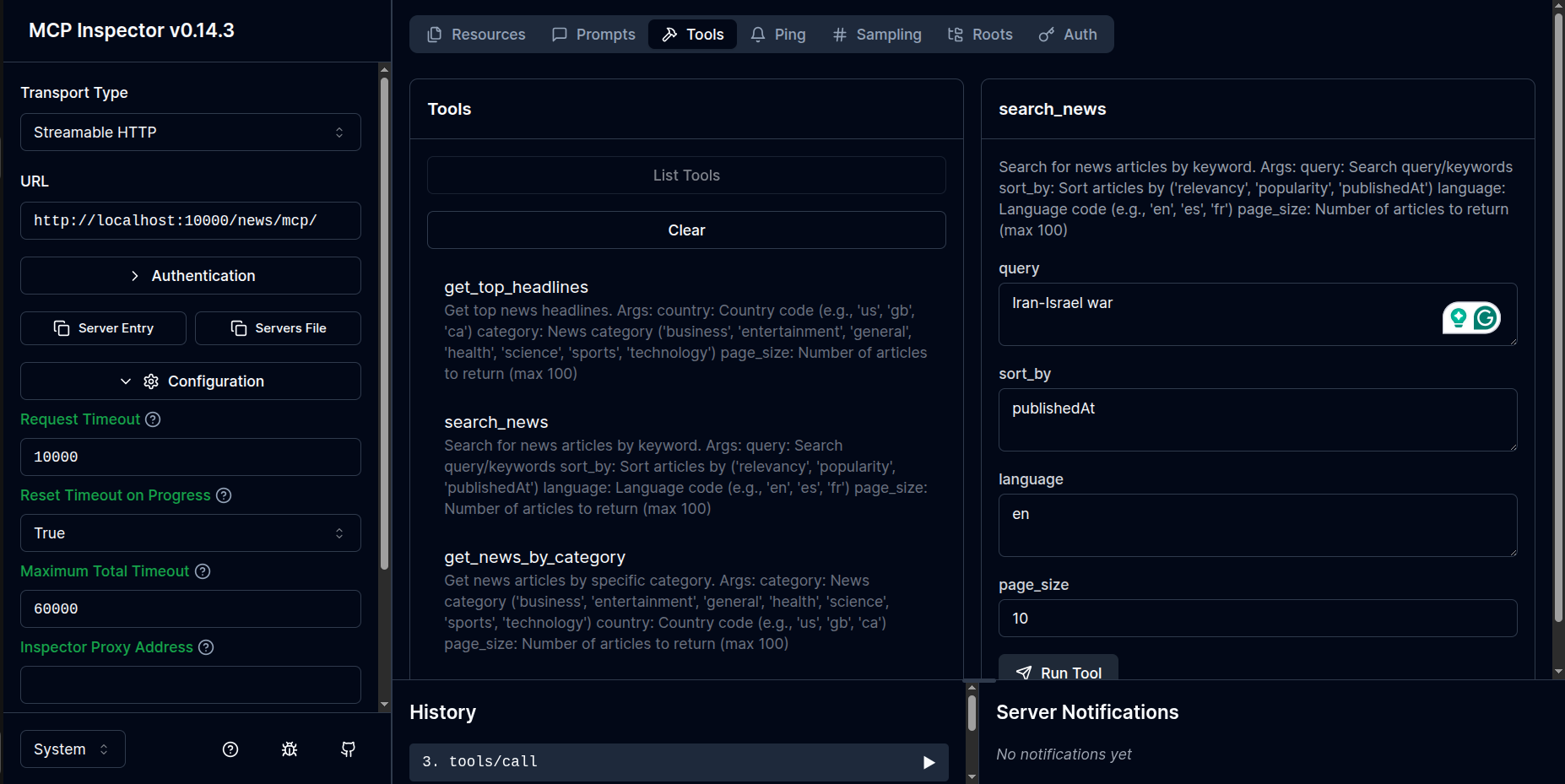
- for news: http://localhost:10000/news/mcp/
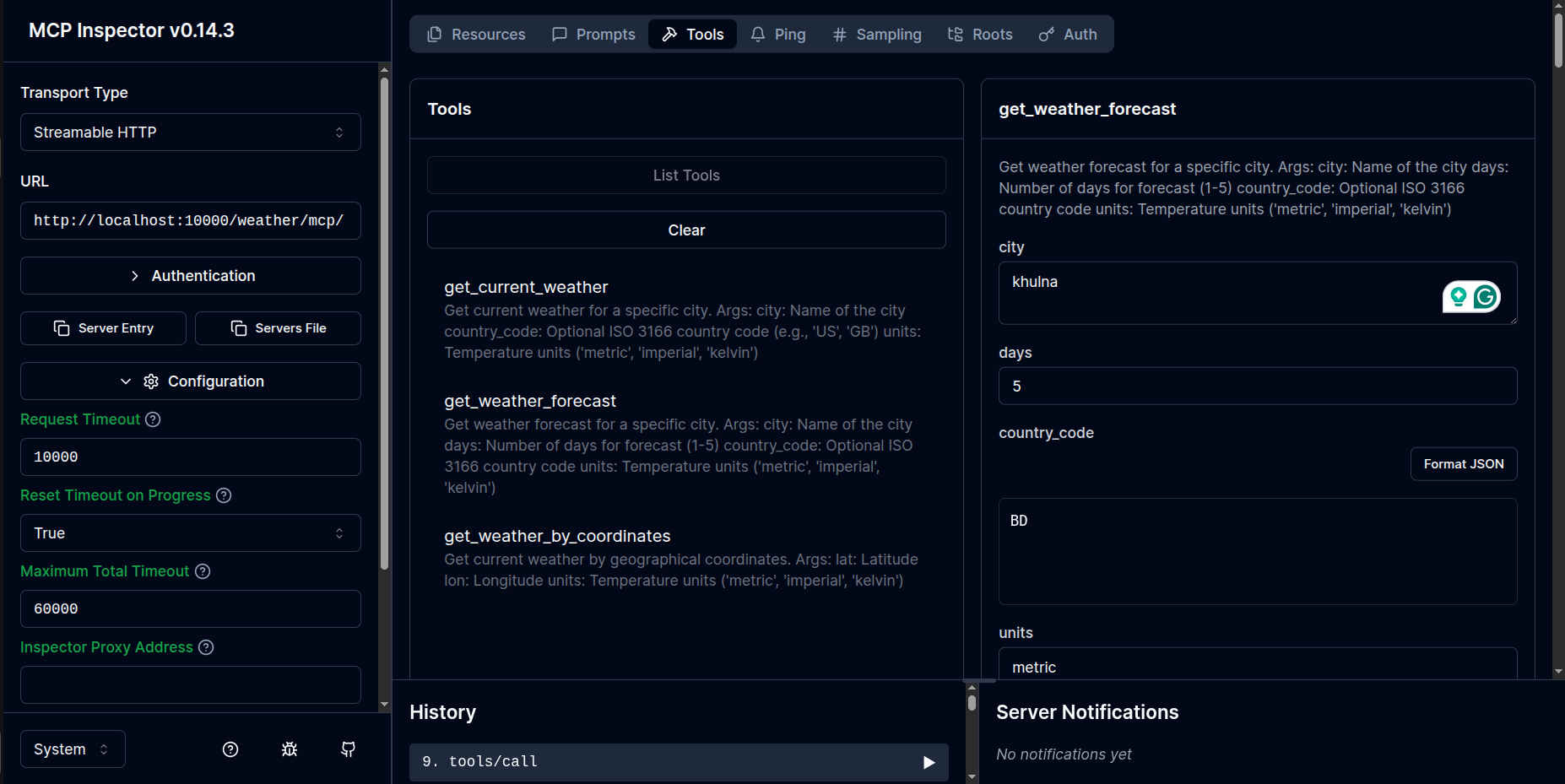
- for weather: http://localhost:10000/weather/mcp/
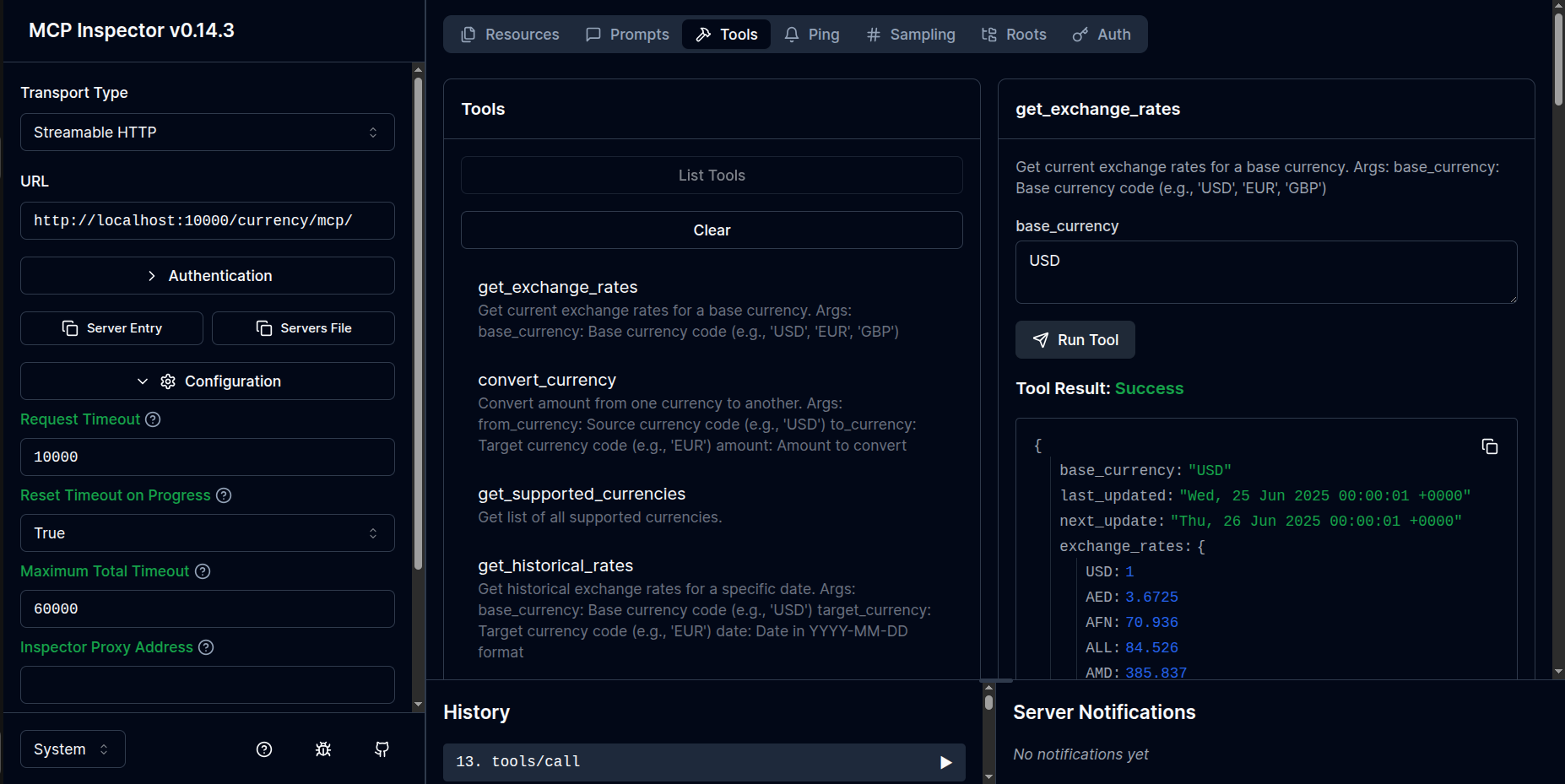
- for currency: http://localhost:10000/currency/mcp/
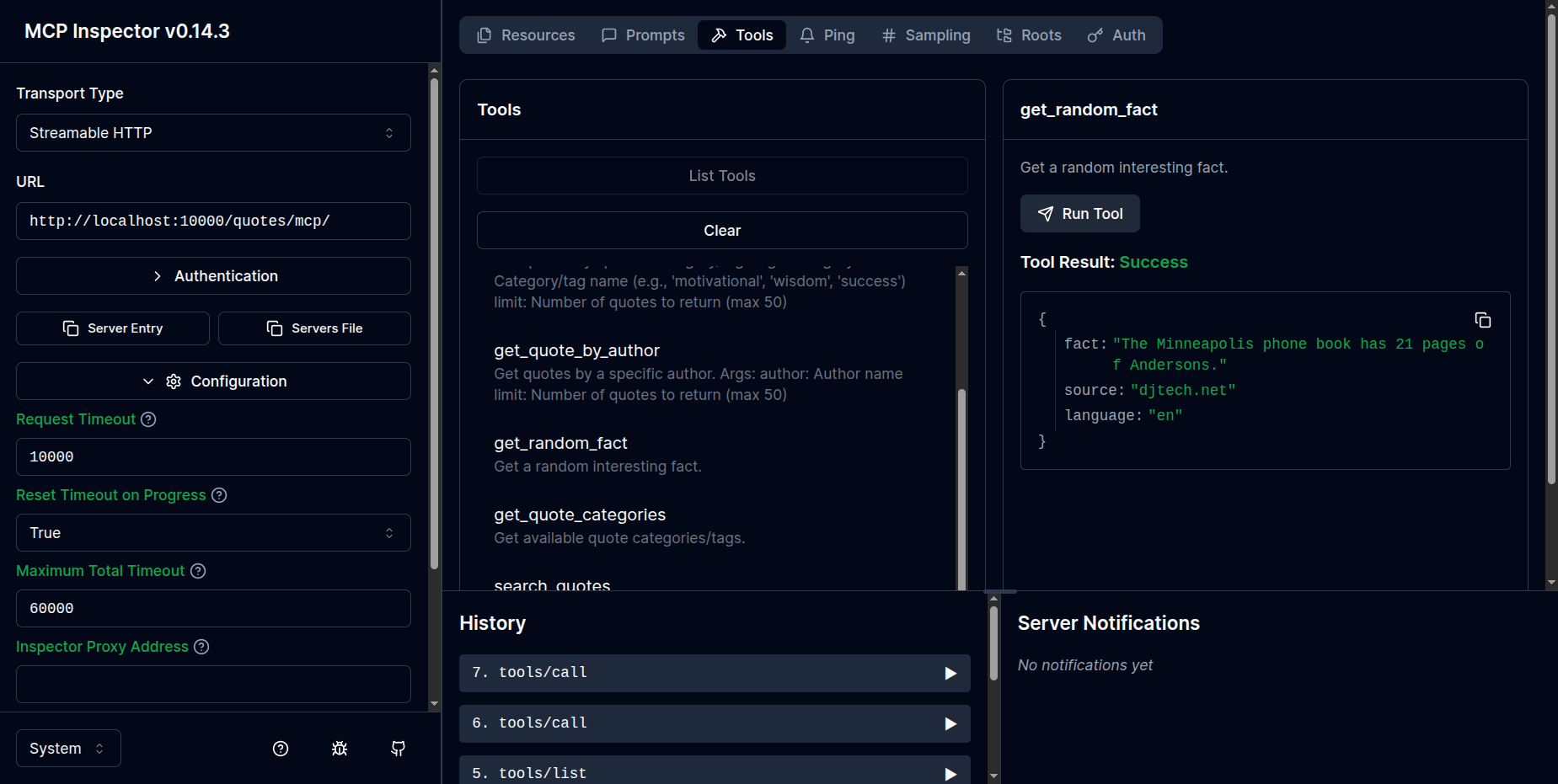
- for quotes: http://localhost:10000/quotes/mcp/
- Click connect, it will open inspector window like this:
Quotes server:
News server:
Weather server:
Currency server:
As of June 2025, Windsurf and Cursor supports two transport types for MCP servers: stdio and /sse, but not StreamableHTTP. So using stdio or /sse as transport type is recommended. But with inspector, you can connect to the MCP server running on FastAPI with any transport type.
Production
# Using Gunicorn
gunicorn main:app -w 4 -k uvicorn.workers.UvicornWorker --bind 0.0.0.0:10000
📚 API Endpoints
Once running everything successfully,
Your FastAPI server will be available at: http://localhost:10000, docs at http://localhost:10000/docsand your MCP servers will be available at:
- Weather Server: http://localhost:10000/weather
- News Server: http://localhost:10000/news
- Currency Server: http://localhost:10000/currency
- Quote Server: http://localhost:10000/quotes
🧪 Testing
# Run all tests
pytest

# Run with coverage
pytest --cov=.

# Run specific server tests
pytest tests/test_weather.py
🛠️ Available Tools by Server
🖼️ Click to see the tool detailsWeather Server (/weather)
get_current_weather - Get current weather for a city
get_weather_forecast - Get 5-day weather forecast
get_weather_by_coordinates - Get weather by latitude/longitude
News Server (/news)
get_top_headlines - Get top news headlines
search_news - Search news articles by keyword
get_news_by_category - Get news by category (business, tech, sports, etc.)
Currency Server (/currency)
get_exchange_rates - Get current exchange rates
convert_currency - Convert between currencies
get_supported_currencies - List all supported currencies
Quote Server (/quotes)
get_random_quote - Get a random inspirational quote
get_quote_by_category - Get quotes by category
get_random_fact - Get a random interesting fact
🚀 Deployment
Docker
You can deploy this project using Docker. Example Dockerfile is included:
FROM python:3.11-slim
WORKDIR /app
COPY requirements.txt .
RUN pip install -r requirements.txt
COPY . .
EXPOSE 10000
CMD ["uvicorn", "main:app", "--host", "0.0.0.0", "--port", "10000"]
Environment Variables for Production
PORT=10000
HOST=0.0.0.0
LOG_LEVEL=info
WORKERS=4
📝 License
This project is licensed under the MIT License - see the LICENSE.md file for details.
📚 Support & Documentation
- Check the documentation in the
docs/directory - Review the test files for usage examples
🔄 Updates and Roadmap
- Add WebSocket support for real-time data
- Implement caching for API responses
- Add rate limiting and authentication
- Create web dashboard for monitoring
- Add more API integrations (Spotify, Twitter, etc.)


