
Secure Remote MCP Servers using Azure API Management (Experimental)
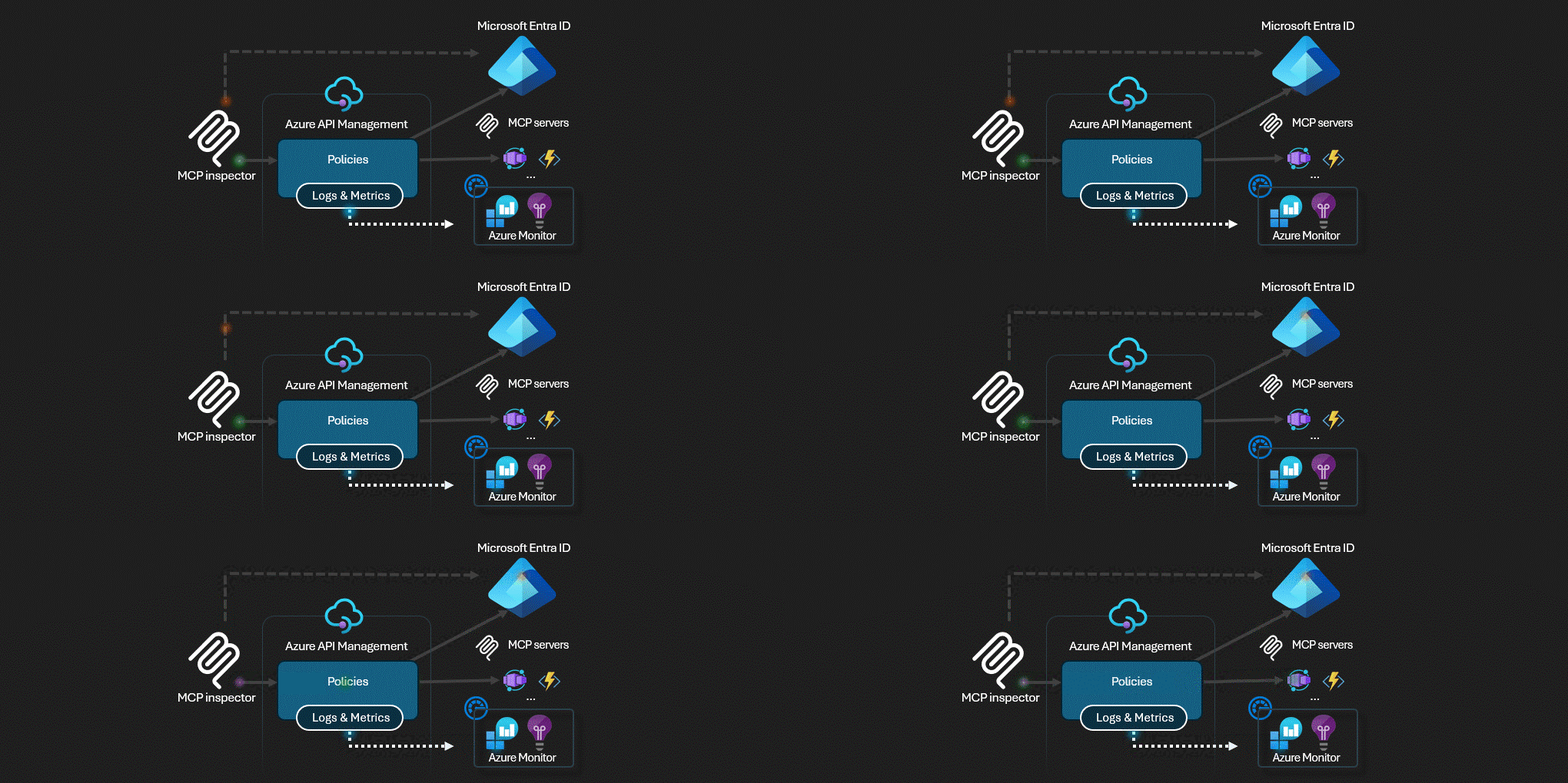
Azure API Management acts as the AI Gateway for MCP servers.
This sample implements the latest MCP Authorization specification
This is a sequence diagram to understand the flow.
Deploy Remote MCP Server to Azure
Register
Microsoft.Appresource provider.- If you are using Azure CLI, run
az provider register --namespace Microsoft.App --wait. - If you are using Azure PowerShell, run
Register-AzResourceProvider -ProviderNamespace Microsoft.App. Then run(Get-AzResourceProvider -ProviderNamespace Microsoft.App).RegistrationStateafter some time to check if the registration is complete.
- If you are using Azure CLI, run
Run this azd command to provision the api management service, function app(with code) and all other required Azure resources
azd up
MCP Inspector
In a new terminal window, install and run MCP Inspector
npx @modelcontextprotocol/inspectorCTRL click to load the MCP Inspector web app from the URL displayed by the app (e.g. http://127.0.0.1:6274/#resources)
Set the transport type to
SSESet the URL to your running API Management SSE endpoint displayed after
azd upand Connect:https://<apim-servicename-from-azd-output>.azure-api.net/mcp/sseList Tools. Click on a tool and Run Tool.


