VulnerabilityMCPServer
Test d'un serveur MCP local sur le protocol HTTP
Prerequisites
A python version 3.9+ should be installed
NPM should be installed (using NodeJS installation)
Set up environment
Clone the Github repo
Unzip vulnerability.zip in data folder
Create a virtual environement linked to the project
python -m venv <PATH_TO_YOU_VENV_FOLDER>\VulnerabilityMCPServer
- Start virtual environement
<PATH_TO_YOU_VENV_FOLDER>\Scripts\Activate.ps1
Use other script based on you environment type (activate / activate.bat)
- Install python packages
pip install -r requirements.txt
- Launch the MCP server
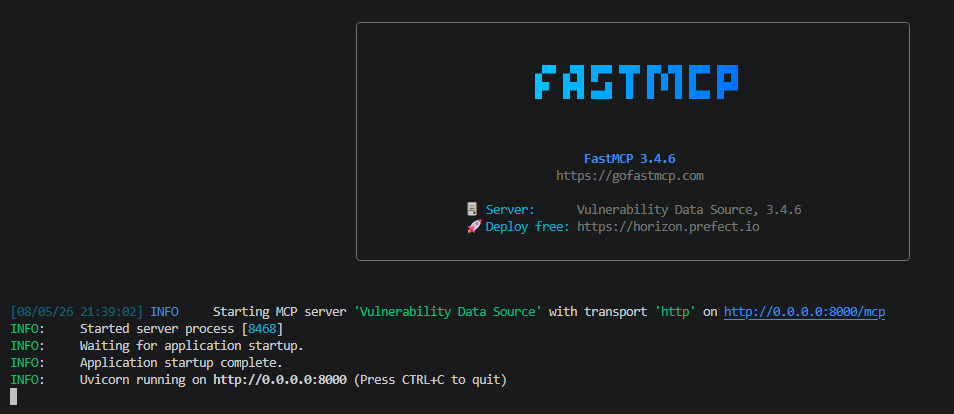
python src/vulnerability-mcp-server.py
The terminal should render:
Test MCP server
Open another terminal and launch the command
npx @modelcontextprotocol/inspector
if a prompt ask you if you want to install the package accept
Now a browser is opened and display MCP inspector
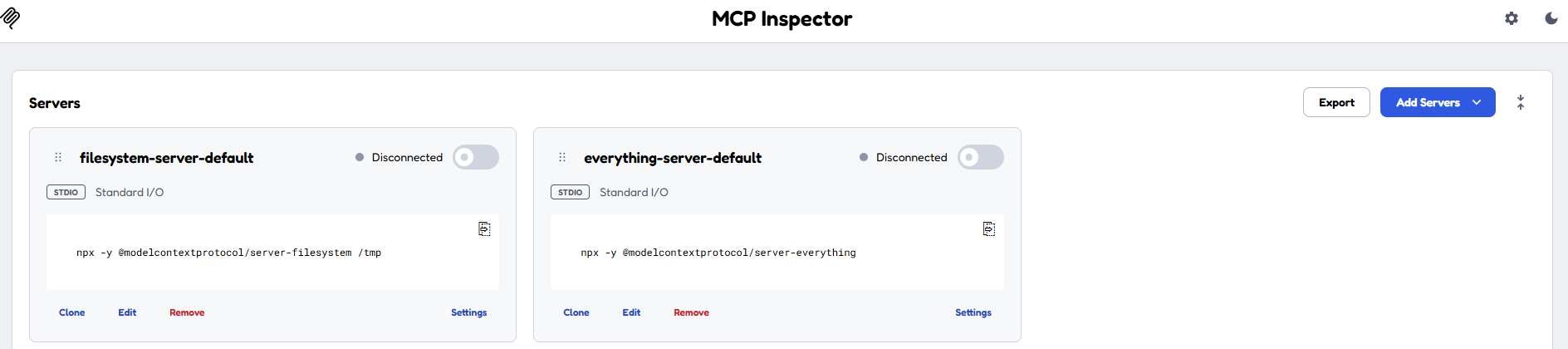
Click on Add Servers ans select + Add manually
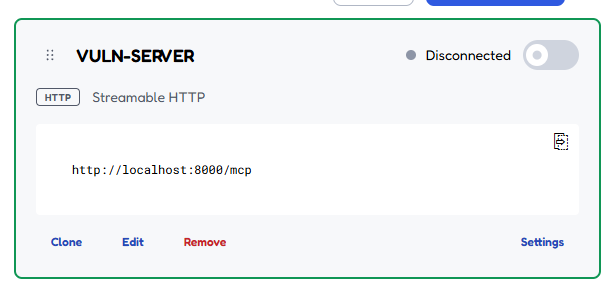
Set VULN-SERVER as Server ID
Select streamable-httpas Transport
Set URL with http://localhost:8000/mcp and click on Add
A new serevr appears:
Toogle on Conction button at the top-right of the server card
Some info should appear on a right side bar.
Click on Tools and select get_vulnerability_data.
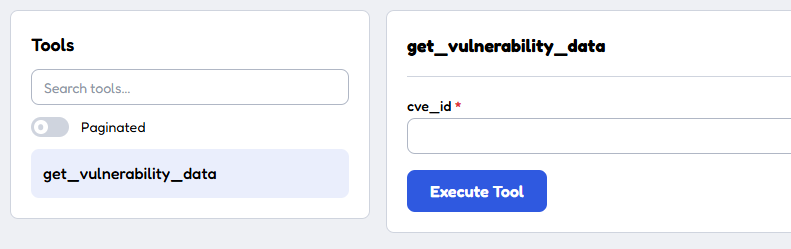
Fille cve_-_id with for example CVE-2025-53770
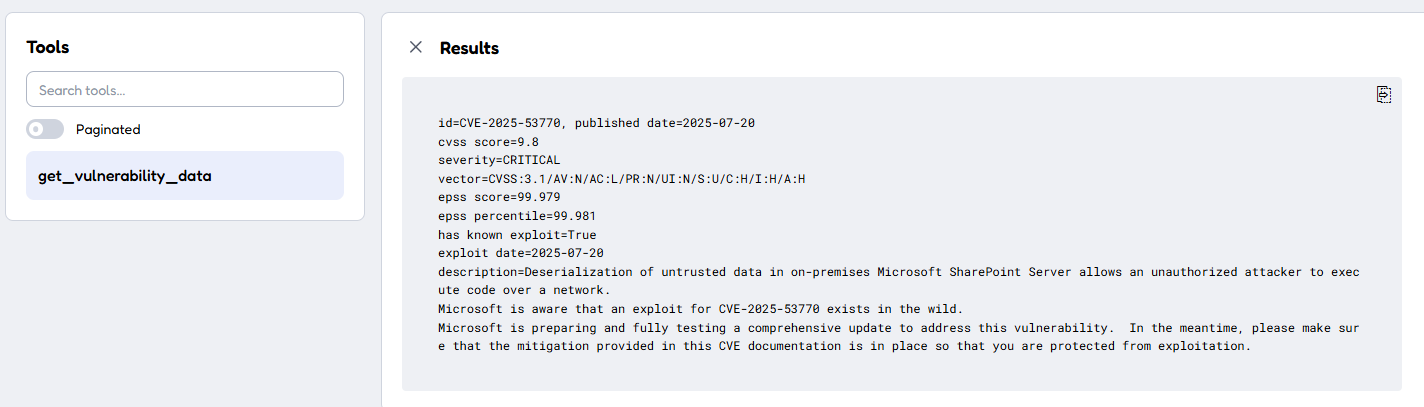
Run OpenCode
Now you can run OpenCode in a third terminal.
opencode
you get
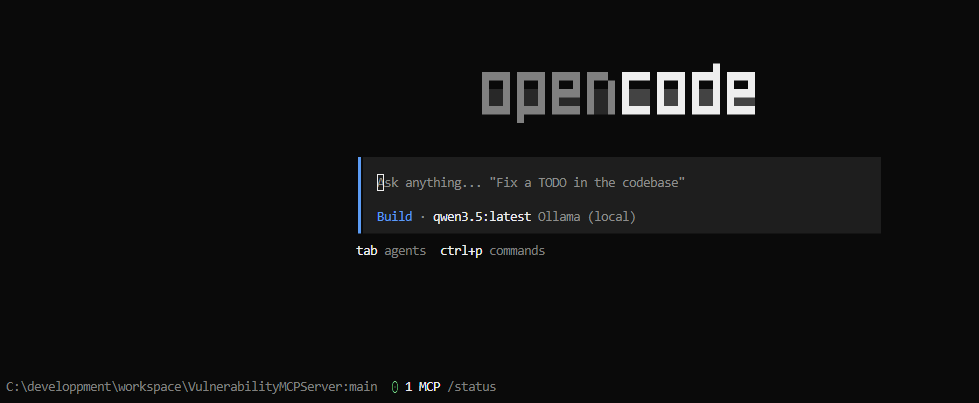
use the command /mcps to list mcp servers
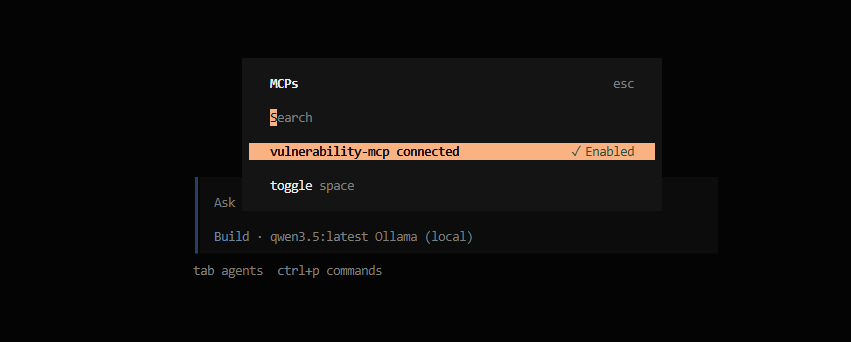
Now test the following prompt
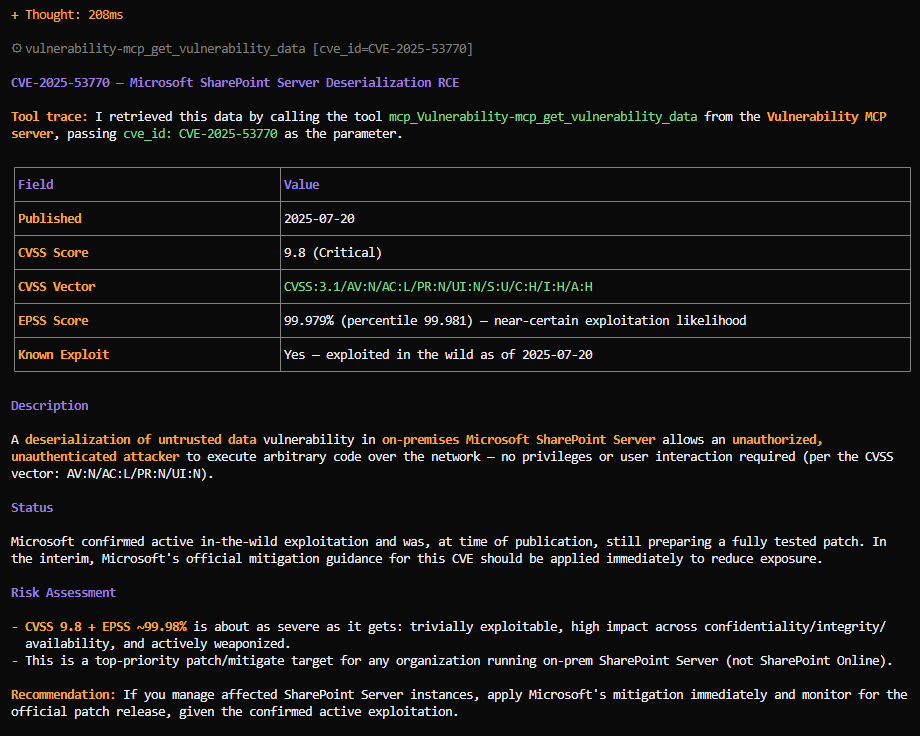
get info about vulnerability with id CVE-2025-53770 and trace if you used a mcp server and a tool in your response
We get the following response with local LLM qwen3.6:latest
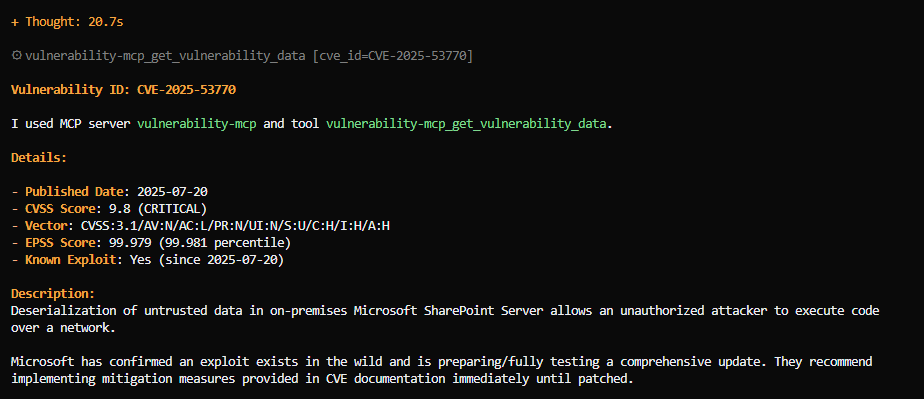
We get the following response with remote Claude Sonnet 5