
AskHumanToWork
The todo hub where your AI asks you to work.
AI agents (Claude Desktop, Claude Code, any MCP client) capture todos into your list — with duedates and provenance ("why this exists") — and AskHumanToWork reliably reminds you until they'redone. Optionally (Pro), todos mirror out to Microsoft To Do / Google Tasks so they appear whereyou already look.
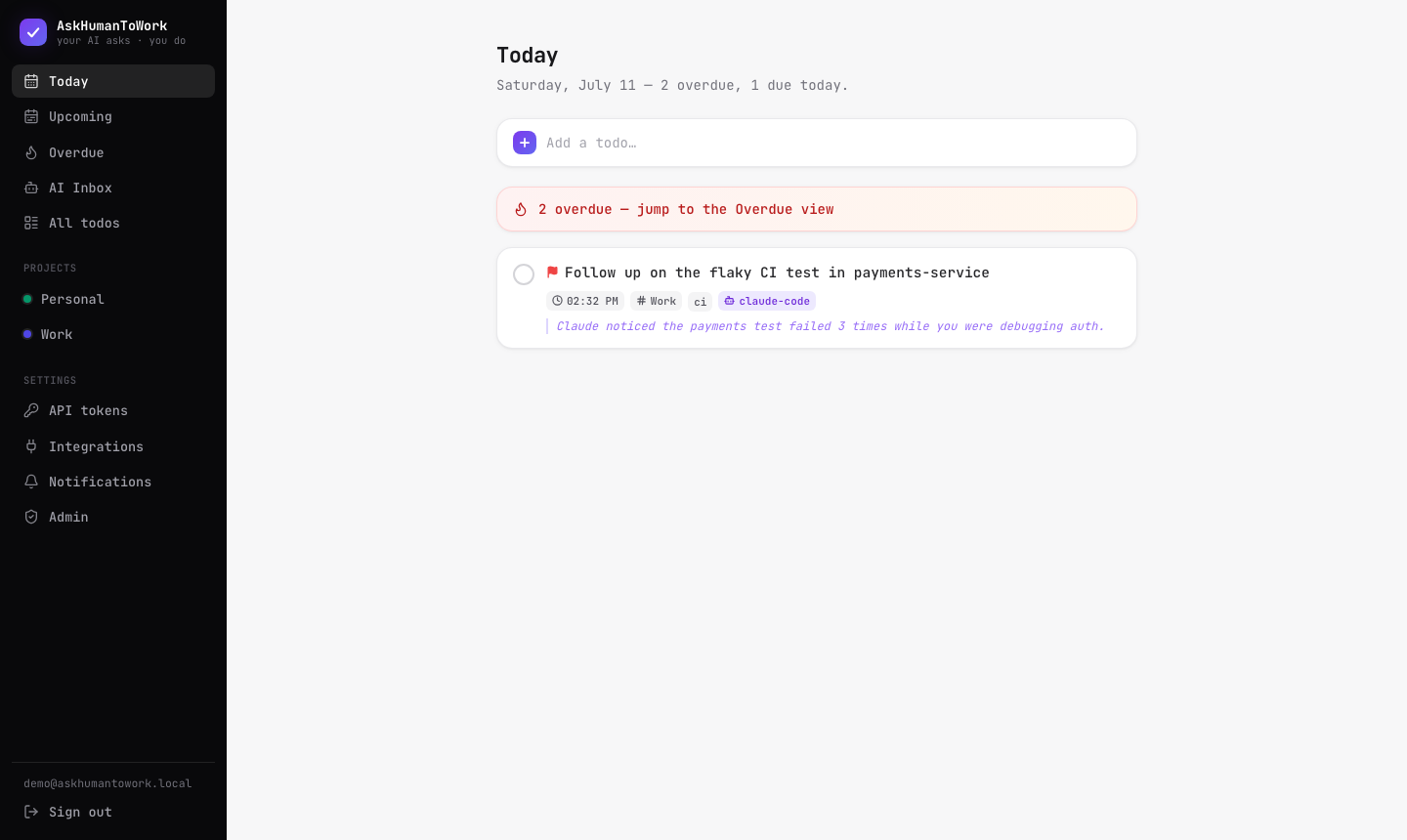
Why
Heavy AI users generate implicit todos constantly: "you should follow up on X", "remember todeploy Y on Friday". Those evaporate in chat history. AskHumanToWork captures them at the source —the AI conversation itself — and closes the loop with an escalating reminder engine.
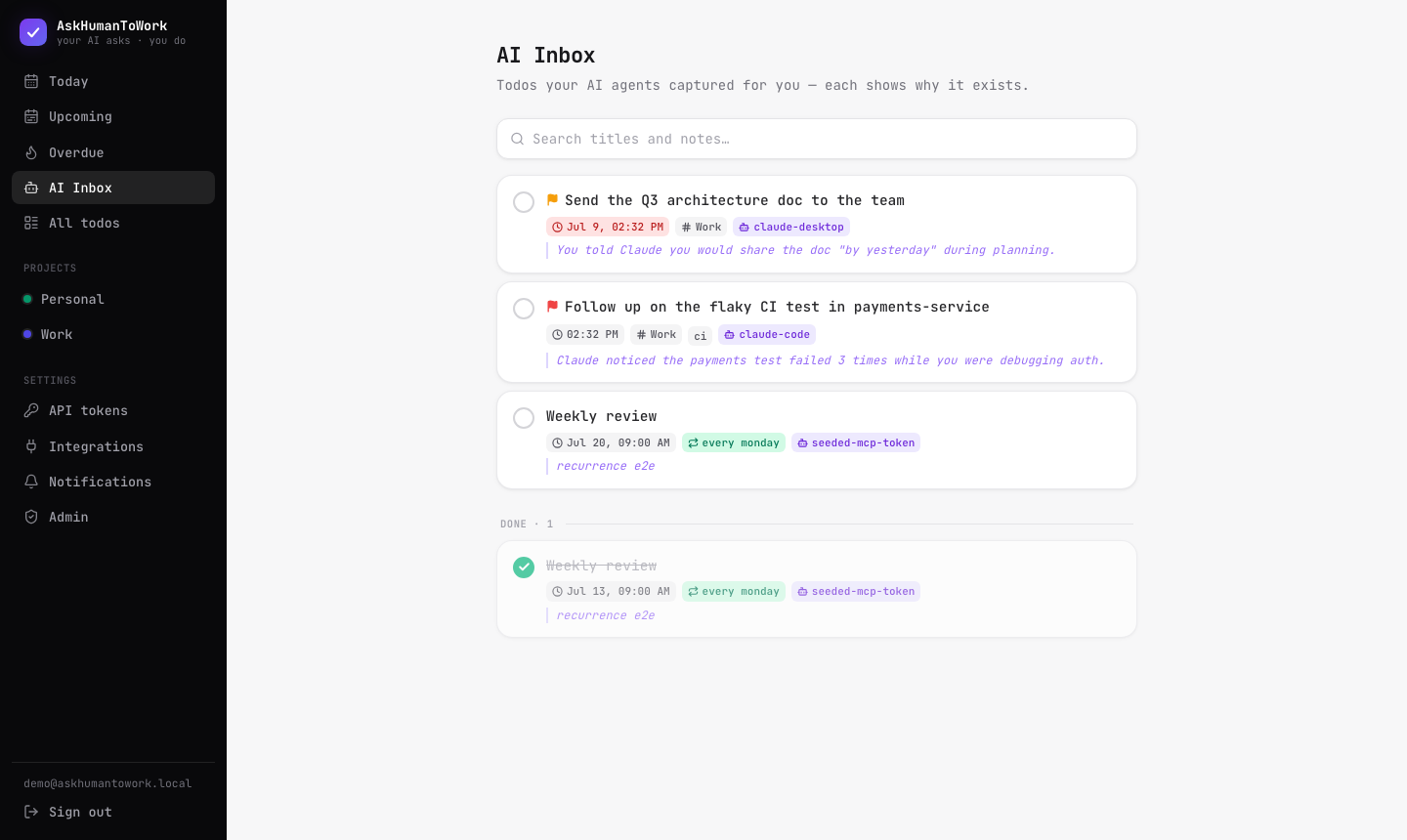
Every AI-created todo shows who added it and why:
Tutorial — zero to your first AI-captured todo
0. Prerequisites
- Node ≥ 20 and pnpm (
npm i -g pnpm) - PostgreSQL 16, Redis, and Mailpit (local email catcher)
- Flutter 3.x (only for the mobile app)
macOS one-liner for the services:
brew install postgresql@16 redis mailpit
brew services start postgresql@16 redis mailpit
createdb askhumantowork
(Prefer containers? docker compose up -d starts the same three services.)
1. Install & configure
git clone https://github.com/KuronokiCorp/AskHumanToWork.git && cd AskHumanToWork
pnpm install

cp .env.example .env
# In .env, set:
#   ENCRYPTION_KEY  → run: openssl rand -base64 32
#   VAPID keys      → run: npx web-push generate-vapid-keys   (for browser push; optional)
2. Build, migrate, seed
pnpm build
pnpm db:migrate
pnpm db:seed
The seed prints your demo credentials — copy the MCP token now, it's stored only as a hash:
Seeded demo data.
  Login:     [email protected] / demo1234
  MCP token: tfa_XXXXXXXXXXXXXXXXXXXXXXXX
3. Run it (3 terminals)
pnpm dev:api                                    # API on :3000, MCP endpoint at /mcp
pnpm --filter @askhumantowork/api dev:worker    # reminder + sync engine
pnpm dev:web                                    # web app on :5173
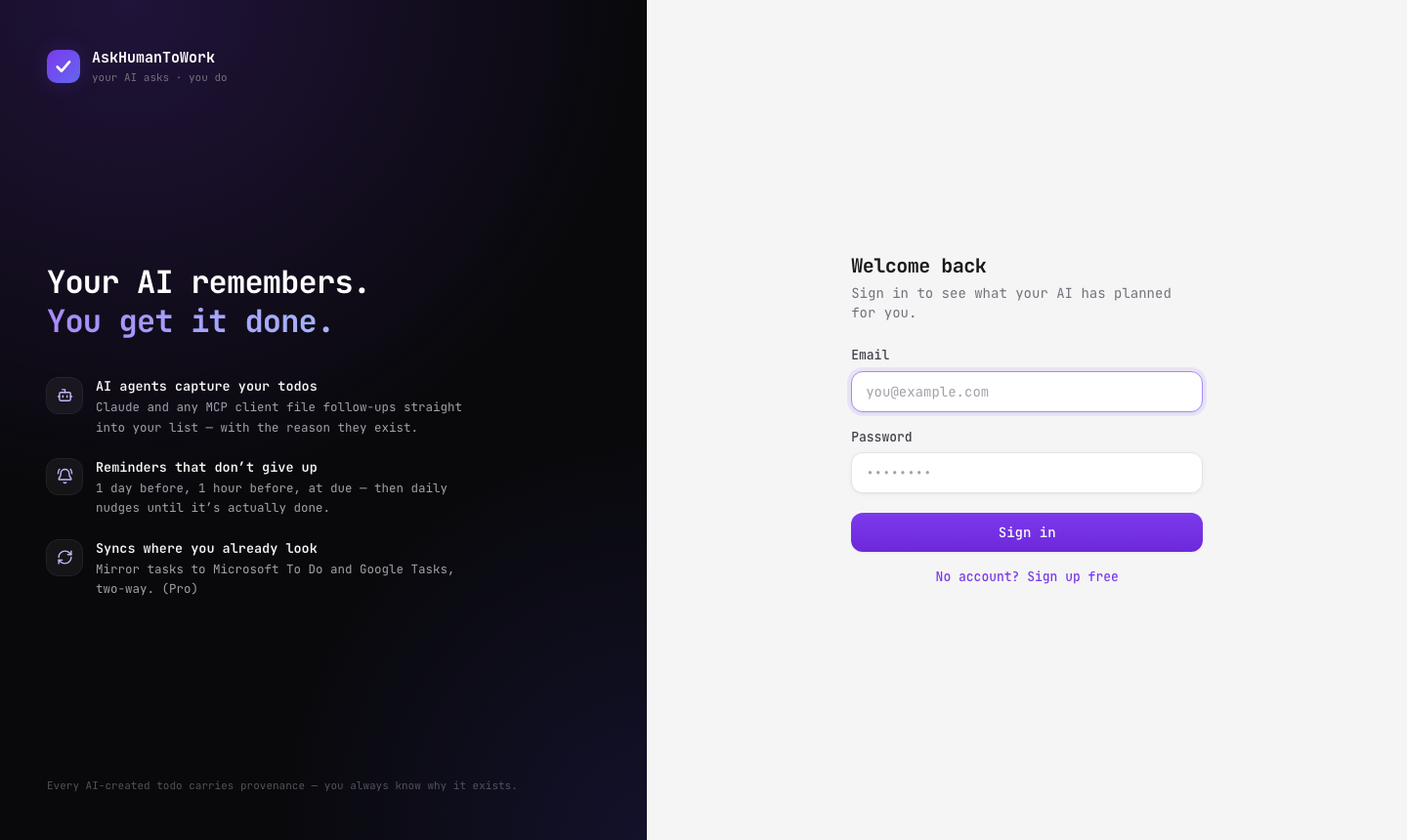
Open http://localhost:5173 and sign in with the demo account. You'll see seeded todos, includingAI-captured ones in the AI Inbox.
4. Add your first todo (human style)
In the quick-add box, natural language just works:
Ship the release notes @friday 5pm #Work !2
@… = due date (resolved in your timezone, server-side) · #… = project (auto-created) ·!1-3 = priority.
5. Connect Claude — the main event
claude mcp add askhumantowork \
  --env TODO_API_TOKEN=tfa_your_token_here \
  --env TODO_API_URL=http://localhost:3000 \
  -- node <repo>/packages/mcp/dist/bin.js
(Once the askhumantowork-mcp package is published to npm, replace the last line with-- npx -y askhumantowork-mcp. Claude Desktop users: see the equivalent JSON config inpackages/mcp/README.md.)
Now, in any Claude session:
You: remind me to review the auth PR tomorrow at 3pm
Claude: (calls
add_todowithdue_natural: "tomorrow 3pm"andorigin_context: "You asked while we were discussing the auth refactor.")Added — it'll remind you tomorrow at 2pm and 3pm. → http://localhost:5173/t/…
Refresh the AI Inbox — the todo is there, with Claude's name and the reason it exists.
Also try:
- "what's on my plate today?" → Claude calls
get_agenda - "I finished the auth PR" →
complete_todo(reminders cancelled) - The
/capture-followupsprompt → Claude scans the whole conversation and files every commitmentas a todo.
6. Watch a reminder fire
Reminders ladder automatically: 1 day before → 1 hour before → at due → daily overdue nudges.To see one in 20 seconds:
curl -X POST http://localhost:3000/api/todos \
  -H "Authorization: Bearer tfa_your_token" -H "Content-Type: application/json" \
  -d '{"title":"Reminder demo","dueNatural":"in 10 minutes","reminders":["in 20 seconds"]}'
Open the Mailpit UI at http://localhost:8025 — the reminder email arrives, including the AIprovenance if an agent created the todo. (Enable browser push in Settings → Notifications fornative notifications; quiet hours are respected.)
7. Mobile app (Flutter)
cd mobile && flutter run # iOS simulator or Android emulator
Sign in with the demo account. Same Today/Upcoming/Projects/AI Inbox views; server reminders aremirrored as local notifications; completing a todo on the phone syncs back instantly.
8. Mirror to Microsoft To Do / Google Tasks (Pro)
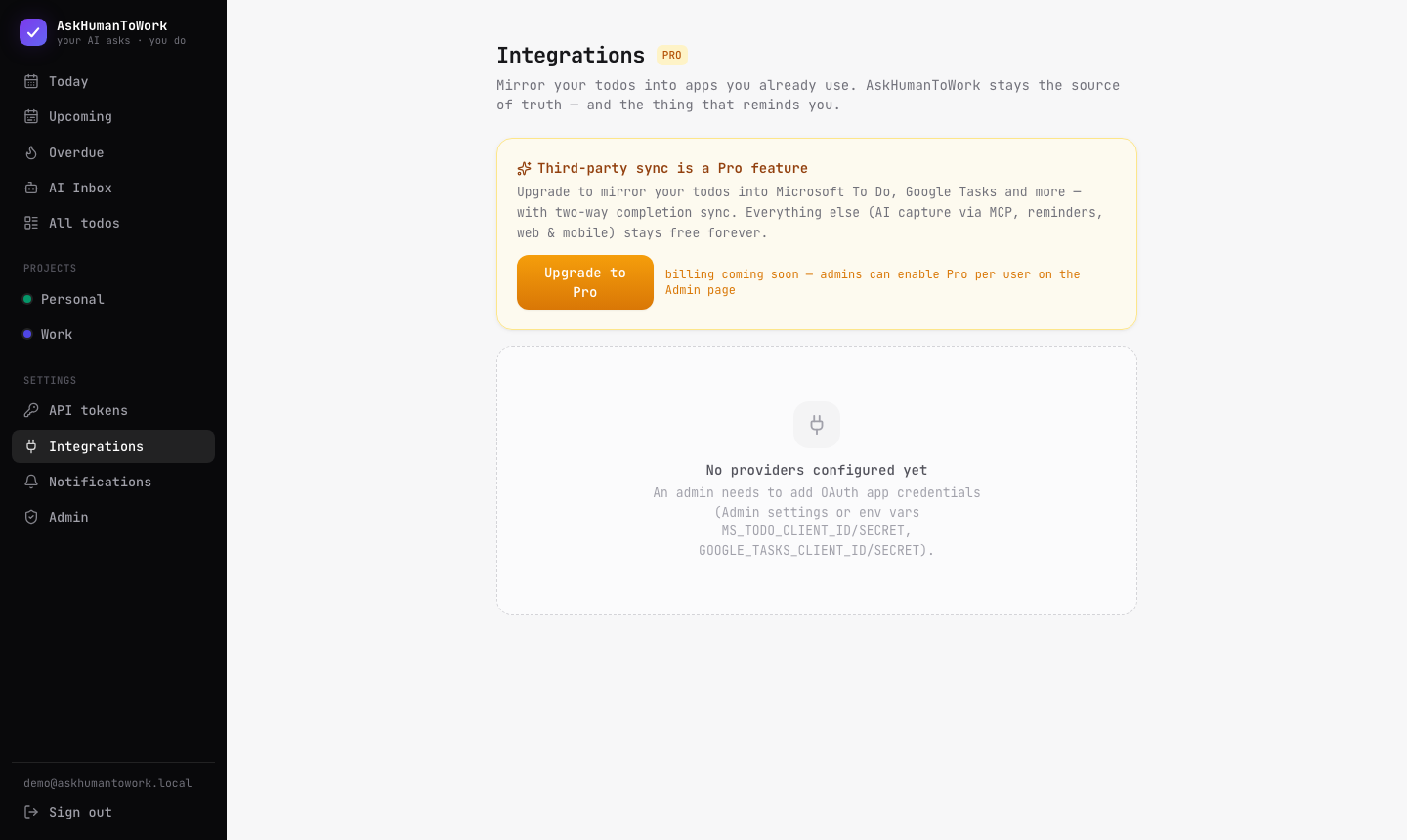
Third-party sync is a Pro-plan feature. As the seeded admin you're already Pro; upgrade otherusers on Settings → Admin.
- Register an OAuth app —Microsoft: Azure Portal → App registrations, delegated
Tasks.ReadWrite+offline_access,redirect URIhttp://localhost:3000/api/integrations/ms-todo/callback·Google: Cloud Console → OAuth credentials, scopehttps://www.googleapis.com/auth/tasks,redirect URIhttp://localhost:3000/api/integrations/google-tasks/callback - Paste client id/secret in Settings → Admin (or the
.envvars). - Settings → Integrations → Connect, pick a target list, direction (two-way / outbound),and filters (AI-only, priority threshold).
AskHumanToWork stays the source of truth: mirrors degrade per provider capability (Google Tasks hasdate-only due dates and no reminders — our reminder engine still covers you), and completing a taskin the external app completes it here and cancels the reminders (2-minute polling).
Reference
Architecture
AI agents ──MCP (stdio / HTTP)──►┐
Web (React) ──REST──────────────►│  Fastify API ──► PostgreSQL (source of truth)
Flutter app ──REST──────────────►┘       │
                                         ├─► BullMQ/Redis: reminder ladder + sync outbox
                                         ├─► Email (SMTP) + Web Push reminders
                                         └─► Adapters: Microsoft To Do, Google Tasks (Pro)
| Package | What |
|---|---|
packages/shared |
zod schemas, enums, server-side natural-language date resolution |
packages/db |
Drizzle ORM schema, migrations, seed |
packages/core |
domain services, entitlements, sync engine, provider adapters |
packages/api |
Fastify REST API, auth, /mcp HTTP transport, background workers |
packages/mcp |
askhumantowork-mcp — publishable stdio MCP connector |
packages/web |
React web app (Vite + Tailwind + TanStack Query) |
mobile/ |
Flutter app (Riverpod + dio + local notifications) |
MCP surface
Tools: add_todo (natural dates, origin_context provenance, idempotent, sync_to routing) ·list_todos · search_todos · update_todo · complete_todo · reschedule_todo · get_agenda ·list_projects · list_integrations · resolve_time
Resources: todo://agenda/today · todo://agenda/overdue · todo://projectsPrompts: capture-followups · review-my-todos
Remote clients can skip the local install entirely: Streamable HTTP MCP at POST <server>/mcpwith Authorization: Bearer <token>.
Auth model
Web = cookie sessions. Mobile = long-lived device tokens (POST /api/auth/login withmode:"token"). AI agents = scoped Personal Access Tokens (todos:read/write, projects:read,integrations:read) created in Settings → API tokens.
Plans
Everything is free except third-party sync (Pro). Gating is enforced server-side (connect → HTTP402, no outbound fan-out, inbound pollers skip). Until billing ships, admins set plans on theAdmin page.
Publishing the npm connector
cd packages/mcp && npm login && pnpm publish
Ships only dist/ with two runtime deps; prepublishOnly builds automatically.
Tests
pnpm typecheck && pnpm test        # TS packages (incl. date-resolution unit tests)
cd mobile && flutter analyze       # Flutter
A scripted end-to-end regression (auth, todos, dedup, agenda, MCP both transports, reminderdelivery/cancellation, plan gating) lives in the feature-tester agent charter at.claude/agents/feature-tester.md — Claude Code users can run it with "run the feature-tester".
Roadmap
Recurring todos · edit-in-place UI · web search & tag filters · notification action buttons ·FCM/APNs mobile push · morning AI digest · Graph webhooks (realtime inbound) · Todoist adapter ·Stripe billing · cloud deploy.


