My MCP Server
MCP(Model Context Protocol)
MCPは、アプリケーションがLLMにコンテキストを提供する方法を標準化したオープンプロトコルである。これはAIアプリケーション用のUSB-Cポートのようなもので、AIモデルと様々なデータソースやツールを標準的な方法で接続することを可能にする。
flowchart LR
  User(fa:fa-user User)
  Client["""
  Host with MCP Client
  (Claude, IDEs, Tools)
  """]

  Server1["MCP Server A"]
  Server2["MCP Server B"]
  Server3["MCP Server C"]

  DB1["Local Data Source A"]
  DB2["Local Data Source B"]
  Services["Remote Services"]

  subgraph Local Computer
  User <--> Client
  Client <--> |MCP Protocol| Server1
  Client <--> |MCP Protocol| Server2
  Client <--> |MCP Protocol| Server3

  Server1 <--> DB1
  Server2 <--> DB2
  end

  subgraph Internet
  Server2 <--> |Web APIs| Services
  Server3 <--> |Web APIs| Services
  end
参考: https://modelcontextprotocol.io/introduction
【類似概念】 Function Calling
flowchart LR
  User(fa:fa-user User)
  Server["Application Server"]
  OpenAI["OpenAI API"]

  Function1["Function A on Server"]
  Function2["Function B on Server"]
  Function3["Function C on Server"]
  DB["Local Data Source"]
  Services["Remote Services"]

  subgraph Local Computer
  User <--> Server
  Server <--> Function1
  Server <--> Function2
  Server <--> Function3
  Function1 <--> DB
  Function2 <--> DB
  end

  subgraph "Internet(OpenAI)"
  Server --> |prompt| OpenAI
  OpenAI --> |response with function calls| Server
  end

  subgraph Internet
  Function2 <--> |Web APIs| Services
  Function3 <--> |Web APIs| Services
  end
参考: https://platform.openai.com/docs/guides/function-calling
Getting Started
1. Claude Desktopをダウンロードする
2. Custom MCPサーバーをビルドする
$ npm install
$ npm run build

# build/main.jsのフルパスを表示する
$ find `pwd` -maxdepth 2 -name main.js
3. Claude Desktopの設定でMCPサーバーを登録する
[!NOTE]以下は、macOS版でのやり方です。その他のOSについては公式ドキュメントを参照してください。
$ vi ~/Library/Application\ Support/Claude/claude_desktop_config.json
{
  "mcpServers": {
    "myMcp": {
      // NOTE: nodeのフルパスを指定(`$ which node`)
      "command": "node",
      // NOTE: build/main.jsのフルパスを指定
      "args": ["xxx/my-mcp-server/build/main.js"]
    }
  }
}
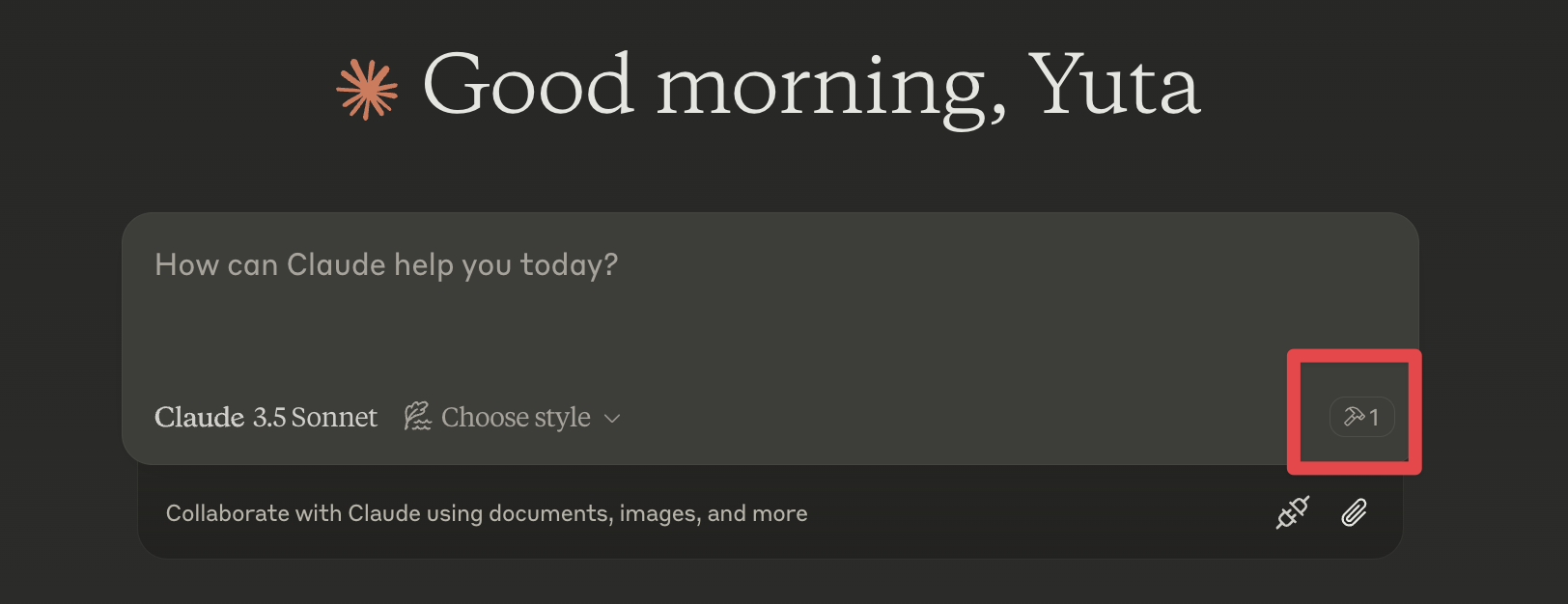
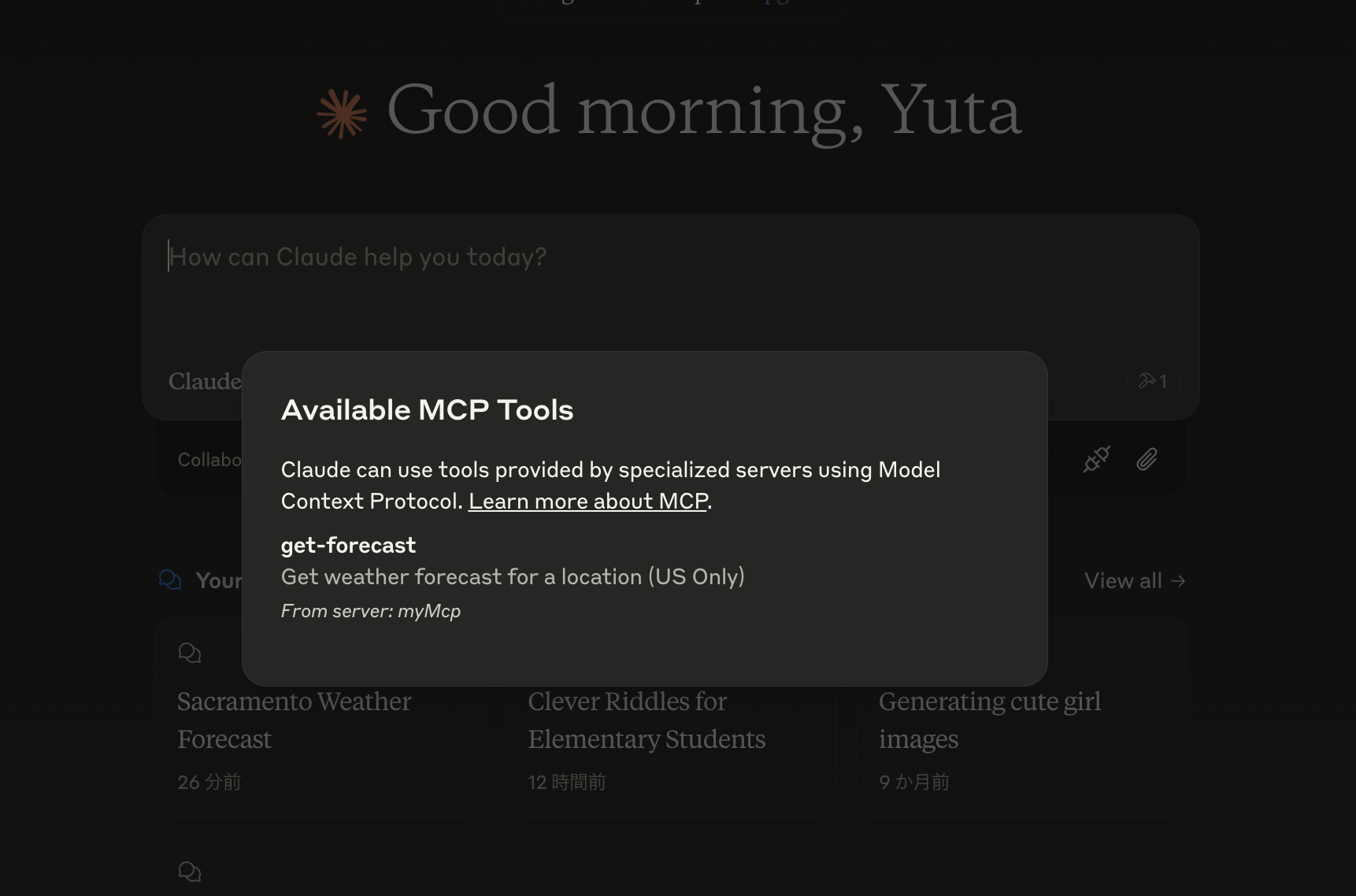
4. Claude DesktopでMCPサーバーが登録されていることを確認する
Claude Desktopを再起動し、MCPサーバーが登録されていることを確認する
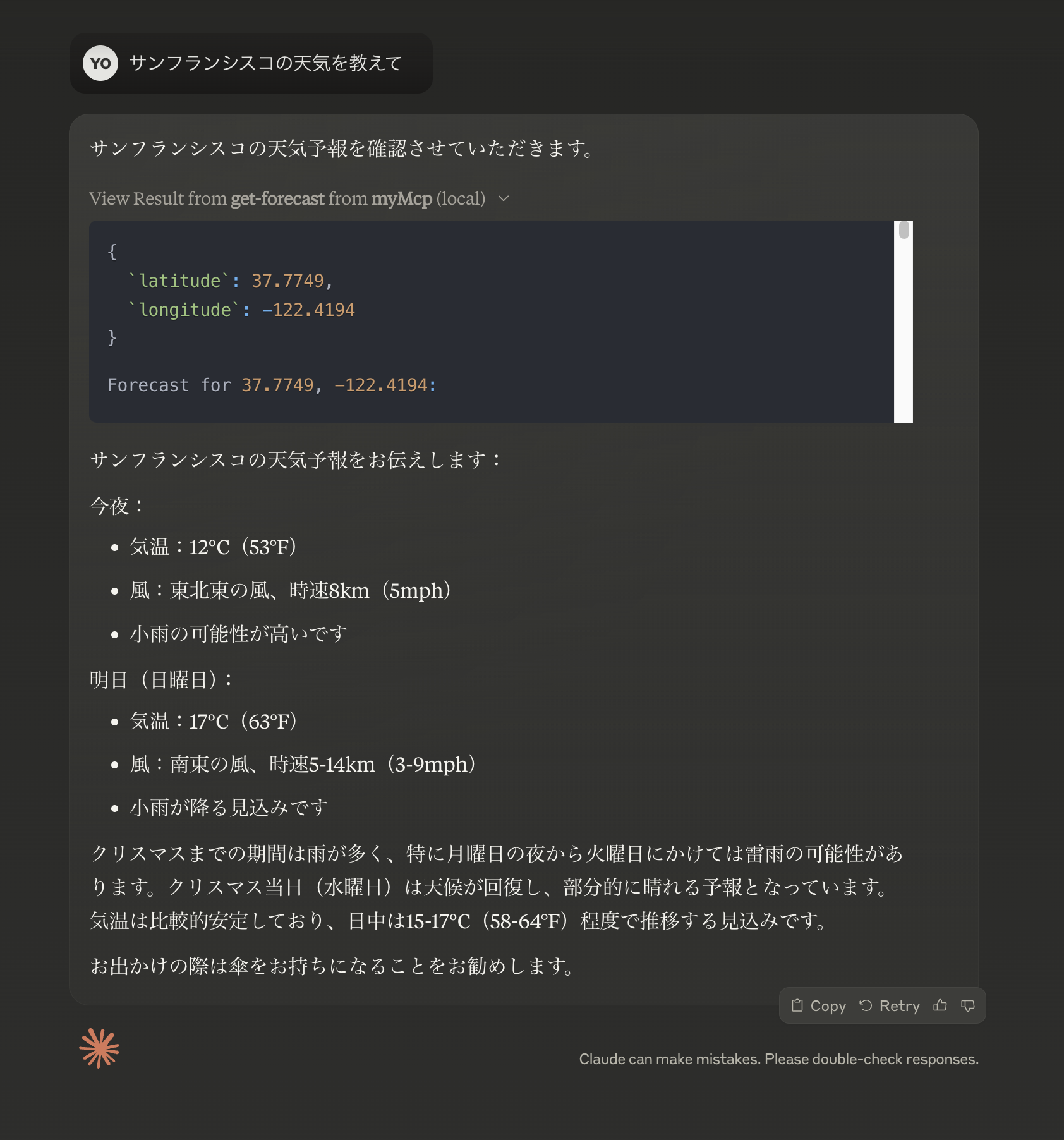
試しにサンフランシスコの天気を聞くと、MCPサーバーから天気予報の情報を取得し、生成AIのメッセージに天気の情報が組み込まれていることがわかる。
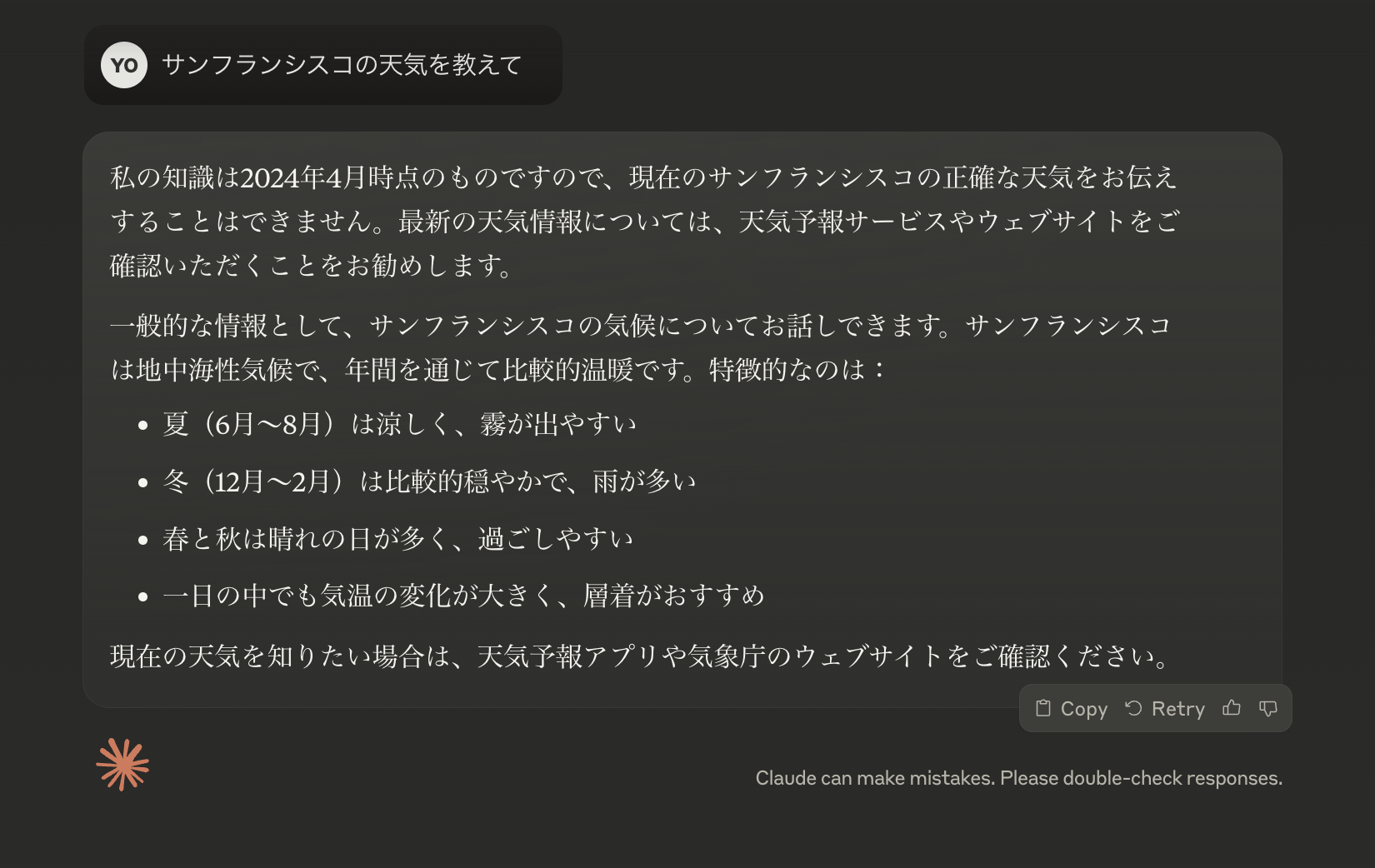
(参考)MCPサーバーがない場合