
Godot MCP
godot-mcp is a dependency-free MCP server for Godot 4.5+. It lets AI agents create, edit, and run full Godot games entirely through MCP tool calls.
Tested with Codex and Claude. Should also work with LMStudio, OpenCode, and any other MCP-compatible client.
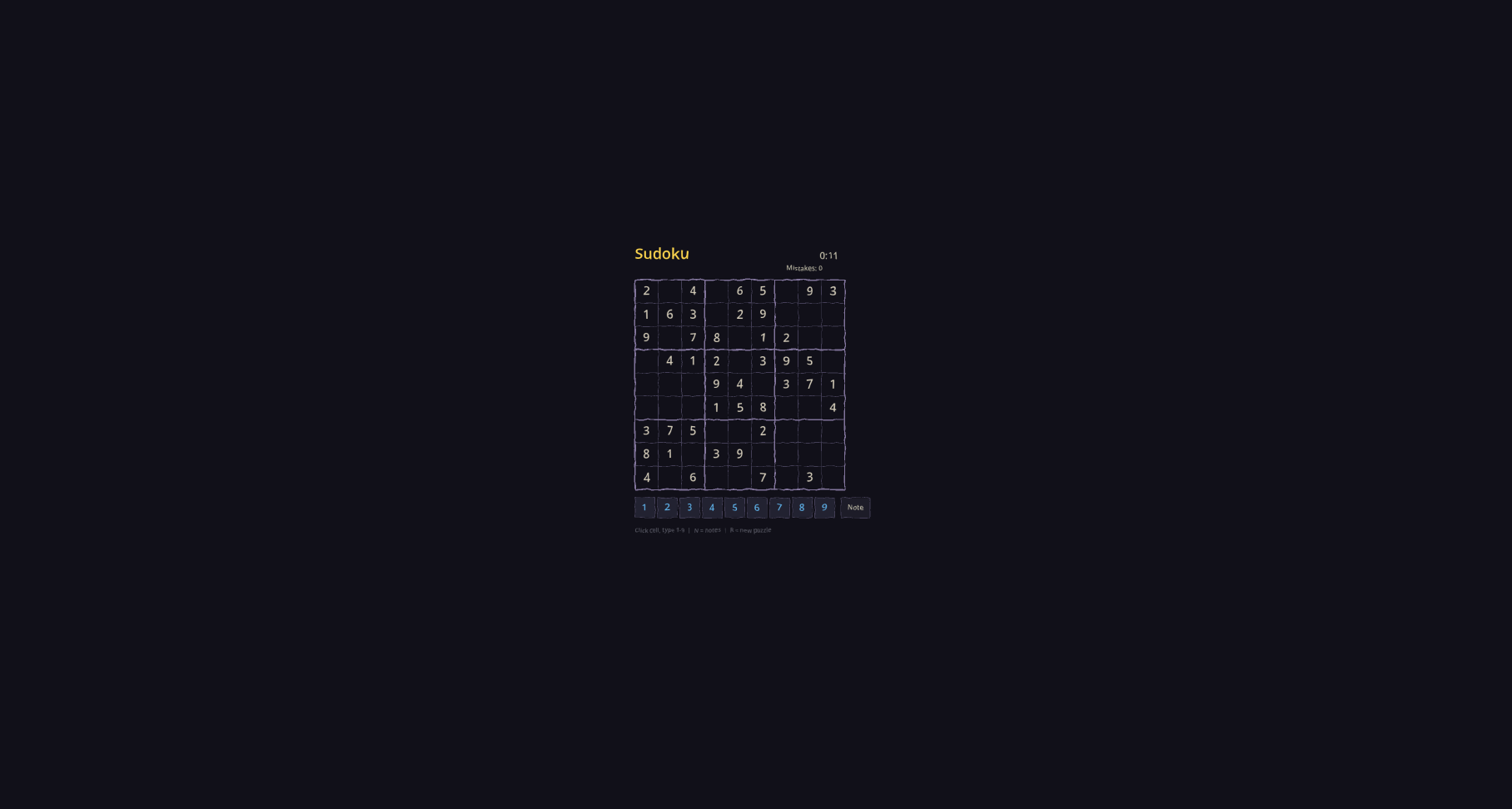
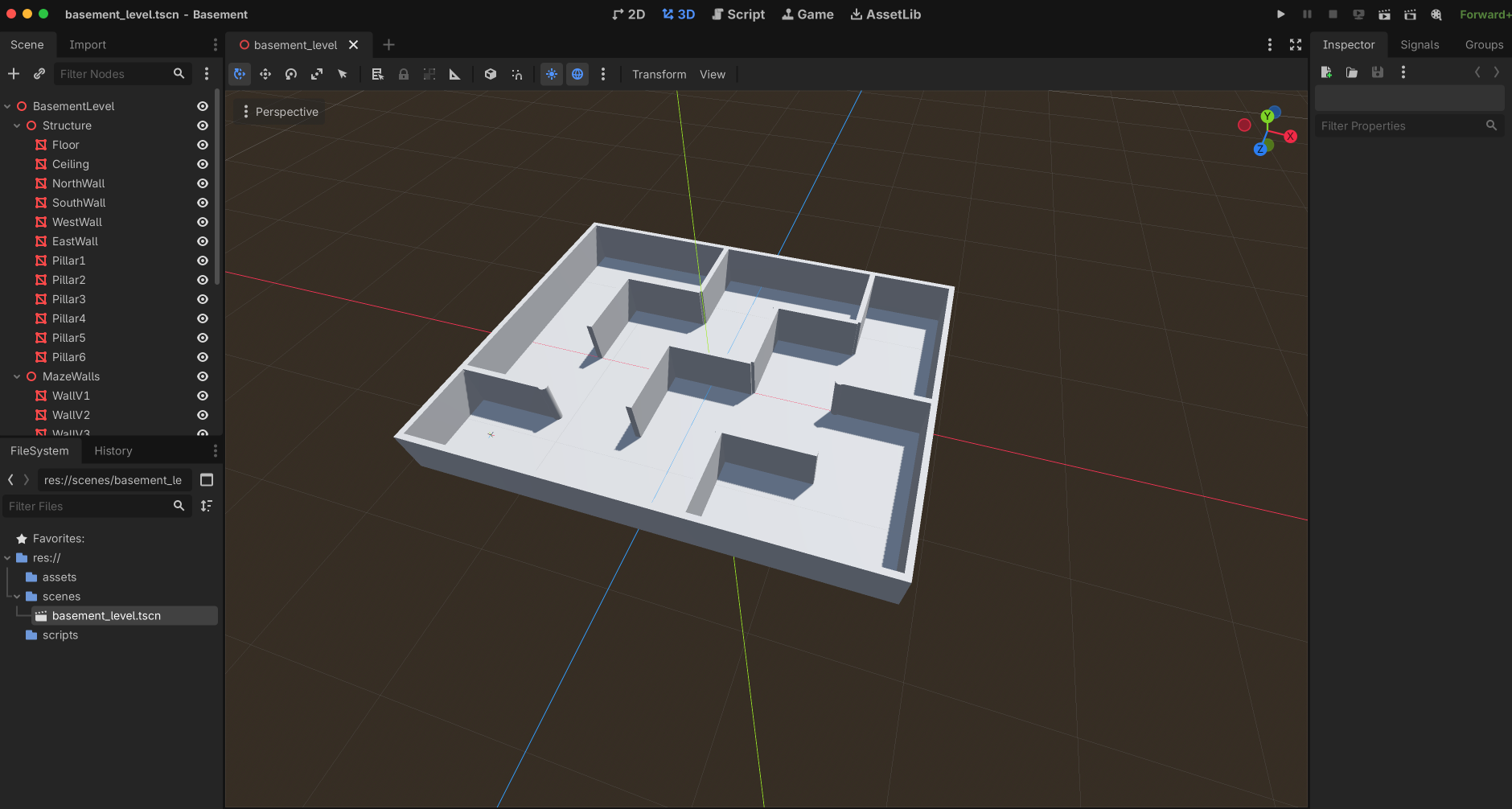
Features
Detect Godot (
godot_detect_executable) : Locates and validates the Godot executable so every subsequent tool knows which engine binary to use.Create Project (
godot_create_project) : Scaffolds a brand-new Godot project with the chosen name and parent directory, delegating to Godot itself so the output stays compatible with newer 4.x releases.Create Folder (
godot_create_folder) : Creates project-relative folders with safesnake_casenaming for organizing assets, scenes, and scripts.Inspect Project Structure (
godot_get_project_structure) : Returns both nested structured entries and a human-readable tree string of all files and folders in the project.List Resources (
godot_list_resources) : Provides a fast grouped overview of scripts, shaders, scenes, and textures with counts, without manually globbing the project.Start Editor (
godot_start_project) : Opens the Godot editor for the project and returns a PID plus a log file path.Create Scene (
godot_create_scene) : Creates and saves a new scene with a Godot-stylesnake_case.tscnfilename andPascalCaseroot node name.Create Shader (
godot_create_shader) : Generates a.gdshaderfile from a starter template or explicit shader source code.Update Project Settings (
godot_update_project_settings) : Edits one or moreProjectSettingsparameters (app name, window size, etc.) through Godot itself. Accepts JSON-compatible values plus optional raw Godot expressions viavalue_godot.Attach Script (
godot_attach_script) : Attaches an existing.gdfile or creates a starter script that extends the target node's type before attaching it.Get Scene Tree (
godot_get_scene_tree) : Inspects a saved scene's node tree and parent/child structure using Godot's ownPackedScene.get_state().Validate Scene (
godot_validate_scene) : Dry-run parses a scene resource with a lightweight headless load so problems surface before a full run.Add Node (
godot_add_node) : Adds a new node of any instantiable Godot node type to an existing scene.Add Primitive Mesh (
godot_add_primitive_mesh) : Drops in aBoxMesh,CylinderMesh,SphereMesh, or other built-in primitive on aMeshInstance3Dnode for fast level blockout.Edit Primitive Mesh (
godot_edit_primitive_mesh) : Swaps the primitive type or changes parameters like size, height, radius, and segment counts.Edit Scene (
godot_edit_scene) : Renames a node, reparents it, deletes it, or combines those edits with transform changes in one save. Uses Godot to repack the scene.Get Node Properties (
godot_get_node_properties) : Returns the property list with serialized current values so object and vector values stay JSON-friendly.Get Node Transform (
godot_get_node_transform) : Inspects the root or a child node's transform section forNode2D,Node3D, andControlnodes.Update Node Transform (
godot_update_node_transform) : Adjusts position, rotation, scale, or other supported transform fields using JSON-friendly vector objects like{ "x": 10, "y": 20 }.Run Project (
godot_run_project) : Launches the project's main scene as a detached process, returning a PID plus a log file path.Run Scene (
godot_run_scene) : Launches a specific scene directly as a detached process.Run with Capture (
godot_run_with_capture) : Runs for a short capture window, then returns stdout, stderr, the Godot log file excerpt, and parsed debug lines for warnings and errors.Screenshot (
godot_screenshot) : Uses Godot's built-in movie writer to capture the last rendered PNG frame after running for a short duration.Search Docs (
godot_search_docs) : Searches a cached API dump generated from the selected Godot executable, so results stay aligned with the installed engine version.
The server also exposes MCP resource discovery over stdio, so clients can inspect a static tool catalog resource and a per-tool detail template without needing to call the tools first.
Requirements
- Python 3.10+
- Godot 4.5 or newer
Godot can be supplied either:
- per tool call with
godot_executable - globally with the
GODOT_EXECUTABLEenvironment variable
Examples:
/Applications/Godot.app/Contents/MacOS/Godot/Applications/Godot_mono.app/Contents/MacOS/Godot/usr/local/bin/godot4
Run It
From this repository:
PYTHONPATH=src python3 -m godot_mcp
Or install it:
python3 -m pip install -e .
godot-mcp
MCP Config Example
{
  "mcpServers": {
    "godot": {
      "command": "python3",
      "args": ["-m", "godot_mcp"],
      "env": {
        "PYTHONPATH": "/path/to/godot-mcp/src",
        "GODOT_EXECUTABLE": "/path/to/godot"
      }
    }
  }
}
Notes
- Scene filenames are normalized to
snake_case.tscn. - Project-relative folder inputs are normalized to safe
snake_casedirectory segments. - Scene root node names are normalized to
PascalCase. - Shader filenames are normalized to
snake_case.gdshader. - Script filenames are normalized to
snake_case.gdwhen the MCP creates them. godot_get_project_structurereturns both nested structured entries and a human-readable tree string.godot_list_resourcesreturns grouped project resources with counts for scripts, shaders, scenes, and textures.- Scene tree inspection uses Godot's own
PackedScene.get_state()rather than hand-parsing.tscnfiles. godot_validate_sceneuses a lightweight headless load of the scene resource so parse problems surface before a full run.godot_add_primitive_meshandgodot_edit_primitive_meshwork through Godot itself, so primitive resources stay valid and level greyboxing can be driven through MCP with mesh-specific parameters.- MCP resource discovery is available through
resources/list,resources/templates/list, andresources/read, includinggodot://server/tools,godot://server/guide, andgodot://tool/{name}. godot_get_node_propertiesreturns the property list with serialized current values so object and vector values stay JSON-friendly.godot_edit_sceneuses Godot to repack the scene after node edits instead of rewriting.tscntext directly.- Local doc search uses a cached API dump generated from the selected Godot executable, so the results stay aligned with the installed engine version.
- Transform inspection and editing currently support
Node2D,Node3D, andControlnodes, using JSON-friendly vector objects like{ "x": 10, "y": 20 }. godot_attach_scriptcan either attach an existing.gdfile or create a starter script that extends the target node's type before attaching it.godot_run_projectandgodot_run_scenestart detached processes and return a PID plus a log file path.godot_run_with_captureruns for a short capture window, then returns stdout, stderr, the Godot log file excerpt, and parsed debug lines for warnings and errors.godot_screenshotuses Godot's built-in movie writer, then keeps the last rendered PNG frame as the screenshot and cleans up the intermediate frames.- The run tools are non-headless by default, so a normal game window appears unless you explicitly pass
headless=true. godot_start_projectopens the editor and returns a PID plus a log file path.- Logs are written into the target project under
.godot-mcp/logs/.
Local Verification
This repository includes unit tests that use a fake Godot executable so the MCP server can be validated even when Godot is not installed in the current environment.
Run them with:
python3 -m unittest discover -s tests
Contributing
Contributions are welcome! Feel free to open issues, submit pull requests, or suggest new features. All contributions are appreciated.
License
This project is licensed under the MIT License.


