
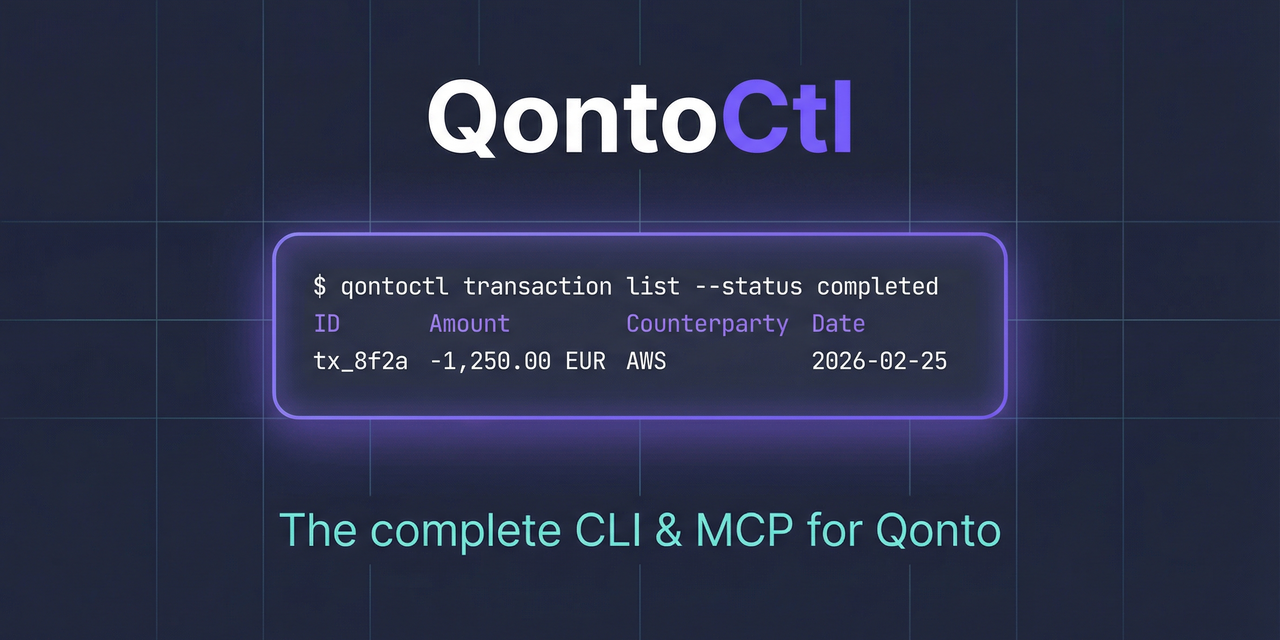






CLI and MCP server for the Qonto banking API.
This project is brought to you by Alexey Pelykh.
What It Does
QontoCtl lets AI assistants (Claude, etc.) interact with Qonto through the Model Context Protocol. It can:
- Organizations — retrieve organization details and settings
- Accounts — list and inspect bank accounts
- Transactions — list, search, and filter bank transactions
- Bank Statements — list, view, and download bank statements
- Labels — manage transaction labels and categories
- Memberships — view team members and permissions
Prerequisites
- Node.js >= 24
- A Qonto business account with API access
Installation
npm install -g qontoctl
Or run directly with npx:
npx qontoctl --help
Quick Start
# 1. Install
npm install -g qontoctl

# 2. Create a profile with your Qonto API credentials
qontoctl profile add mycompany

# 3. Test the connection
qontoctl profile test --profile mycompany

# 4. List your accounts
qontoctl account list --profile mycompany
MCP Integration
QontoCtl implements the Model Context Protocol (MCP), letting AI assistants interact with your Qonto account through natural language.
MCP Client Configuration
Claude DesktopAdd to your Claude Desktop configuration (claude_desktop_config.json):
{
    "mcpServers": {
        "qontoctl": {
            "command": "npx",
            "args": ["qontoctl", "mcp"]
        }
    }
}
claude mcp add qontoctl -- npx qontoctl mcp
Add to .cursor/mcp.json in your project root:
{
    "mcpServers": {
        "qontoctl": {
            "command": "npx",
            "args": ["qontoctl", "mcp"]
        }
    }
}
Add to ~/.codeium/windsurf/mcp_config.json:
{
    "mcpServers": {
        "qontoctl": {
            "command": "npx",
            "args": ["qontoctl", "mcp"]
        }
    }
}
Available MCP Tools
| Tool | Description |
|---|---|
org_show |
Show organization details including name, slug, and bank accounts |
account_list |
List all bank accounts for the organization |
account_show |
Show details of a specific bank account |
transaction_list |
List transactions for a bank account with optional filters (status, date range, side, operation type) |
transaction_show |
Show details of a specific transaction |
label_list |
List all labels in the organization |
label_show |
Show details of a specific label |
statement_list |
List bank statements with optional filters (account, period) |
statement_show |
Show details of a specific bank statement |
membership_list |
List all memberships in the organization |
Example Prompts
Once configured, you can ask your AI assistant things like:
- "Show my Qonto account balances"
- "List recent transactions over 1000 EUR"
- "What were last month's card payments?"
- "Show all team members in my organization"
- "List bank statements for January 2026"
- "Create a summary of this week's debits"
CLI Usage
Commands
| Command | Description |
|---|---|
org show |
Show organization details |
account list |
List bank accounts |
account show <id> |
Show bank account details |
transaction list |
List transactions (with filters) |
transaction show <id> |
Show transaction details |
statement list |
List bank statements |
statement show <id> |
Show bank statement details |
statement download <id> |
Download bank statement PDF |
label list |
List labels |
label show <id> |
Show label details |
membership list |
List team memberships |
profile add <name> |
Create a named profile |
profile list |
List all profiles |
profile show <name> |
Show profile details (secrets redacted) |
profile remove <name> |
Remove a named profile |
profile test |
Test credentials |
completion bash |
Generate bash completions |
completion zsh |
Generate zsh completions |
completion fish |
Generate fish completions |
mcp |
Start MCP server on stdio |
Global Options
| Option | Description |
|---|---|
-p, --profile <name> |
Configuration profile to use |
-o, --output <format> |
Output format: table (default), json, yaml, csv |
--page <number> |
Fetch a specific page of results |
--per-page <number> |
Results per page |
--no-paginate |
Disable auto-pagination |
--verbose |
Enable verbose output |
--debug |
Enable debug output (implies --verbose) |
Configuration
QontoCtl uses API Key authentication.
Profile Format
All configuration files use the same YAML format:
api-key:
    organization-slug: acme-corp-4821
    secret-key: your-secret-key
Resolution Order
Without --profile:
QONTOCTL_*environment variables (highest priority).qontoctl.yamlin current directory~/.qontoctl.yaml(home default)
With --profile acme:
QONTOCTL_ACME_*environment variables (highest priority)~/.qontoctl/acme.yaml
Environment Variables
Environment variables override file values. Without --profile:
| Variable | Description |
|---|---|
QONTOCTL_ORGANIZATION_SLUG |
Organization slug |
QONTOCTL_SECRET_KEY |
API secret key |
QONTOCTL_ENDPOINT |
Custom API endpoint |
QONTOCTL_SANDBOX |
Use sandbox (1/true or 0/false) |
With --profile <name>, prefix becomes QONTOCTL_{NAME}_ (uppercased, hyphens replaced with underscores). For example, --profile acme reads QONTOCTL_ACME_ORGANIZATION_SLUG.
Debug Mode
The --verbose and --debug flags enable wire-level logging to stderr:
qontoctl --verbose transaction list   # request/response summaries
qontoctl --debug transaction list     # full headers and response bodies
Security note:
--debuglogs full API response bodies. Known sensitive fields(IBAN, BIC, balance) are automatically redacted, but responses may still containother financial data. Do not use--debugin shared environments or pipe debugoutput to files accessible by others.
Disclaimer
qontoctl is an independent project not affiliated with, endorsed by, or officially connected to Qonto or Qonto SAS.
Qonto is a trademark of Qonto SAS.
License
AGPL-3.0-only
What AGPL means for you
- Using qontoctl as a CLI tool or MCP server does not make your code AGPL-licensed.Running the tool, scripting around it, or connecting it to your applications is normaluse — no license obligations arise.
- Using
@qontoctl/coreas a library (importing it into your code) means your combinedwork is covered by AGPL-3.0. If you distribute that combined work, you must make itssource available under AGPL-compatible terms. - Modifying and distributing qontoctl itself requires you to share your changes underAGPL-3.0.
- Commercial licensing is available if AGPL does not fit your use case — contact themaintainer.


