
On-Page.ai SEO MCP
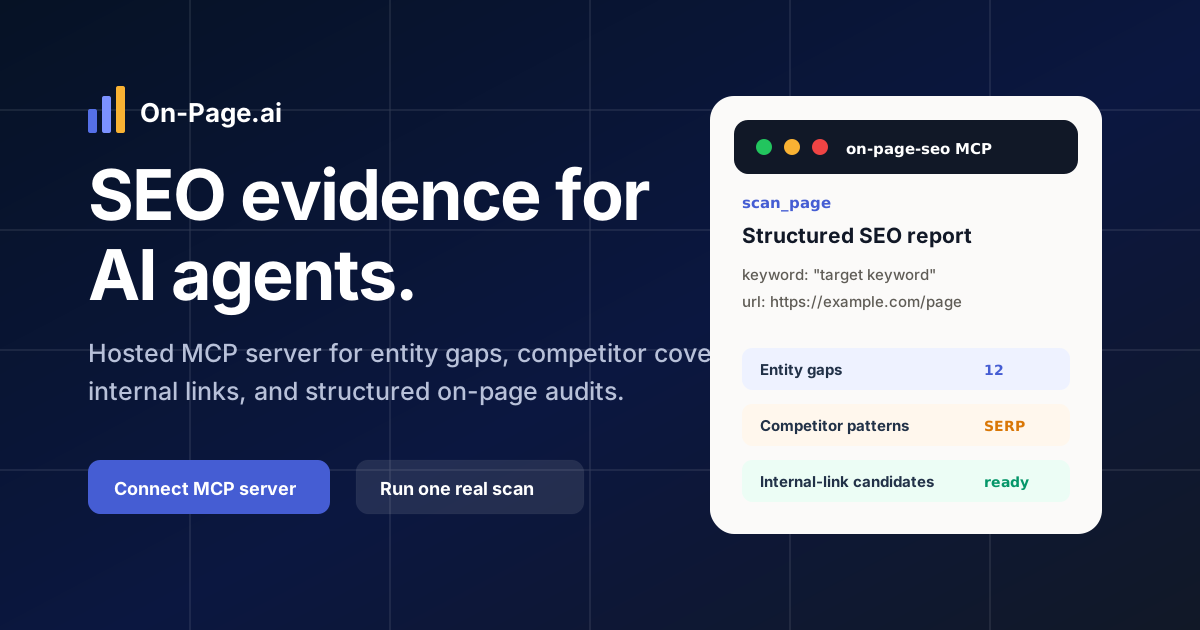
Hosted MCP server for evidence-backed on-page SEO audits, entity-gap analysis,competitor coverage checks, internal-link opportunities, and page-experiencebenchmarks.
On-Page.ai SEO MCP is a hosted Model Context Protocol server for search engineoptimization work. It gives Codex, Claude Code, ChatGPT, and other AI agentsaccess to structured SEO data for keyword research, competitor analysis, entitygaps, on-page audits, and search-result recommendations through one MCP server.
Demo
https://github.com/user-attachments/assets/4b2ab1ff-b5bf-4262-a3ad-0e987a34376d
Server
https://api.on-page.ai/mcp
- Transport: Streamable HTTP
- Authentication: OAuth where supported, API key bearer token for manual clients
- Required OAuth scope:
mcp:seo - Public docs: https://api.on-page.ai/mcp/docs
- Install page: https://api.on-page.ai/install
What It Does
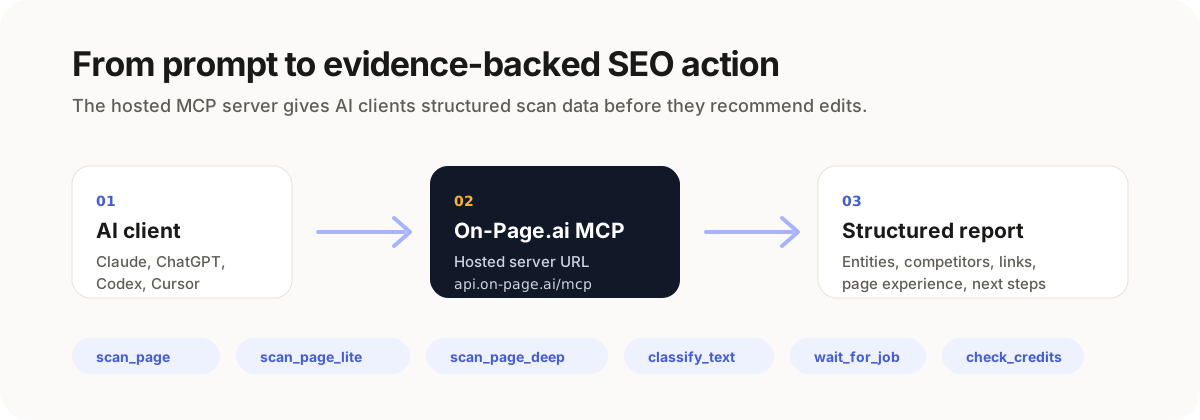
On-Page.ai gives AI agents structured SEO evidence before they recommend edits.Instead of generic SEO advice, the agent can scan the live URL and compare itagainst the current search-result cohort for a keyword.
Core workflows:
- Find missing entities and related terms
- Compare competitor topic coverage
- Generate internal-link candidates
- Benchmark page experience against top ranking competitors
- Classify page or text topical focus
- Return customer-safe structured reports for agent reasoning
Use Cases
Use On-Page.ai SEO MCP as part of SEO tools and SEO workflows for AI agents. Ithelps agents review Google search results, compare SERP competitors, find entitygaps, improve organic visibility, and turn page-level SEO data into specificcontent recommendations.
The hosted MCP server works with Codex, Claude Code, ChatGPT, and other clientsthat support MCP setup, API-key authentication, or remote server integrations.
API Homepage
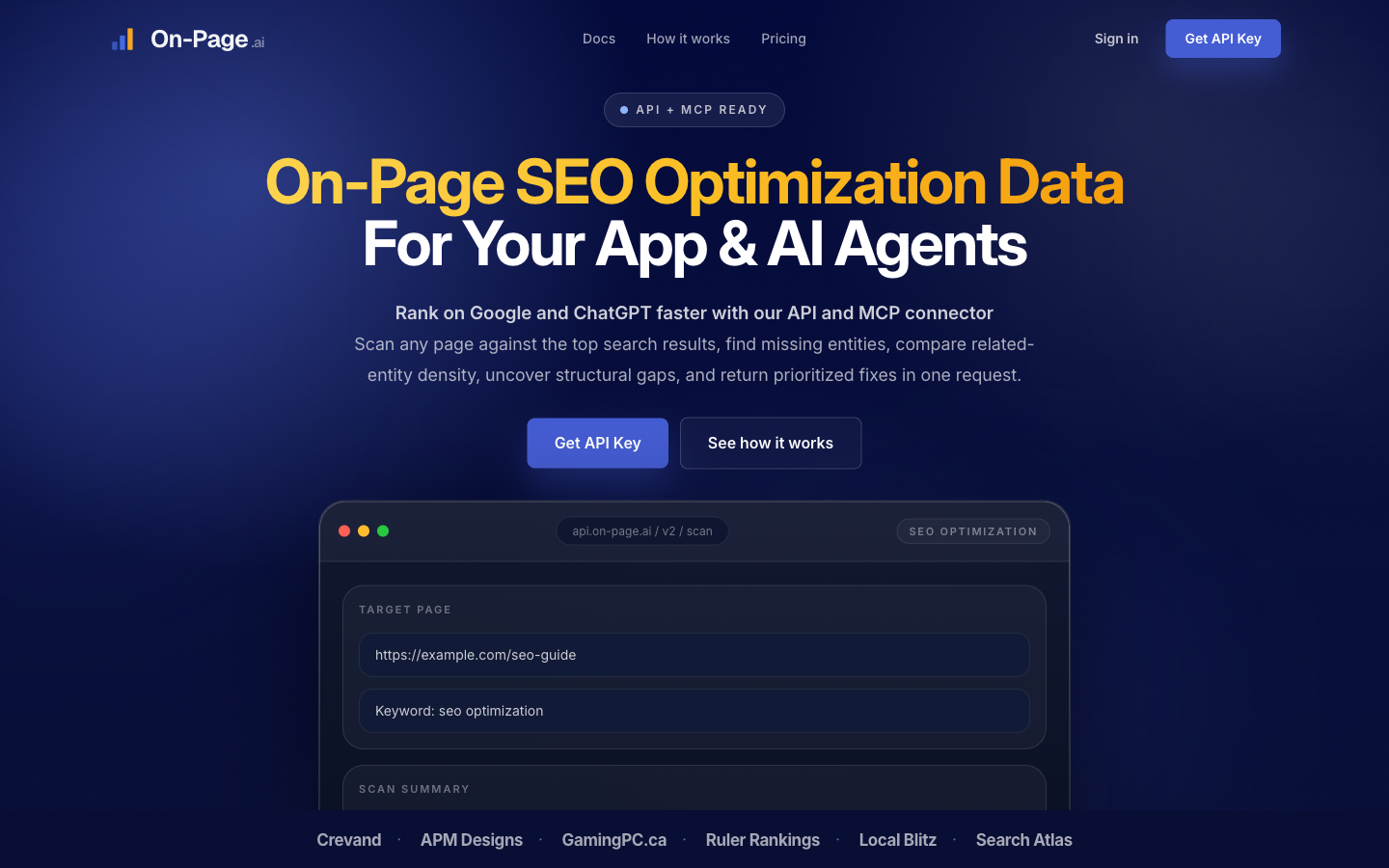
The public API homepage shows the product surface behind the hosted MCP server.
Available Tools
| Tool | Use |
|---|---|
scan_page |
Default full SEO audit for URL + keyword recommendations |
scan_page_lite |
Faster entity and competitor-cohort scan |
scan_page_deep |
Deeper competitor analysis and optional page-experience benchmark |
classify_text |
Categorize a URL or text into topical buckets |
check_job |
Check async job status |
wait_for_job |
Wait for async job completion |
get_job_result |
Fetch a completed job result |
check_credits |
Check available credits and route costs |
Quick Install
Most users should start here:
https://api.on-page.ai/install
Client-specific docs are also included in docs/install.md.
Example Prompts
Use On-Page.ai to scan https://example.com/page for "target keyword".
Return the top missing entities, explain why they matter, and suggest minimal
edits to existing sentences.
Run a deep On-Page.ai scan for https://example.com/page with keyword
"target keyword". Compare the recurring competitor gaps and prioritize the
fixes that are most likely to improve relevance.
More examples: examples/prompts.md
Directory Submission Assets
MCP directory metadata lives in:
.cursor-plugin/plugin.jsonmcp.jsonserver.jsonmetadata/directory-submission.jsondocs/directory-listing.md
Cursor plugin assets also include:
skills/on-page-seo/SKILL.mdassets/generated/on-page-ai-logo-400.png
Safety Boundary
This repo should only contain public-facing material. If you are contributing,read SECURITY.md and do not include:
- private source code
- environment files
- deployment notes
- credentials or tokens
- customer data
- internal admin URLs
- internal review packages
- generated debug output
Support
- Docs: https://api.on-page.ai/docs
- MCP docs: https://api.on-page.ai/mcp/docs
- Contact: [email protected]


