
pty-mcp
An MCP (Model Context Protocol) server that gives AI agents interactive terminal sessions — local shells, SSH, serial ports, and persistent remote sessions that survive disconnects.
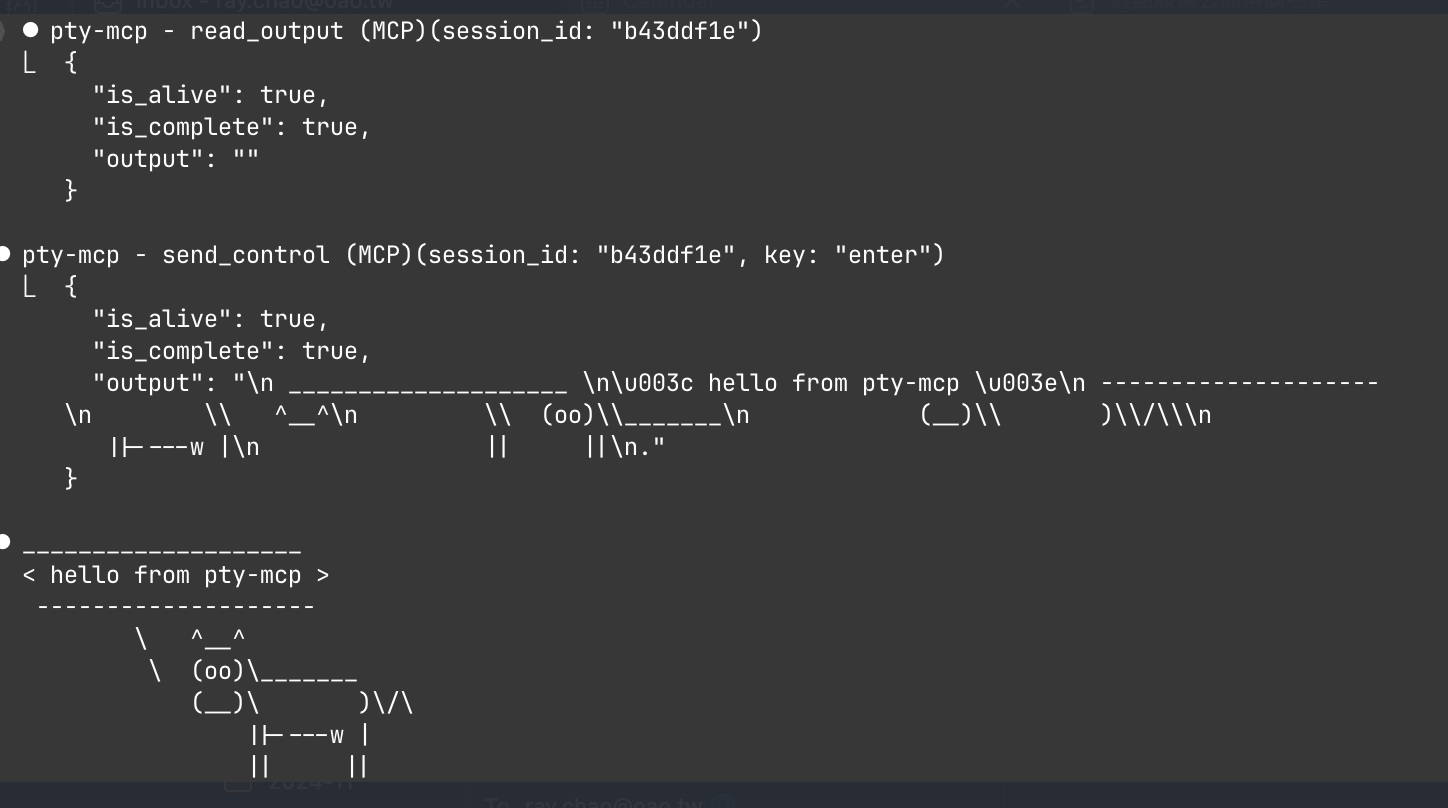
Why
AI coding agents run commands in non-interactive shells. They can't:
- Interact with running programs (send stdin, ctrl+c)
- Use REPLs (python3, node, psql)
- Keep session state (cd, export, running processes)
- Manage long-running tasks across reconnects
pty-mcp solves all of these by providing real PTY sessions over MCP.
Features
| Feature | Description |
|---|---|
| Local terminal | Interactive bash/python/node sessions on local machine |
| SSH sessions | Connect to remote hosts with key/password auth, SSH config support |
| Serial port | Connect to devices via serial (IoT, embedded, network gear) |
| Persistent sessions | Sessions survive SSH disconnects via ai-tmux daemon |
| Attach/Detach | Detach from a running session, reconnect later |
| Control keys | Send ctrl+c, ctrl+d, arrow keys, tab, escape |
| Settle detection | Waits for output to settle before returning (smart timeout) |
Architecture
┌─────────────────────────────────────────────────────┐
│ AI Agent (Claude Code, etc.)                        │
│                                                     │
│  MCP Tools: create_local_session, send_input,       │
│             send_control, read_output, close_session │
└──────────────────────┬──────────────────────────────┘
                       │ JSON-RPC stdio
┌──────────────────────┴──────────────────────────────┐
│ pty-mcp (MCP Server)                                │
│                                                     │
│  Session Manager                                    │
│  ├── LocalSession  (local PTY via creack/pty)       │
│  ├── SSHSession    (remote PTY via x/crypto/ssh)    │
│  ├── SerialSession (serial port via go.bug.st)      │
│  └── RemoteSession (persistent via ai-tmux)         │
└─────────────────────────────────────────────────────┘

Persistent mode (ai-tmux):

  pty-mcp ──SSH──▶ ai-tmux client ──Unix socket──▶ ai-tmux server (daemon)
                                                     ├── PTY: bash
                                                     ├── PTY: ssh admin@router
                                                     └── PTY: tail -f /var/log/syslog
Quick Start
Install (pre-built binary)
curl -fsSL https://raw.githubusercontent.com/raychao-oao/pty-mcp/main/install.sh | sh
Or download from GitHub Releases.
Install (from source)
go install github.com/raychao-oao/pty-mcp@latest
go install github.com/raychao-oao/pty-mcp/cmd/ai-tmux@latest  # optional, for persistent sessions
Register with Claude Code
claude mcp add pty-mcp -- pty-mcp
Usage Examples
Once registered, the AI agent can use these MCP tools:
Local interactive shell:
create_local_session()                    → {session_id, type: "local"}
send_input(session_id, "cd /tmp && ls")   → {output: "...", is_complete: true}
send_input(session_id, "python3")         → start Python REPL
send_input(session_id, "print('hello')")  → {output: "hello\n>>>"}
send_control(session_id, "ctrl+d")        → exit Python
close_session(session_id)
SSH to remote server:
create_ssh_session(host: "myserver", user: "admin")
send_input(session_id, "top")
send_control(session_id, "ctrl+c")        → stop top
Persistent session (survives SSH disconnect):
create_ssh_session(host: "server", user: "admin", persistent: true)
send_input(session_id, "make build")      → start long build
detach_session(session_id)                → disconnect, build continues

# Later (even after restart):
list_remote_sessions(host: "server", user: "admin")  → see running sessions
create_ssh_session(host: "server", user: "admin", session_id: "abc123")  → reattach
send_input(session_id, "echo $?")         → check build result
MCP Tools
| Tool | Description |
|---|---|
create_local_session |
Start a local interactive terminal (bash, python3, node, etc.) |
create_ssh_session |
SSH to a remote host (supports SSH config aliases) |
create_serial_session |
Connect to a serial port device |
send_input |
Send a command and wait for output to settle |
read_output |
Read current screen output without sending input |
send_control |
Send control keys (ctrl+c, ctrl+d, arrows, tab, etc.) |
list_sessions |
List all active sessions |
close_session |
Close a session (terminates remote PTY) |
detach_session |
Disconnect but keep remote PTY running |
list_remote_sessions |
List persistent sessions on a remote host |
ai-tmux: Persistent Terminal Daemon
ai-tmux is a lightweight daemon that runs on remote servers, keeping PTY sessions alive across SSH disconnects. Think of it as tmux designed for AI agents.
Install on remote server
# Cross-compile for Linux
GOOS=linux GOARCH=amd64 go build -o ai-tmux-linux ./cmd/ai-tmux/

# Copy to server
scp ai-tmux-linux server:~/ai-tmux
ssh server "chmod +x ~/ai-tmux && sudo mv ~/ai-tmux /usr/local/bin/ai-tmux"
How it works
ai-tmux server— daemon mode, listens on Unix socket, manages PTY sessionsai-tmux client— bridge mode, forwards JSON protocol over stdin/stdout (used by pty-mcp over SSH)ai-tmux list— list active sessions
The daemon auto-starts when pty-mcp connects with persistent: true. Sessions are reaped after 30 minutes of inactivity.
SSH Config Support
pty-mcp reads ~/.ssh/config to resolve host aliases:
# ~/.ssh/config
Host myserver
    HostName 192.168.1.100
    User admin
    Port 2222
    IdentityFile ~/.ssh/id_ed25519
create_ssh_session(host: "myserver", user: "admin")
# Automatically resolves hostname, port, and identity file
Requirements
- Go 1.25+
- For serial: appropriate device permissions
- For persistent sessions:
ai-tmuxbinary on remote server
License
MIT


