
<!-- markdownlint-disable MD041 -->
<!-- markdownlint-disable-next-line MD033 -->
<div align="center">
<!-- markdownlint-disable-next-line MD033 -->
<img src="src/views/assets/gowa.svg" alt="GoWA Logo" width="200" height="200">
## Golang WhatsApp - Built with Go for efficient memory use
</div>
[](https://smithery.ai/server/@samihalawa/whatsapp-go-mcp)
[](https://www.patreon.com/c/aldinokemal)
**If you're using this tools to generate income, consider supporting its development by becoming a Patreon member!**
Your support helps ensure the library stays maintained and receives regular updates!
___


## Support for `ARM` & `AMD` Architecture along with `MCP` Support
Download:
- [Release](https://github.com/aldinokemal/go-whatsapp-web-multidevice/releases/latest)
- [Docker Hub](https://hub.docker.com/r/aldinokemal2104/go-whatsapp-web-multidevice/tags)
- [GitHub Container Registry](https://github.com/aldinokemal/go-whatsapp-web-multidevice/pkgs/container/go-whatsapp-web-multidevice)
## Support n8n package (n8n.io)
- [n8n package](https://www.npmjs.com/package/@aldinokemal2104/n8n-nodes-gowa)
- Go to Settings -> Community Nodes -> Input `@aldinokemal2104/n8n-nodes-gowa` -> Install
## Breaking Changes
- `v6`
- For REST mode, you need to run `<binary> rest` instead of `<binary>`
- for example: `./whatsapp rest` instead of ~~./whatsapp~~
- For MCP mode, you need to run `<binary> mcp`
- for example: `./whatsapp mcp`
- `v7`
- Starting version 7.x we are using goreleaser to build the binary, so you can download the binary
from [release](https://github.com/aldinokemal/go-whatsapp-web-multidevice/releases/latest)
## Feature
- Send WhatsApp message via http API, [docs/openapi.yml](./docs/openapi.yaml) for more details
- **MCP (Model Context Protocol) Server Support** - Integrate with AI agents and tools using standardized protocol
- Mention someone
- `@phoneNumber`
- example: `Hello @628974812XXXX, @628974812XXXX`
- Post Whatsapp Status
- Compress image before send
- Compress video before send
- Change OS name become your app (it's the device name when connect via mobile)
- `--os=Chrome` or `--os=MyApplication`
- Basic Auth (able to add multi credentials)
- `--basic-auth=kemal:secret,toni:password,userName:secretPassword`, or you can simplify
- `-b=kemal:secret,toni:password,userName:secretPassword`
- Subpath deployment support
- `--base-path="/gowa"` (allows deployment under a specific path like `/gowa/sub/path`)
- Customizable port and debug mode
- `--port 8000`
- `--debug true`
- Auto reply message
- `--autoreply="Don't reply this message"`
- Auto mark read incoming messages
- `--auto-mark-read=true` (automatically marks incoming messages as read)
- Webhook for received message
- `--webhook="http://yourwebhook.site/handler"`, or you can simplify
- `-w="http://yourwebhook.site/handler"`
- for more detail, see [Webhook Payload Documentation](./docs/webhook-payload.md)
- Webhook Secret
Our webhook will be sent to you with an HMAC header and a sha256 default key `secret`.
You may modify this by using the option below:
- `--webhook-secret="secret"`
- **Webhook Payload Documentation**
For detailed webhook payload schemas, security implementation, and integration examples,
see [Webhook Payload Documentation](./docs/webhook-payload.md)
## Configuration
You can configure the application using either command-line flags (shown above) or environment variables. Configuration
can be set in three ways (in order of priority):
1. Command-line flags (highest priority)
2. Environment variables
3. `.env` file (lowest priority)
### Environment Variables
You can configure the application using environment variables. Configuration can be set in three ways (in order of
priority):
1. Command-line flags (highest priority)
2. Environment variables
3. `.env` file (lowest priority)
To use environment variables:
1. Copy `.env.example` to `.env` in your project root (`cp src/.env.example src/.env`)
2. Modify the values in `.env` according to your needs
3. Or set the same variables as system environment variables
#### Available Environment Variables
| Variable | Description | Default | Example |
|-------------------------------|---------------------------------------------|----------------------------------------------|---------------------------------------------|
| `APP_PORT` | Application port | `3000` | `APP_PORT=8080` |
| `APP_DEBUG` | Enable debug logging | `false` | `APP_DEBUG=true` |
| `APP_OS` | OS name (device name in WhatsApp) | `Chrome` | `APP_OS=MyApp` |
| `APP_BASIC_AUTH` | Basic authentication credentials | - | `APP_BASIC_AUTH=user1:pass1,user2:pass2` |
| `APP_BASE_PATH` | Base path for subpath deployment | - | `APP_BASE_PATH=/gowa` |
| `DB_URI` | Database connection URI | `file:storages/whatsapp.db?_foreign_keys=on` | `DB_URI=postgres://user:pass@host/db` |
| `WHATSAPP_AUTO_REPLY` | Auto-reply message | - | `WHATSAPP_AUTO_REPLY="Auto reply message"` |
| `WHATSAPP_AUTO_MARK_READ` | Auto-mark incoming messages as read | `false` | `WHATSAPP_AUTO_MARK_READ=true` |
| `WHATSAPP_WEBHOOK` | Webhook URL(s) for events (comma-separated) | - | `WHATSAPP_WEBHOOK=https://webhook.site/xxx` |
| `WHATSAPP_WEBHOOK_SECRET` | Webhook secret for validation | `secret` | `WHATSAPP_WEBHOOK_SECRET=super-secret-key` |
| `WHATSAPP_ACCOUNT_VALIDATION` | Enable account validation | `true` | `WHATSAPP_ACCOUNT_VALIDATION=false` |
| `WHATSAPP_CHAT_STORAGE` | Enable chat storage | `true` | `WHATSAPP_CHAT_STORAGE=false` |
Note: Command-line flags will override any values set in environment variables or `.env` file.
- For more command `./whatsapp --help`
## Requirements
### System Requirements
- **Go 1.24.0 or higher** (for building from source)
- **FFmpeg** (for media processing)
### Platform Support
- Linux (x86_64, ARM64)
- macOS (Intel, Apple Silicon)
- Windows (x86_64) - WSL recommended
### Dependencies (without docker)
- Mac OS:
- `brew install ffmpeg`
- `export CGO_CFLAGS_ALLOW="-Xpreprocessor"`
- Linux:
- `sudo apt update`
- `sudo apt install ffmpeg`
- Windows (not recomended, prefer using [WSL](https://docs.microsoft.com/en-us/windows/wsl/install)):
- install ffmpeg, [download here](https://www.ffmpeg.org/download.html#build-windows)
- add to ffmpeg to [environment variable](https://www.google.com/search?q=windows+add+to+environment+path)
## How to use
### Basic
1. Clone this repo: `git clone https://github.com/aldinokemal/go-whatsapp-web-multidevice`
2. Open the folder that was cloned via cmd/terminal.
3. run `cd src`
4. run `go run . rest` (for REST API mode)
5. Open `http://localhost:3000`
### Docker (you don't need to install in required)
1. Clone this repo: `git clone https://github.com/aldinokemal/go-whatsapp-web-multidevice`
2. Open the folder that was cloned via cmd/terminal.
3. run `docker-compose up -d --build`
4. open `http://localhost:3000`
### Build your own binary
1. Clone this repo `git clone https://github.com/aldinokemal/go-whatsapp-web-multidevice`
2. Open the folder that was cloned via cmd/terminal.
3. run `cd src`
4. run
1. Linux & MacOS: `go build -o whatsapp`
2. Windows (CMD / PowerShell): `go build -o whatsapp.exe`
5. run
1. Linux & MacOS: `./whatsapp rest` (for REST API mode)
1. run `./whatsapp --help` for more detail flags
2. Windows: `.\whatsapp.exe rest` (for REST API mode)
1. run `.\whatsapp.exe --help` for more detail flags
6. open `http://localhost:3000` in browser
### MCP Server (Model Context Protocol)
This application can also run as an MCP server, allowing AI agents and tools to interact with WhatsApp through a
standardized protocol.
1. Clone this repo `git clone https://github.com/aldinokemal/go-whatsapp-web-multidevice`
2. Open the folder that was cloned via cmd/terminal.
3. run `cd src`
4. run `go run . mcp` or build the binary and run `./whatsapp mcp`
5. The MCP server will start on `http://localhost:8080` by default
#### MCP Server Options
- `--host localhost` - Set the host for MCP server (default: localhost)
- `--port 8080` - Set the port for MCP server (default: 8080)
#### Available MCP Tools
- `whatsapp_send_text` - Send text messages
- `whatsapp_send_contact` - Send contact cards
- `whatsapp_send_link` - Send links with captions
- `whatsapp_send_location` - Send location coordinates
#### MCP Endpoints
- SSE endpoint: `http://localhost:8080/sse`
- Message endpoint: `http://localhost:8080/message`
### MCP Configuration
Make sure you have the MCP server running: `./whatsapp mcp`
For AI tools that support MCP with SSE (like Cursor), add this configuration:
```json
{
"mcpServers": {
"whatsapp": {
"url": "http://localhost:8080/sse"
}
}
}
Production Mode REST (docker)
Using Docker Hub:
docker run --detach --publish=3000:3000 --name=whatsapp --restart=always --volume=$(docker volume create --name=whatsapp):/app/storages aldinokemal2104/go-whatsapp-web-multidevice rest --autoreply="Dont't reply this message please"
Using GitHub Container Registry:
docker run --detach --publish=3000:3000 --name=whatsapp --restart=always --volume=$(docker volume create --name=whatsapp):/app/storages ghcr.io/aldinokemal/go-whatsapp-web-multidevice rest --autoreply="Dont't reply this message please"
Production Mode REST (docker compose)
create docker-compose.yml file with the following configuration:
Using Docker Hub:
services:
  whatsapp:
    image: aldinokemal2104/go-whatsapp-web-multidevice
    container_name: whatsapp
    restart: always
    ports:
      - "3000:3000"
    volumes:
      - whatsapp:/app/storages
    command:
      - rest
      - --basic-auth=admin:admin
      - --port=3000
      - --debug=true
      - --os=Chrome
      - --account-validation=false

volumes:
  whatsapp:
Using GitHub Container Registry:
services:
  whatsapp:
    image: ghcr.io/aldinokemal/go-whatsapp-web-multidevice
    container_name: whatsapp
    restart: always
    ports:
      - "3000:3000"
    volumes:
      - whatsapp:/app/storages
    command:
      - rest
      - --basic-auth=admin:admin
      - --port=3000
      - --debug=true
      - --os=Chrome
      - --account-validation=false

volumes:
  whatsapp:
or with env file (Docker Hub):
services:
  whatsapp:
    image: aldinokemal2104/go-whatsapp-web-multidevice
    container_name: whatsapp
    restart: always
    ports:
      - "3000:3000"
    volumes:
      - whatsapp:/app/storages
    environment:
      - APP_BASIC_AUTH=admin:admin
      - APP_PORT=3000
      - APP_DEBUG=true
      - APP_OS=Chrome
      - APP_ACCOUNT_VALIDATION=false

volumes:
  whatsapp:
or with env file (GitHub Container Registry):
services:
  whatsapp:
    image: ghcr.io/aldinokemal/go-whatsapp-web-multidevice
    container_name: whatsapp
    restart: always
    ports:
      - "3000:3000"
    volumes:
      - whatsapp:/app/storages
    environment:
      - APP_BASIC_AUTH=admin:admin
      - APP_PORT=3000
      - APP_DEBUG=true
      - APP_OS=Chrome
      - APP_ACCOUNT_VALIDATION=false

volumes:
  whatsapp:
Production Mode (binary)
- download binary from release
You can fork or edit this source code !
Current API
MCP (Model Context Protocol) API
- MCP server provides standardized tools for AI agents to interact with WhatsApp
- Supports Server-Sent Events (SSE) transport
- Available tools:
whatsapp_send_text,whatsapp_send_contact,whatsapp_send_link,whatsapp_send_location - Compatible with MCP-enabled AI tools and agents
HTTP REST API
- API Specification Document.
- Check docs/openapi.yml for detailed API specifications.
- Use SwaggerEditor to visualize the API.
- Generate HTTP clients using openapi-generator.
| Feature | Menu | Method | URL |
|---|---|---|---|
| ✅ | Login with Scan QR | GET | /app/login |
| ✅ | Login With Pair Code | GET | /app/login-with-code |
| ✅ | Logout | GET | /app/logout |
| ✅ | Reconnect | GET | /app/reconnect |
| ✅ | Devices | GET | /app/devices |
| ✅ | User Info | GET | /user/info |
| ✅ | User Avatar | GET | /user/avatar |
| ✅ | User Change Avatar | POST | /user/avatar |
| ✅ | User Change PushName | POST | /user/pushname |
| ✅ | User My Groups | GET | /user/my/groups |
| ✅ | User My Newsletter | GET | /user/my/newsletters |
| ✅ | User My Privacy Setting | GET | /user/my/privacy |
| ✅ | User My Contacts | GET | /user/my/contacts |
| ✅ | User Check | GET | /user/check |
| ✅ | User Business Profile | GET | /user/business-profile |
| ✅ | Send Message | POST | /send/message |
| ✅ | Send Image | POST | /send/image |
| ✅ | Send Audio | POST | /send/audio |
| ✅ | Send File | POST | /send/file |
| ✅ | Send Video | POST | /send/video |
| ✅ | Send Contact | POST | /send/contact |
| ✅ | Send Link | POST | /send/link |
| ✅ | Send Location | POST | /send/location |
| ✅ | Send Poll / Vote | POST | /send/poll |
| ✅ | Send Presence | POST | /send/presence |
| ✅ | Send Chat Presence (Typing Indicator) | POST | /send/chat-presence |
| ✅ | Revoke Message | POST | /message/:message_id/revoke |
| ✅ | React Message | POST | /message/:message_id/reaction |
| ✅ | Delete Message | POST | /message/:message_id/delete |
| ✅ | Edit Message | POST | /message/:message_id/update |
| ✅ | Read Message (DM) | POST | /message/:message_id/read |
| ✅ | Star Message | POST | /message/:message_id/star |
| ✅ | Unstar Message | POST | /message/:message_id/unstar |
| ✅ | Join Group With Link | POST | /group/join-with-link |
| ✅ | Group Info From Link | GET | /group/info-from-link |
| ✅ | Group Info | GET | /group/info |
| ✅ | Leave Group | POST | /group/leave |
| ✅ | Create Group | POST | /group |
| ✅ | Add Participants in Group | POST | /group/participants |
| ✅ | Remove Participant in Group | POST | /group/participants/remove |
| ✅ | Promote Participant in Group | POST | /group/participants/promote |
| ✅ | Demote Participant in Group | POST | /group/participants/demote |
| ✅ | List Requested Participants in Group | GET | /group/participant-requests |
| ✅ | Approve Requested Participant in Group | POST | /group/participant-requests/approve |
| ✅ | Reject Requested Participant in Group | POST | /group/participant-requests/reject |
| ✅ | Set Group Photo | POST | /group/photo |
| ✅ | Set Group Name | POST | /group/name |
| ✅ | Set Group Locked | POST | /group/locked |
| ✅ | Set Group Announce | POST | /group/announce |
| ✅ | Set Group Topic | POST | /group/topic |
| ✅ | Get Group Invite Link | GET | /group/invite-link |
| ✅ | Unfollow Newsletter | POST | /newsletter/unfollow |
| ✅ | Get Chat List | GET | /chats |
| ✅ | Get Chat Messages | GET | /chat/:chat_jid/messages |
| ✅ | Label Chat | POST | /chat/:chat_jid/label |
| ✅ | Pin Chat | POST | /chat/:chat_jid/pin |
✅ = Available
❌ = Not Available Yet
User Interface
MCP UI
- Setup MCP (tested in cursor)
![Setup MCP]()
- Test MCP
![Test MCP]()
- Successfully setup MCP
![Success MCP]()


HTTP REST API UI
| Description | Image |
|---|---|
| Homepage | 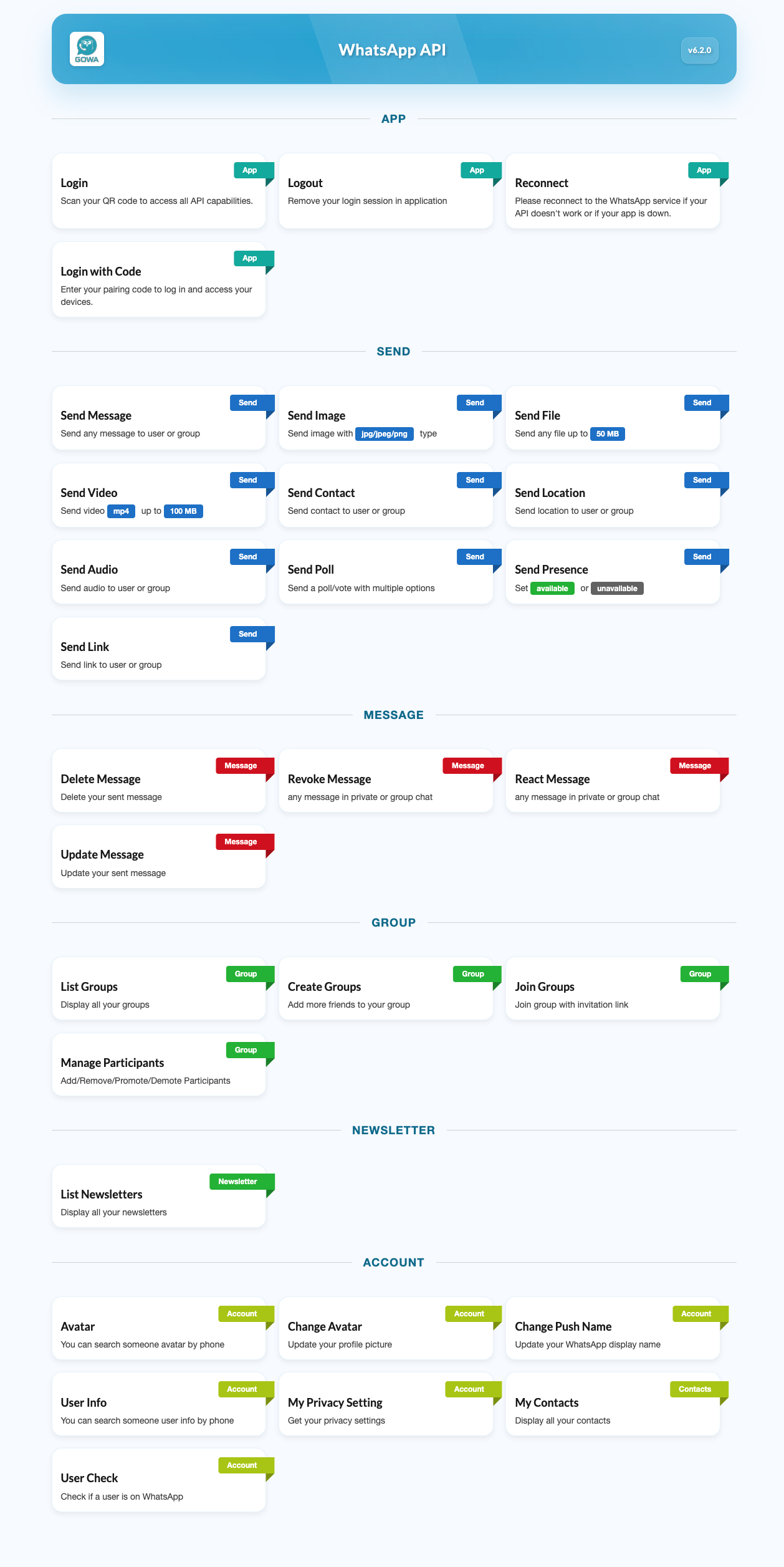 |
| Login | 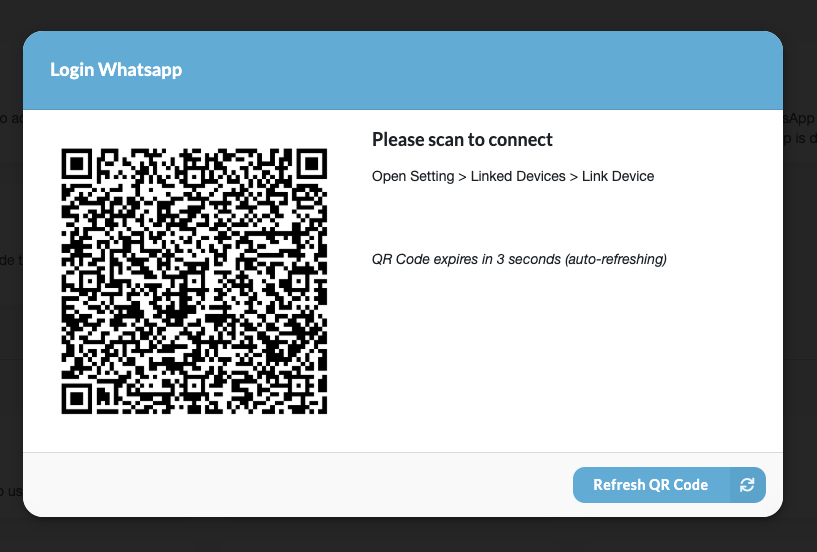 |
| Login With Code | 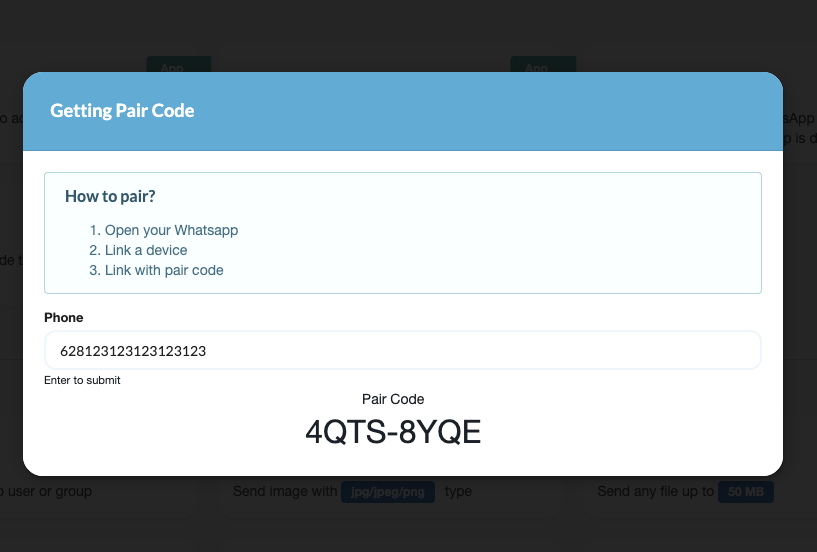 |
| Send Message | 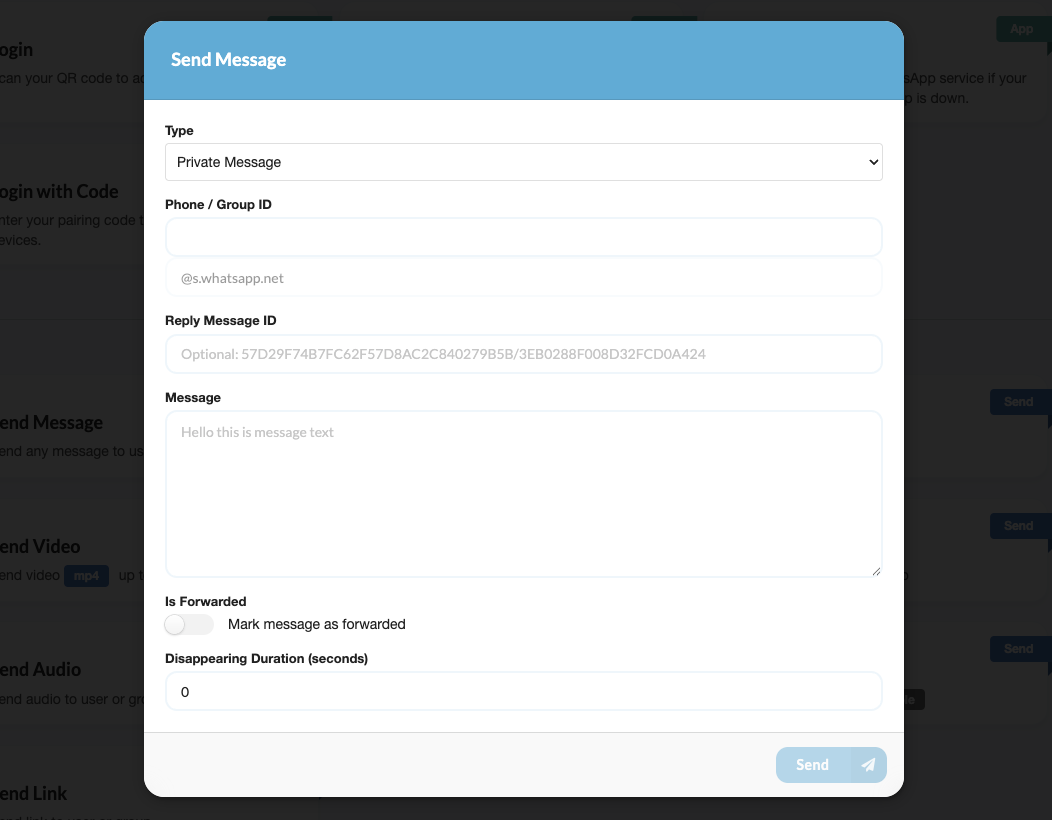 |
| Send Image | 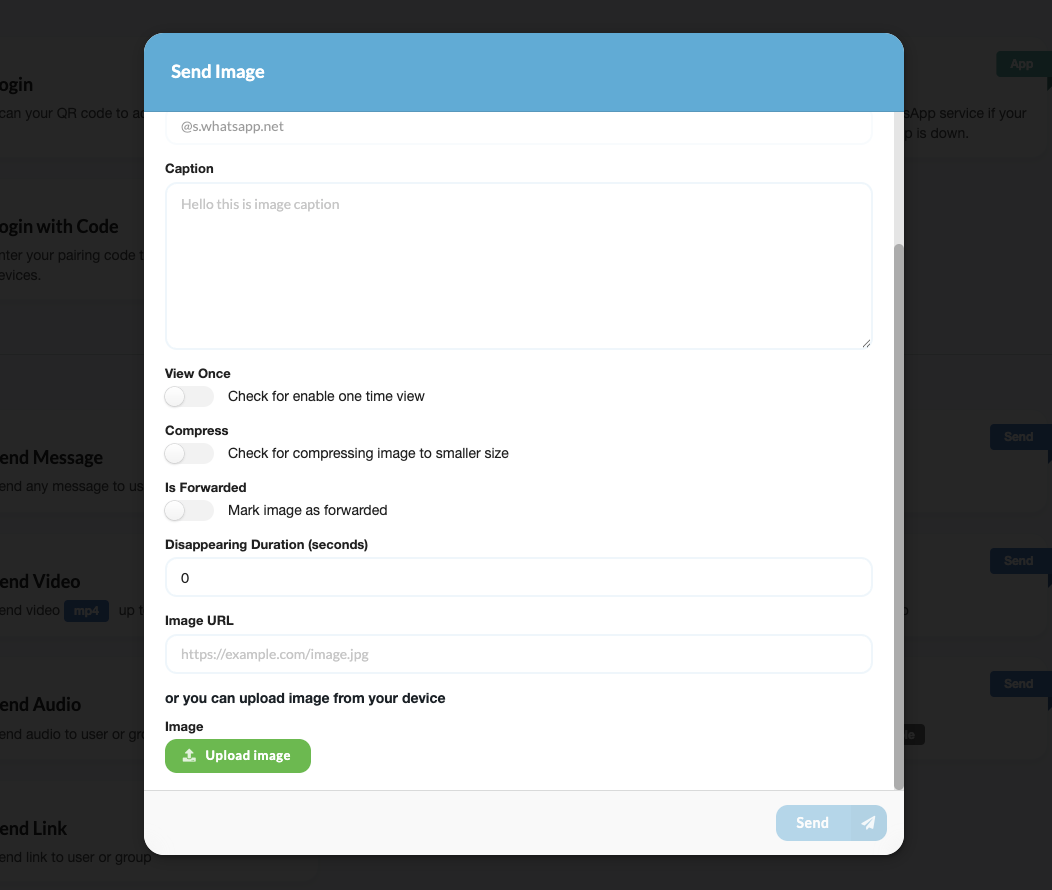 |
| Send File | 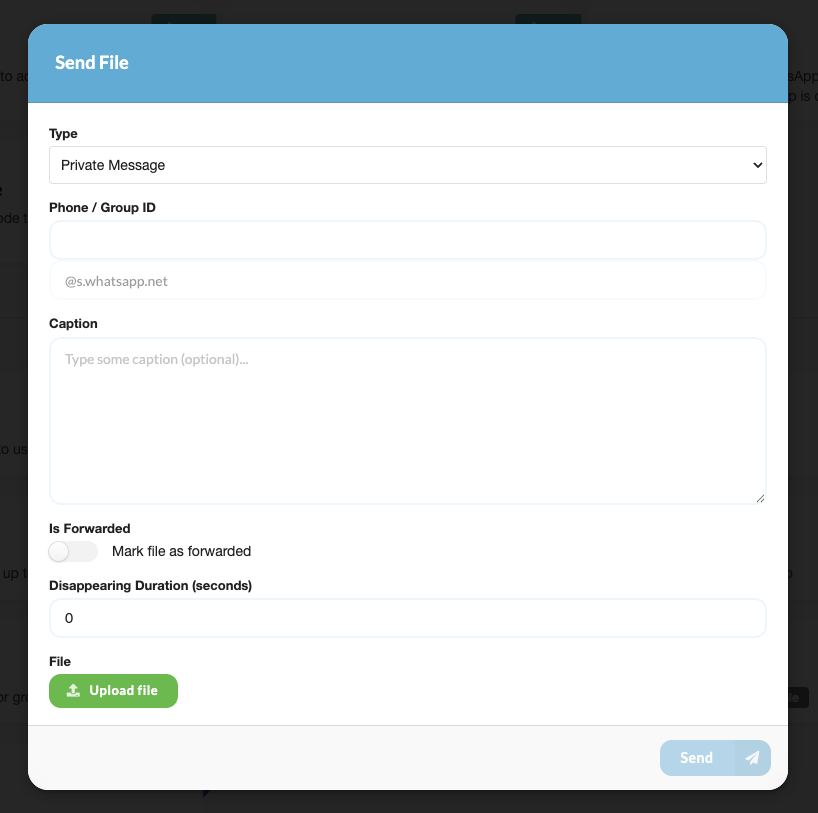 |
| Send Video | 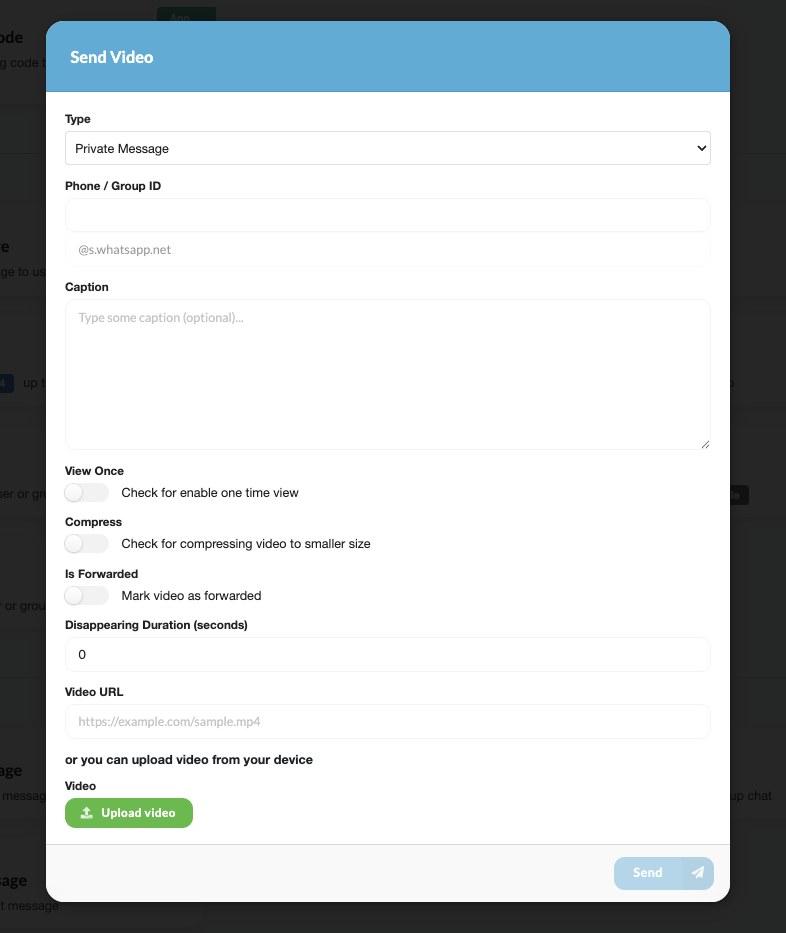 |
| Send Contact | 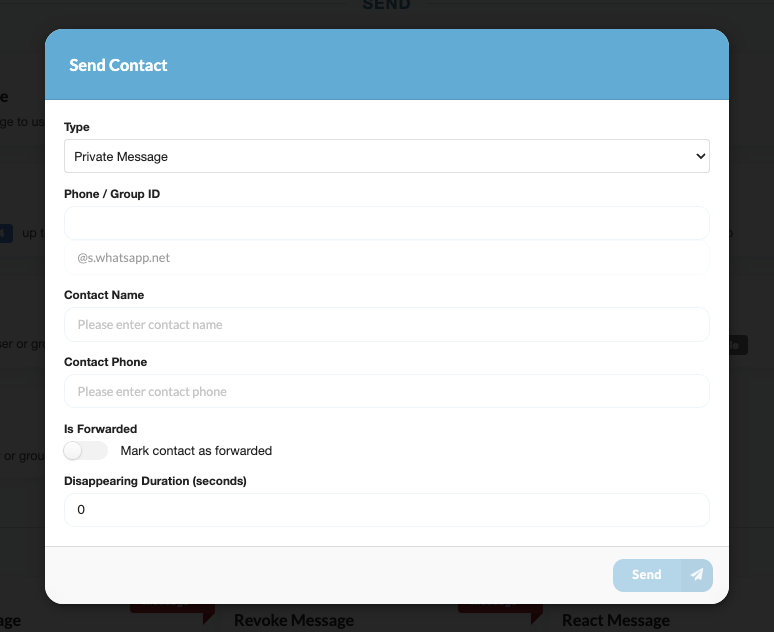 |
| Send Location | 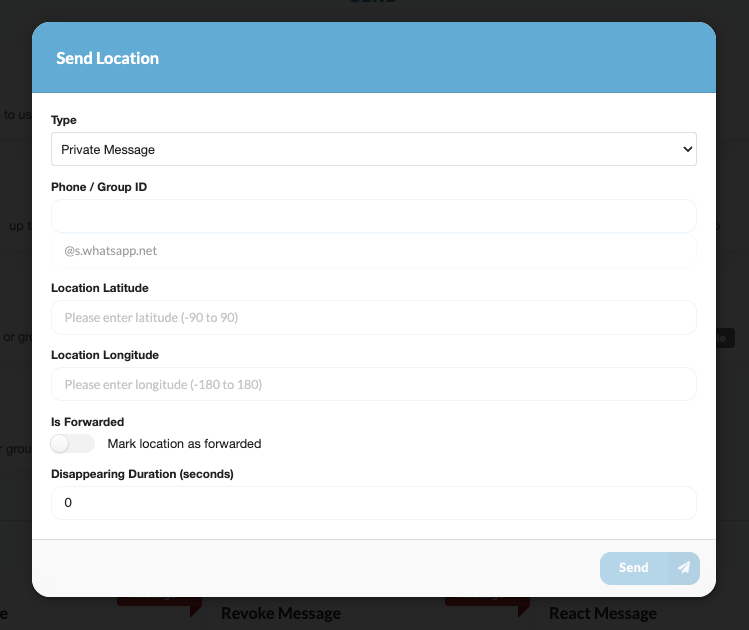 |
| Send Audio | 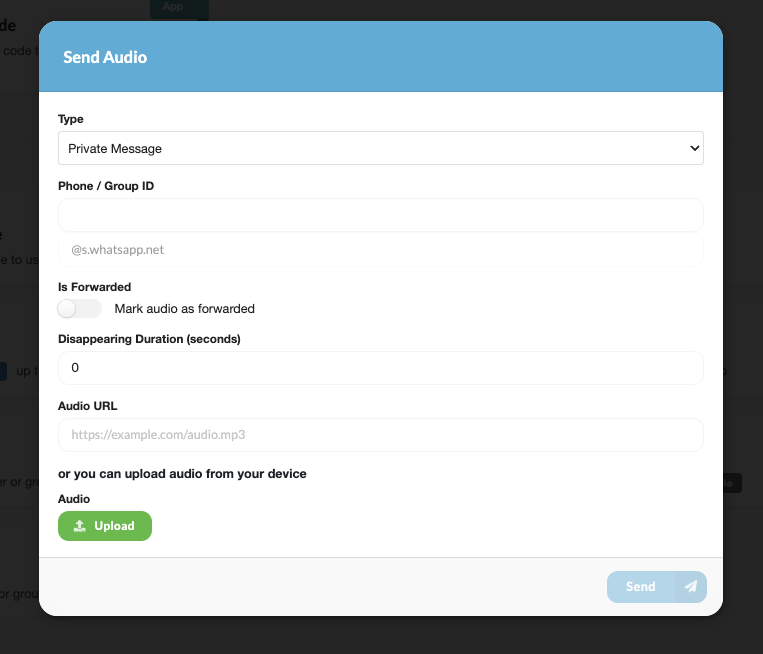 |
| Send Poll | 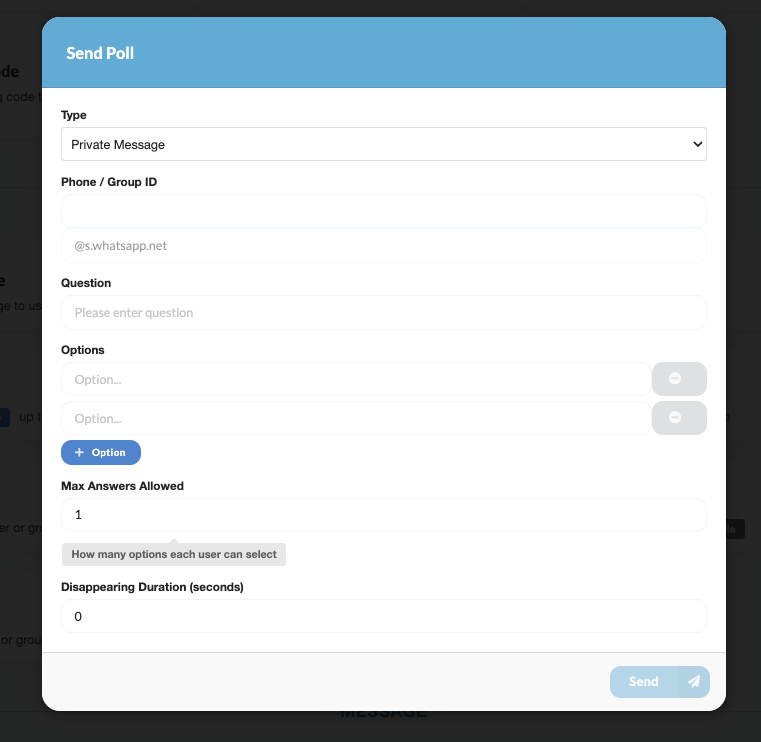 |
| Send Presence | 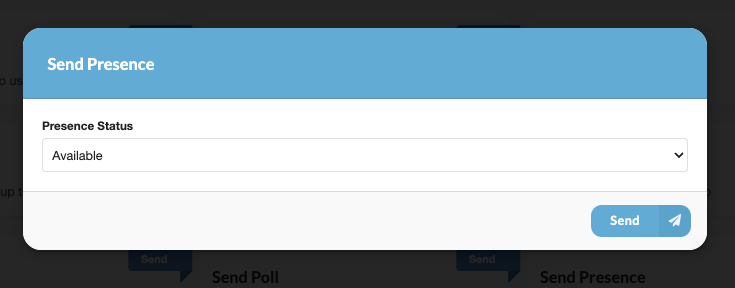 |
| Send Link | 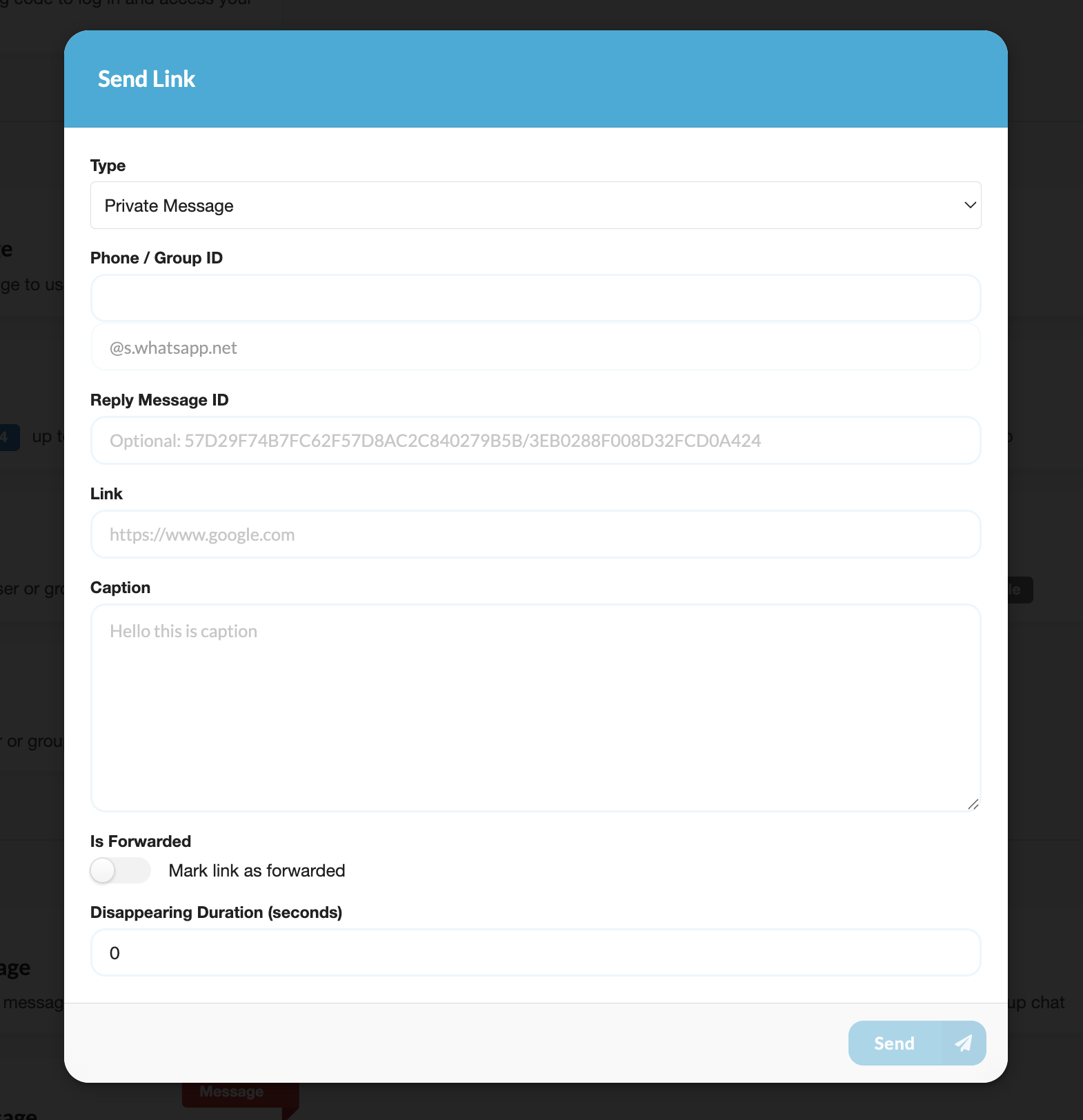 |
| My Group | 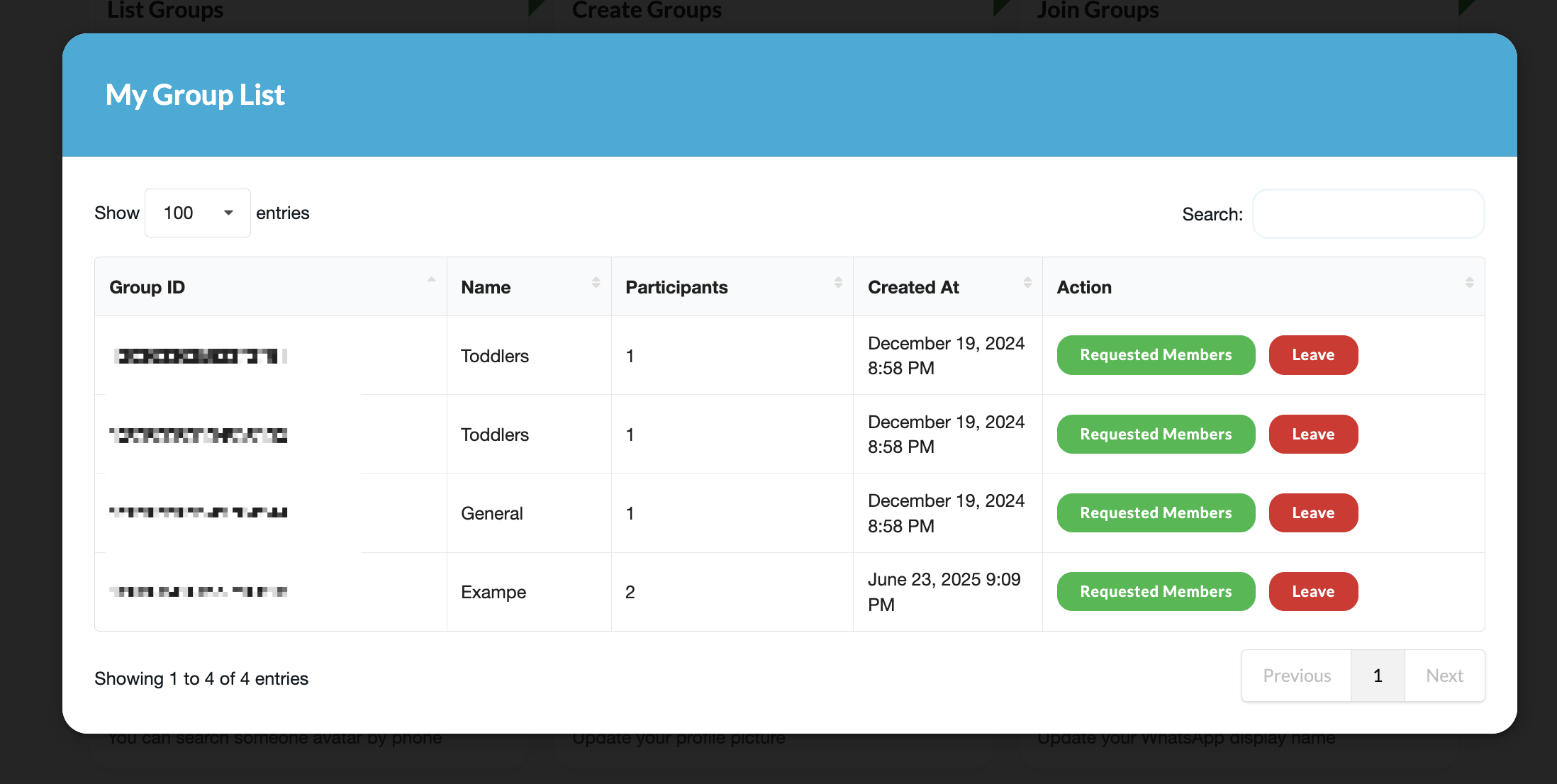 |
| Group Info From Link | 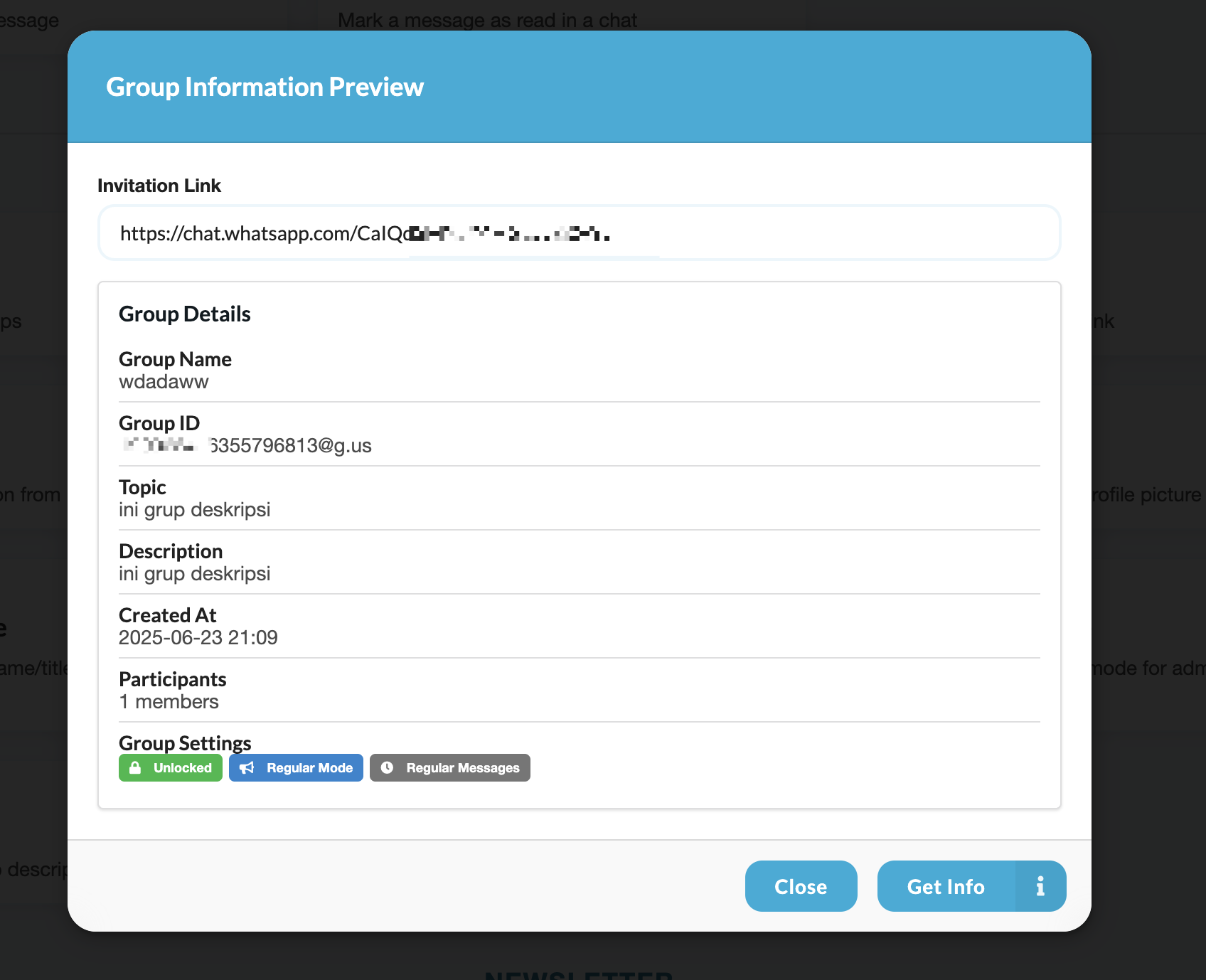 |
| Create Group | 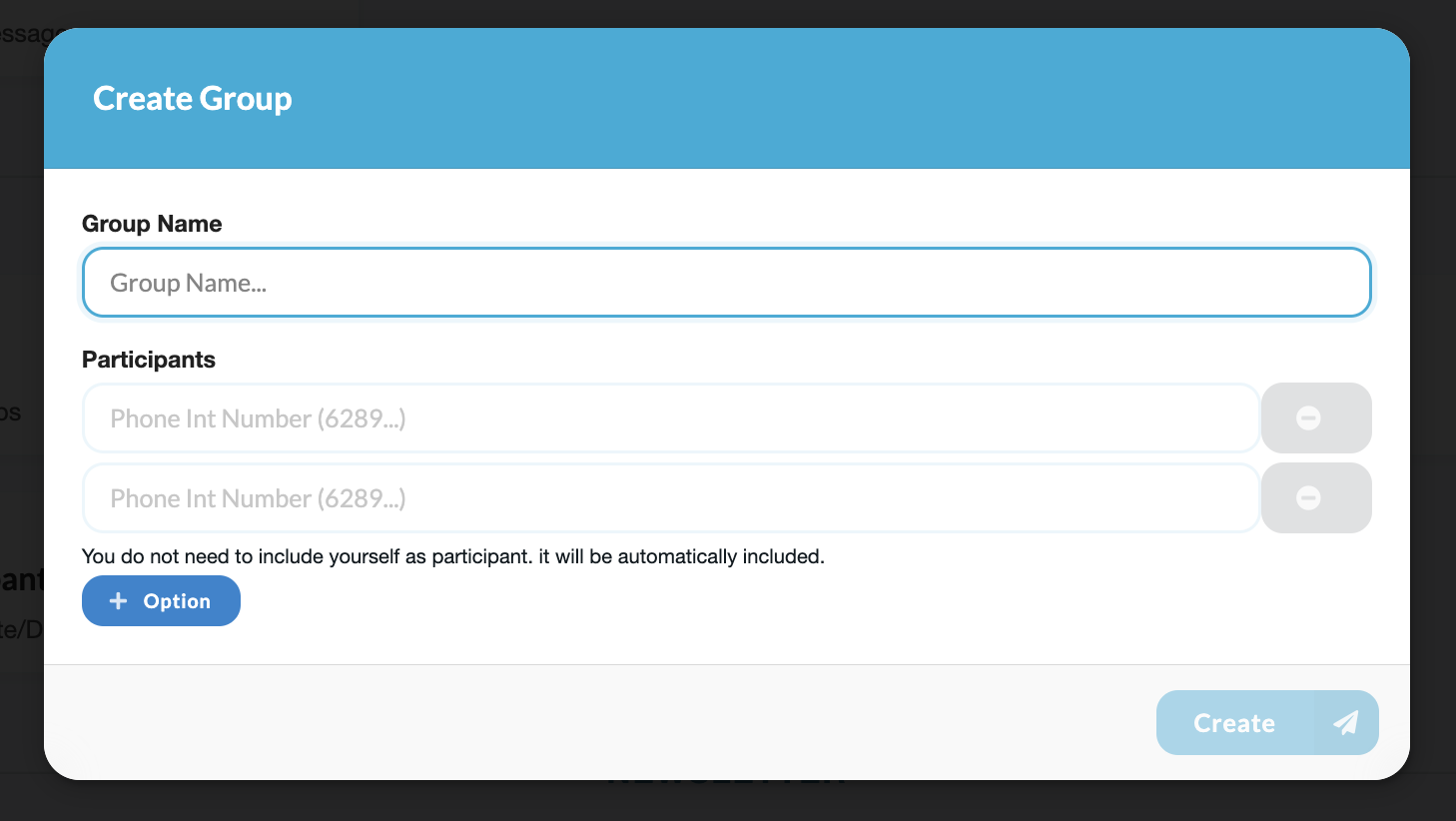 |
| Join Group with Link | 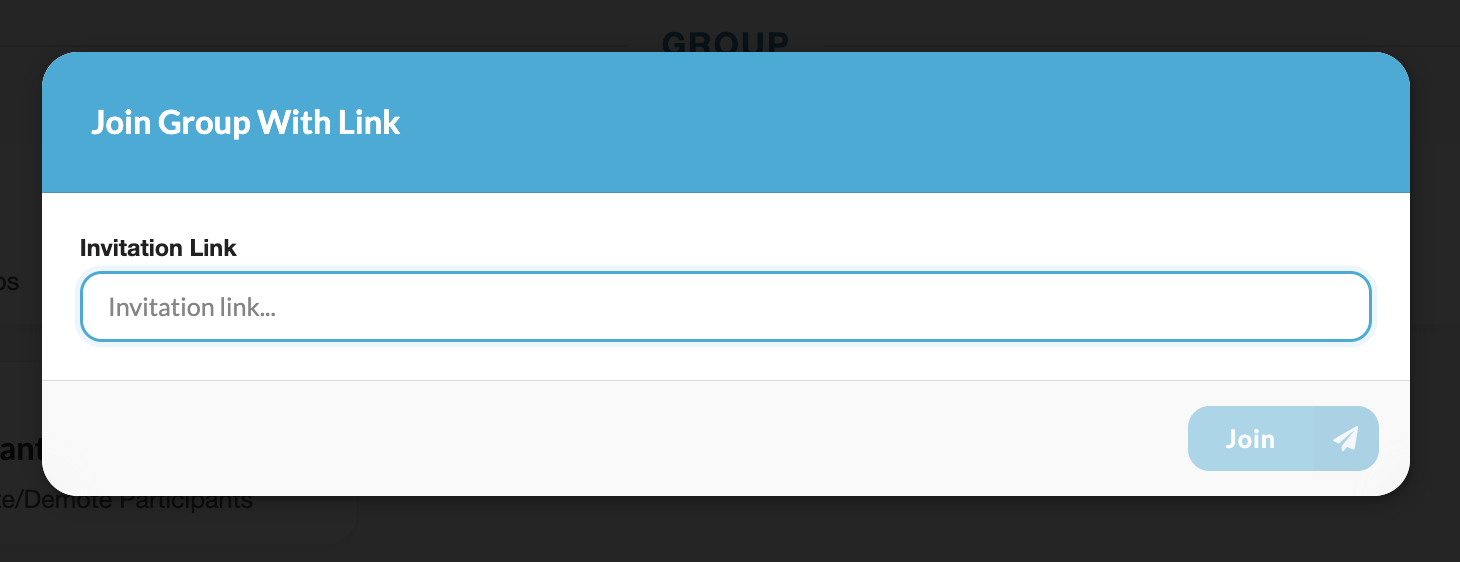 |
| Manage Participant | 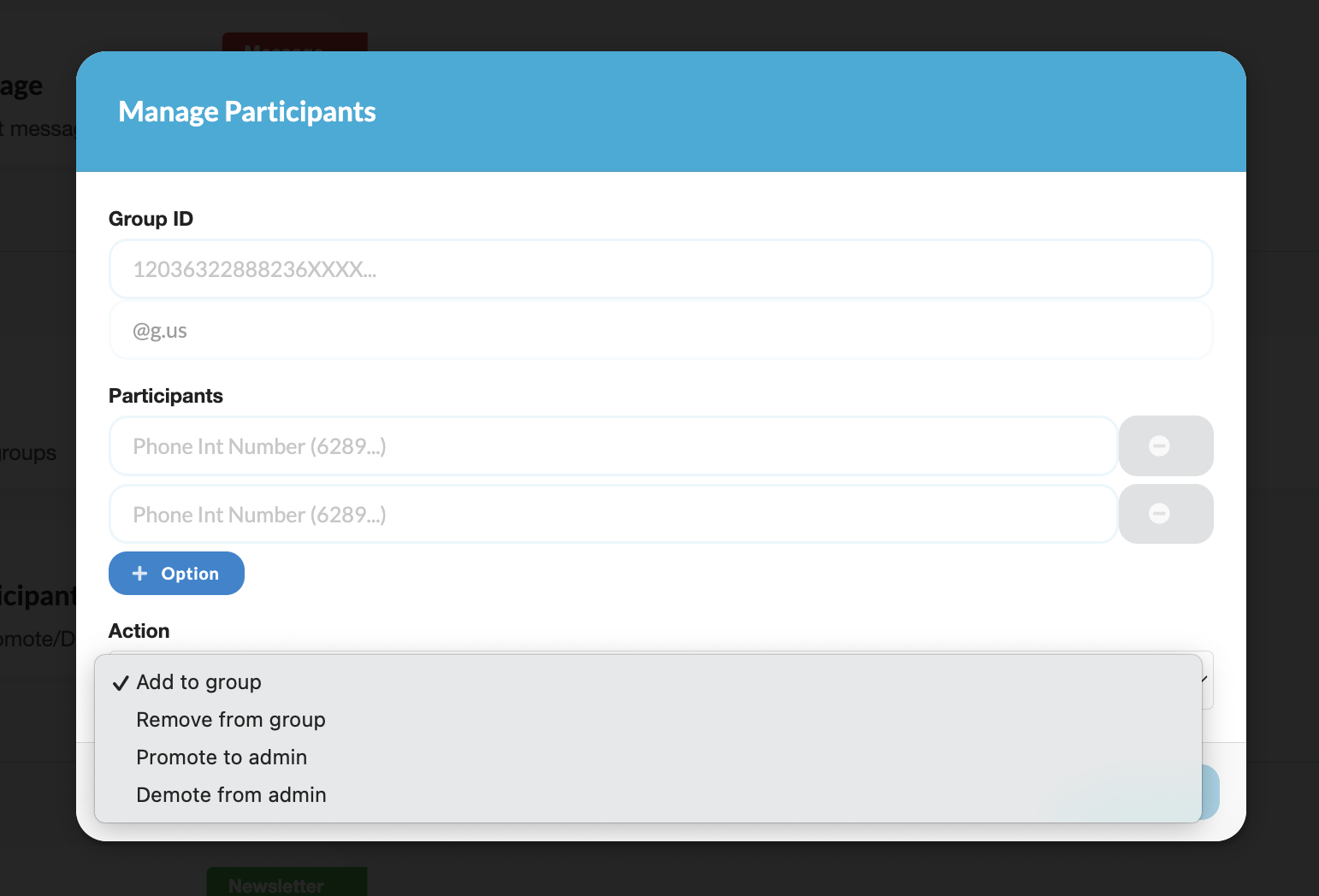 |
| My Newsletter | 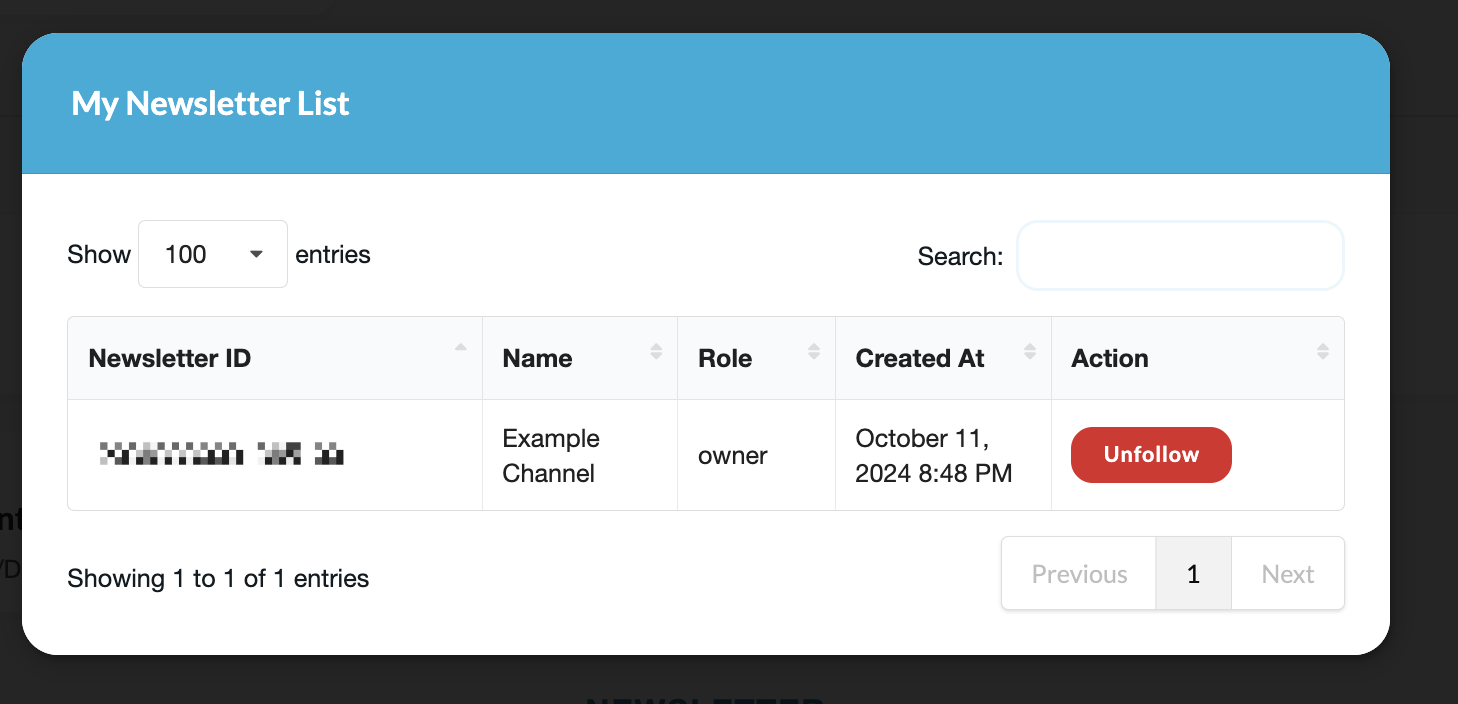 |
| My Contacts | 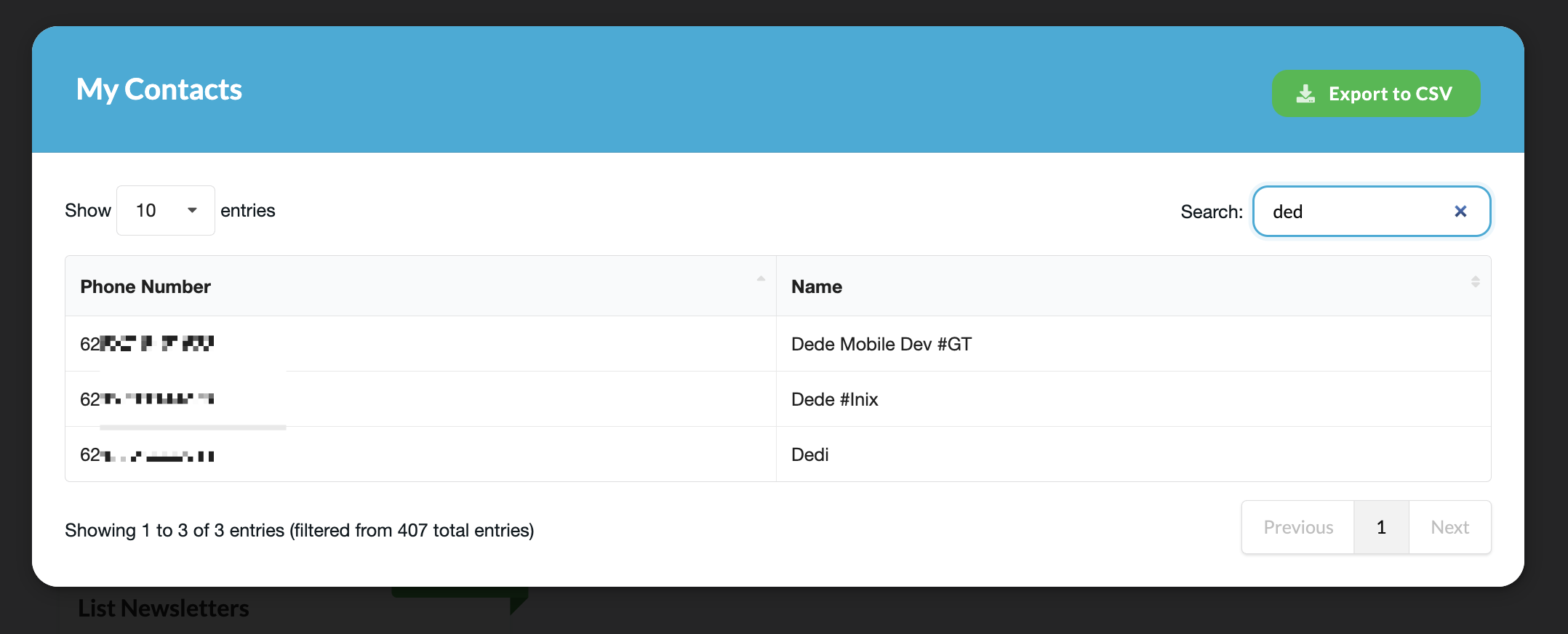 |
| Business Profile | 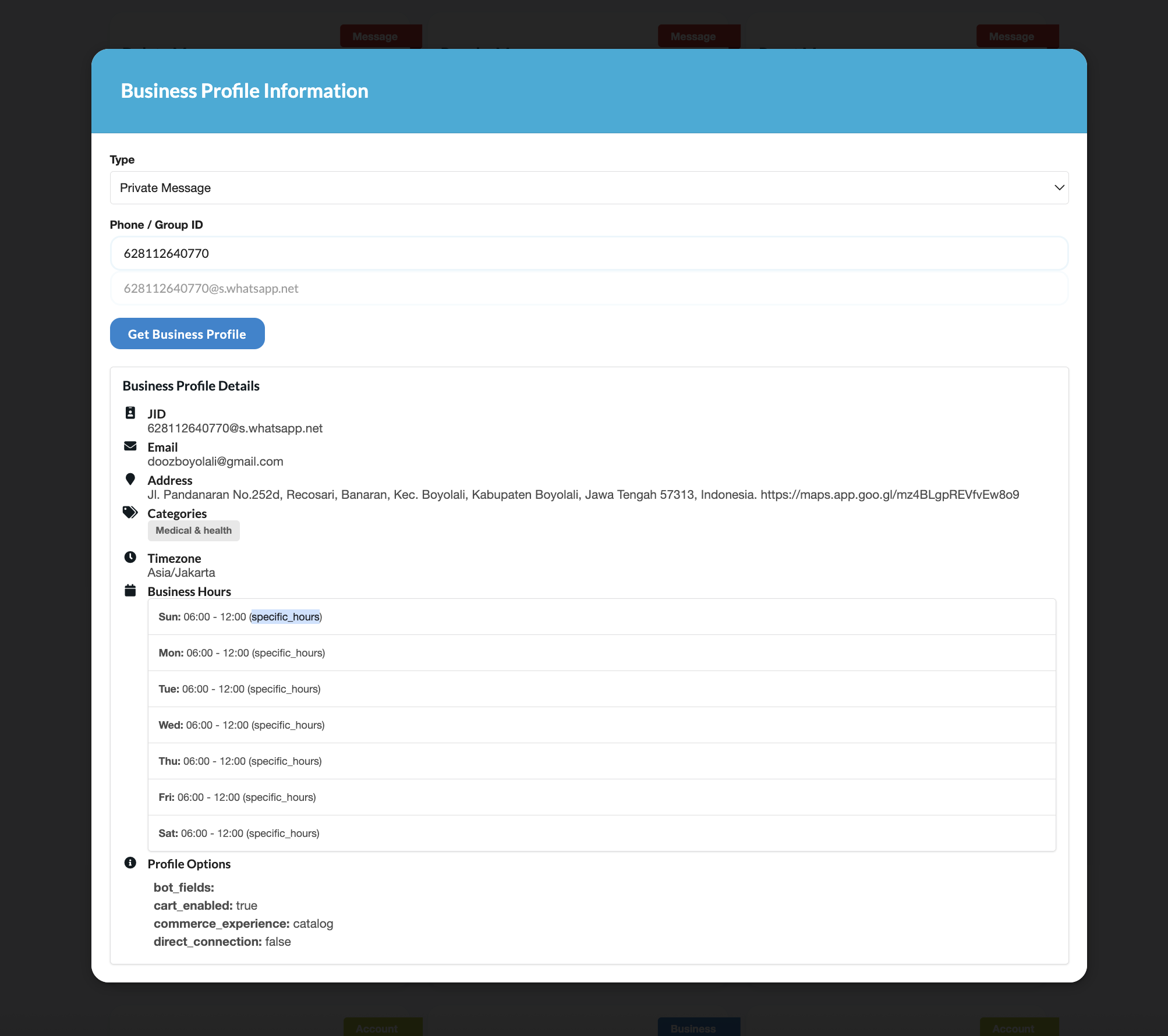 |
Mac OS NOTE
- Please do this if you have an error (invalid flag in pkg-config --cflags: -Xpreprocessor)
export CGO_CFLAGS_ALLOW="-Xpreprocessor"
Important
- This project is unofficial and not affiliated with WhatsApp.
- Please use official WhatsApp API to avoid any issues.
- We only able to run MCP or REST API, this is limitation from whatsmeow library. independent MCP will be available inthe future.


